9
PairingBLINC™BluetoothHelmets
Before pairing, make sure there is no Bluetooth device
working in your area.
(BLUE ONLY !!!)
(Turn on the Bluetooth)
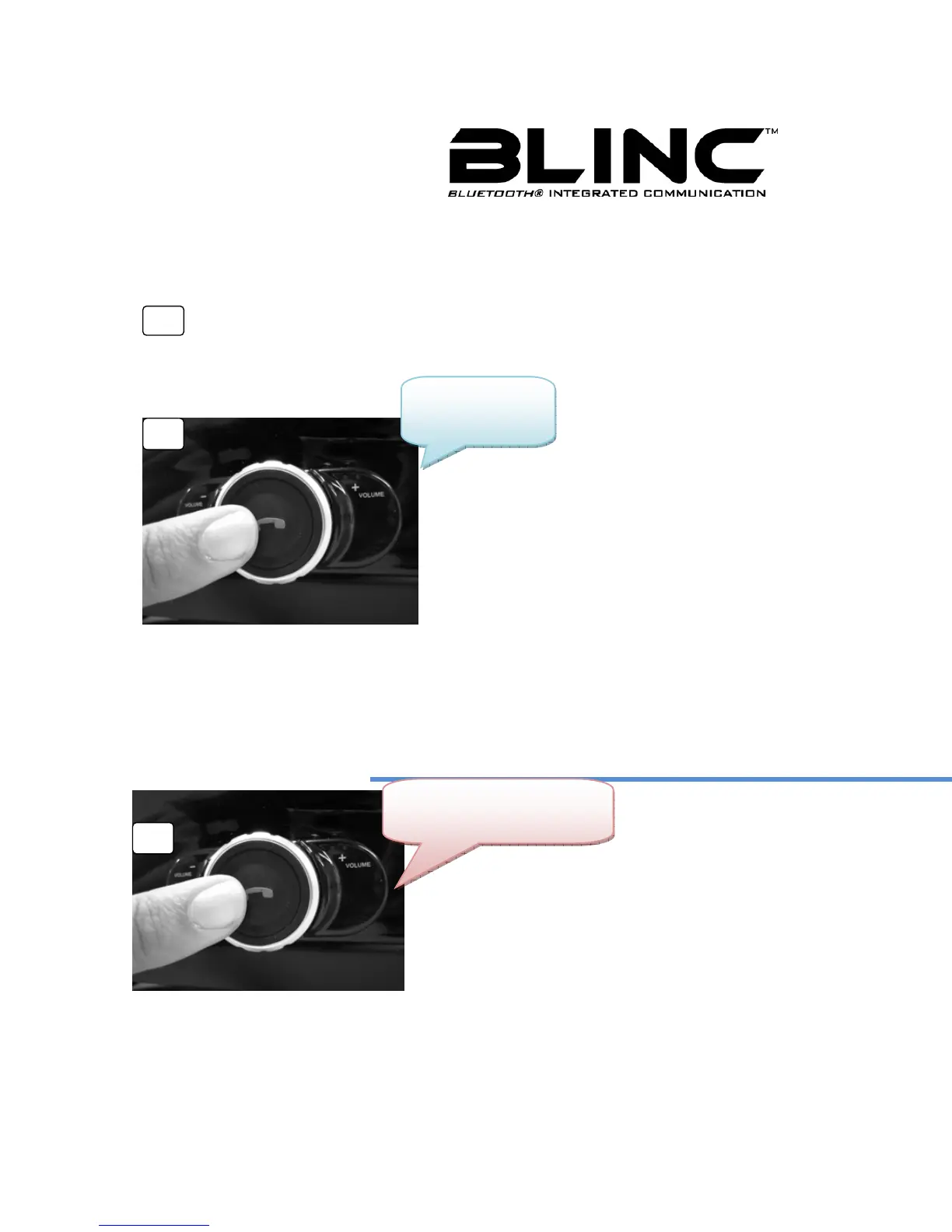
Press and hold “Multifunction
button” (MFB) 3 seconds on Driver
Role Bluetooth Helmet. (Around
3~4 seconds, the blue light will
flash)
(Seeking Mode)
Press and hold MFB on Passenger
Role Bluetooth Helmet until the blue
and red indicator lights start blinking.
(BLUE & RED) (Around 6~7 seconds)
2
Driver
3
Passenger



 To Next Page