14
Replace battery
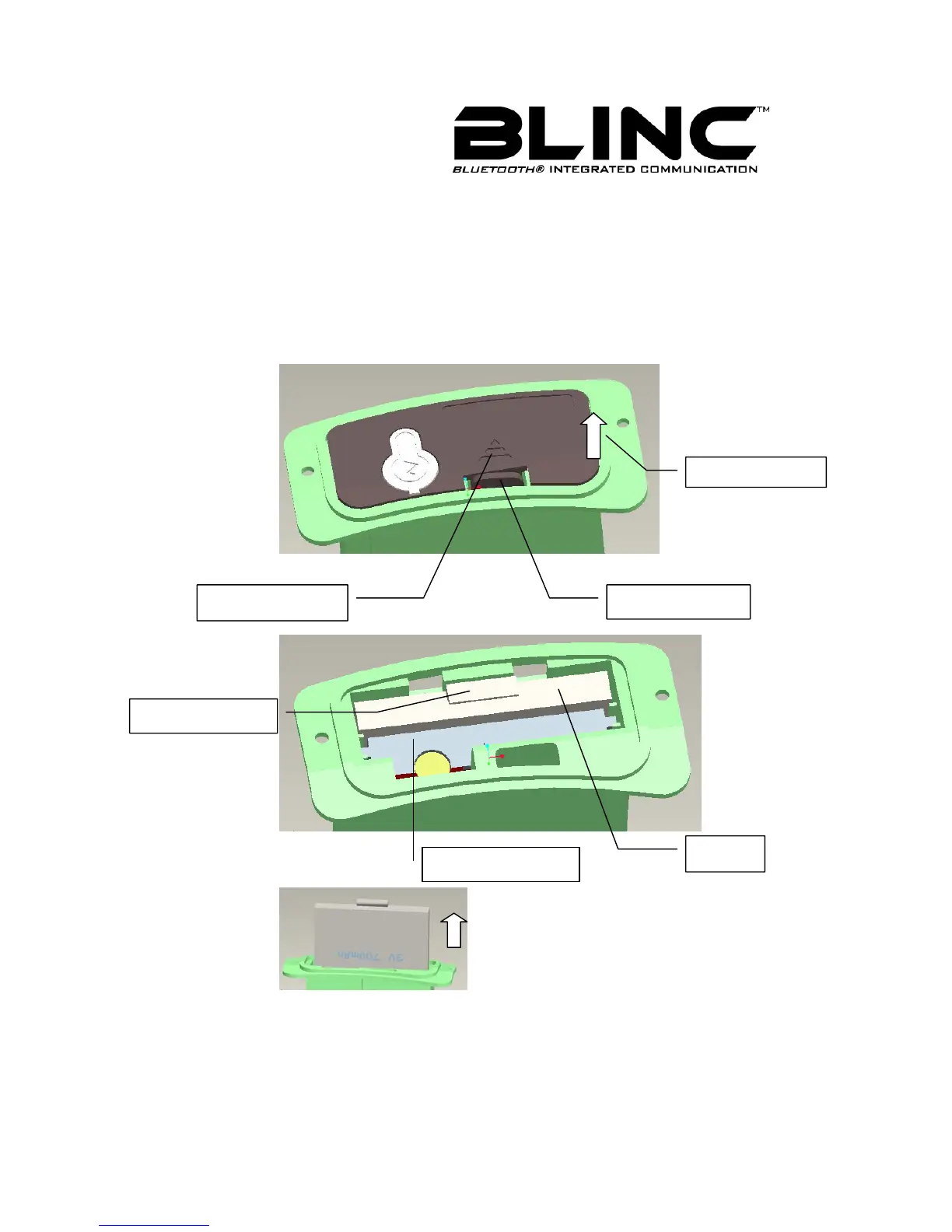
If you need to replace battery, please turn off the BLINC™ Bluetooth Headset first, and
then open the Shell’s cover.
As Figure 5 shown, follow the instructions direction to push the Clasp handle,you can
open the cover to expose the battery in Shell as Figure 6 shown.
Hold the handle and take out battery as Figure 7 shown.
Put a new battery into same position; this will finish replacing. Then close the cover last.
Figure 5
Figure 6
Figure 7
.
Push Direction
Clasp handle
Battery Handle
Inserted Bluetooth
Battery
O
en Direction



 To Next Page