13
Adjusting the volume
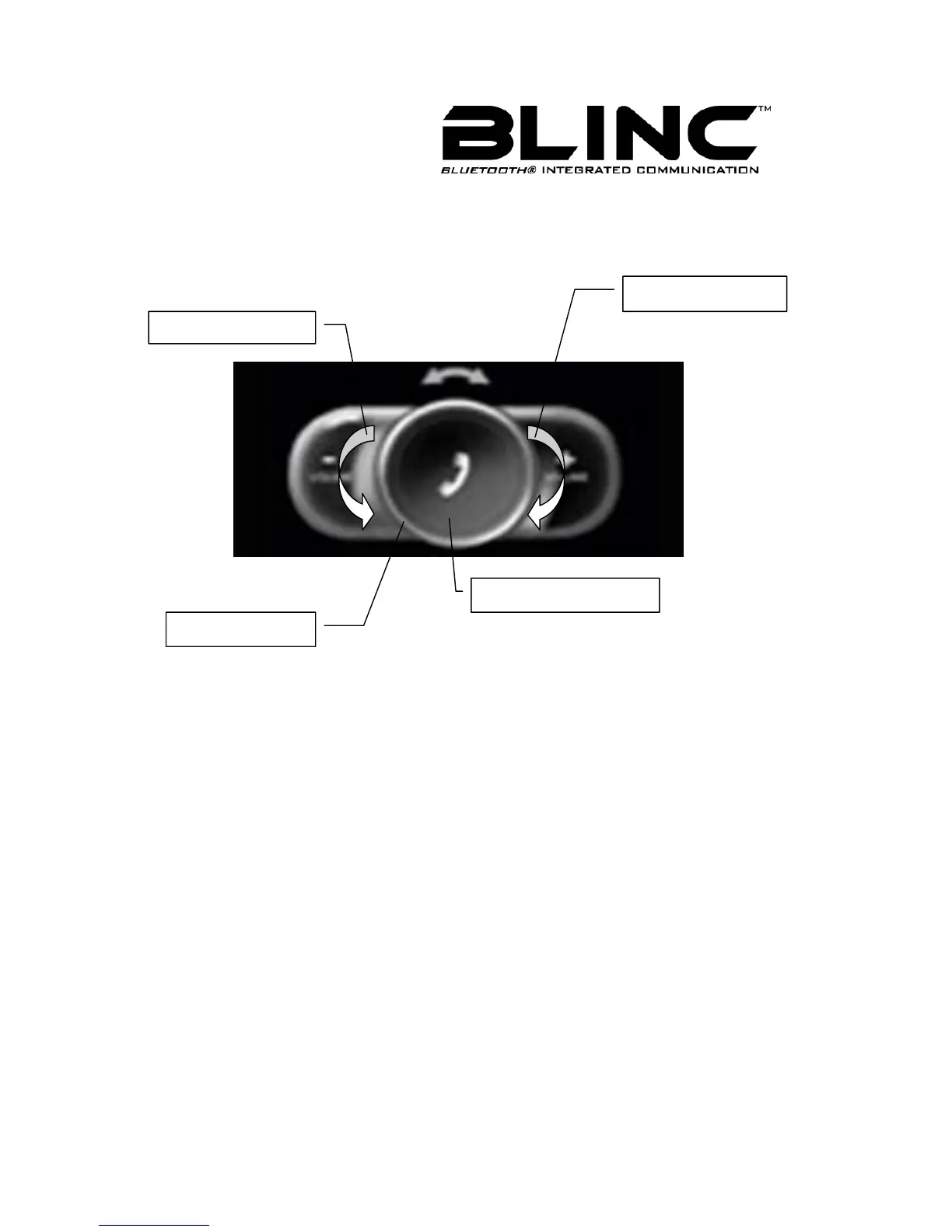
This BLINC™ headset has two volume control button: VOL+ and VOL- .
You can adjust the
BLINC™ headset speaker volume during a call or the ring volume
when you are not engaged in a call.
Figure 4
To transfer the sound to the phone
During a call using your BLINC™ headset, press the Call Handling Button (MFB) for
approximately 2 Seconds. If your
BLINC™ headset works with Head Set Profile, you just
need turn down your
BLINC™ headset.
Transferring sound from phone to BLINC™ headset
If you make a call using your phone, you can transfer the sound to the BLINC™ headset if
the
BLINC™ headset is on; press the Call Handling Button (MFB).
Control Buttons
Call Handling Button
Volume Increase
Volume Decrease



 To Next Page