How to use the external mouse?
Remote Control
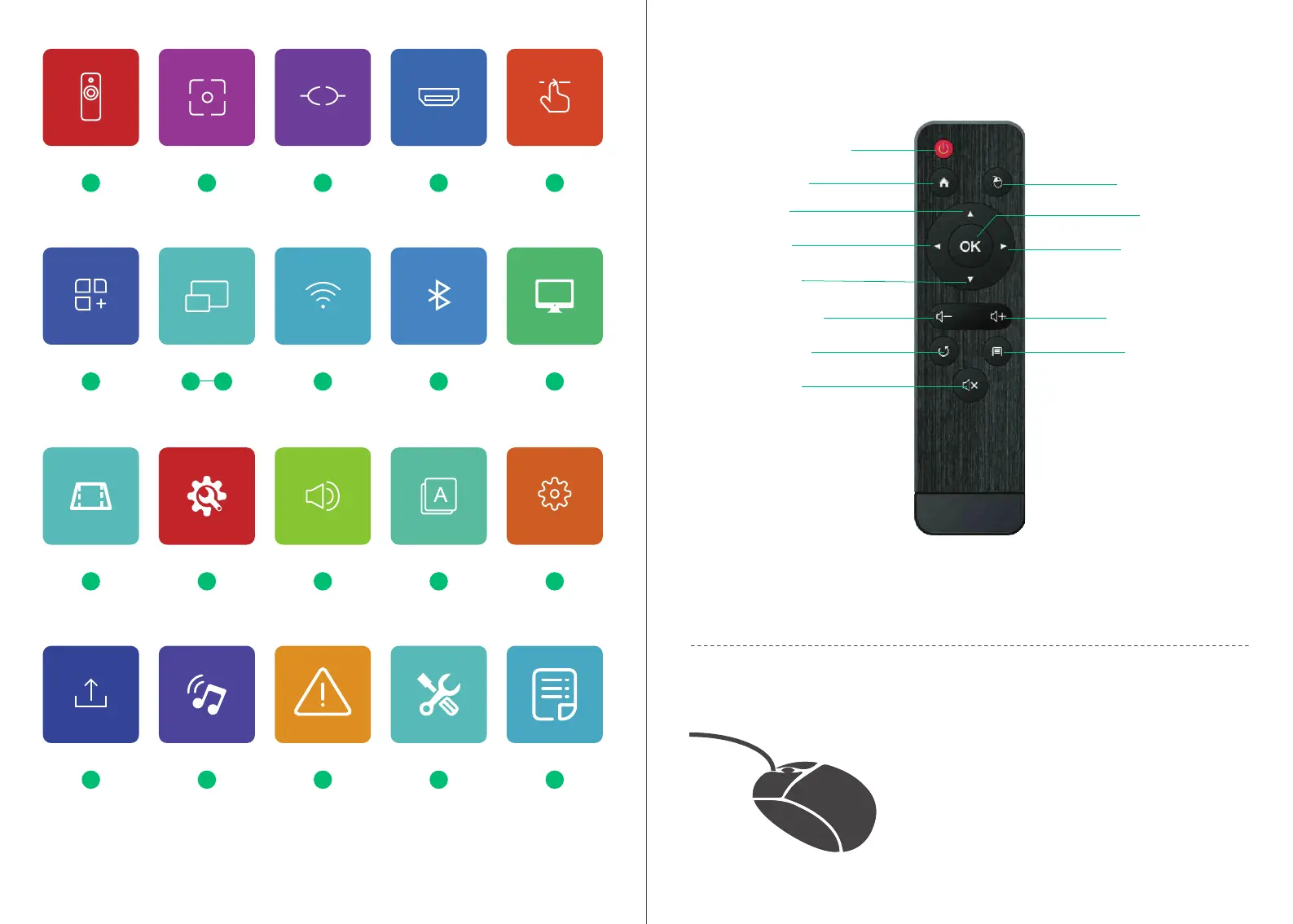
Instruction of Buttons
01
Power Supply
Note:
Mouse
OK
Right
Volume+
Menu
Home
Up
Left
Down
Volume-
Return
Mute
1.Please keep the remote control aiming at the projector screen.
2.Please take out the batte if the remote control is not used for a long time.
1,Click the left button to enter the menu.
2,Click the right button to return.
Focus
02
File Manager
05
Trapezoidal
11
General settings
11
Connection & Key
02
Upgrade
13
Bluetooth speaker
13
Attention
14
Warranty policy
14
Parameters
15
HDMI
03
Audio
12
Language
12
System
12
Remote Control
01
Shocut
04
WiFi
10
Bluetooth
10
Picture mode
10
Same screen
06 09



 To Next Page