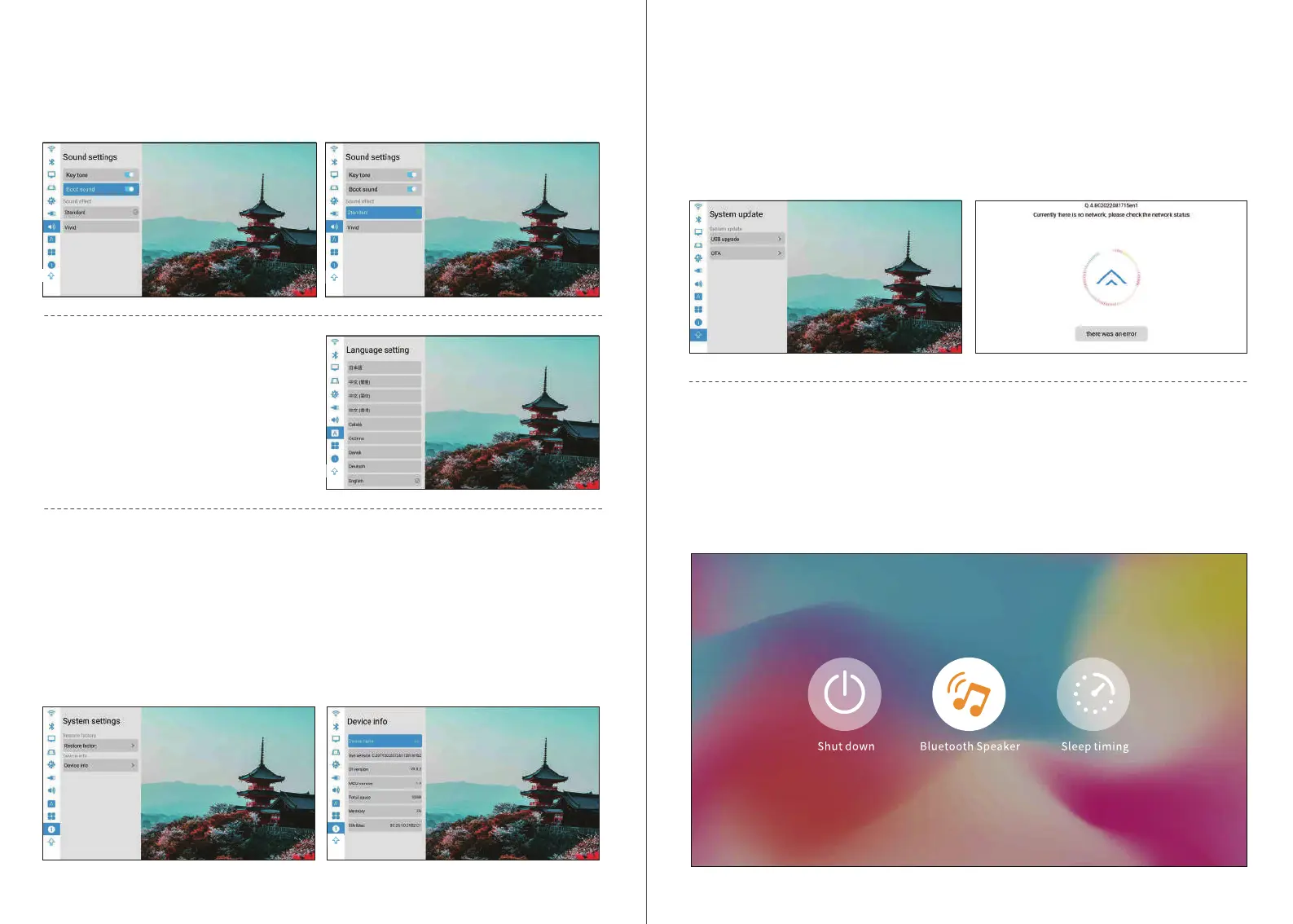
Online Upgrade
1, Homepage>Settings>System Upgrade. Before you update,please connect the power adapt-
er and wi, otherwise, the update will fail or the system will crash.
2, If there is no reaction,please return to settings and t again,after nishing update,the
system will turn on automatically.
3, If it shows the lastest version of software then the system is up to date.
Switch to bluetooth speaker mode:
1.Turn on bluetooth function on the settings.
2.Sho press power button on remote control or long press on/o buton of machine,select the
bluetooth speaker mode, then you can sta the bluetooth pair and connection to use.
3.lf you want to stop the Bluetooth speaker,press power button on remote control or on/o
button of machine to wake up the projector,and quit the bluetooth connection automatically.
Sound Settings
1. Key Tone: On / O.
2. Sound Eect: Standard/ Vivid.
3. Boot Sound: On / O.
System Settings
System upgrade:
1.Restore facto settings:Select restore facto settings(Be cautious).
2.Device information:
Projector model/System version/ UI version/MCU version/ROM/RAM /Eth Mac.
Select language
Homepage> Settings> Language.
Note:
lt is not recommended to upgrade built-in APP, which may cause incompatibility problems
1312


 To Next Page