CALIBRATION AND ADJUSTMENT
4-8
Boost Option - (versions 2.00 or 3.00)
When the controller is in the ACCESS" mode,
press the following buttons: CLEAR 2 1 2 ENTER
to enter the boost option.
DISPLAY
ACTION
TAKEN
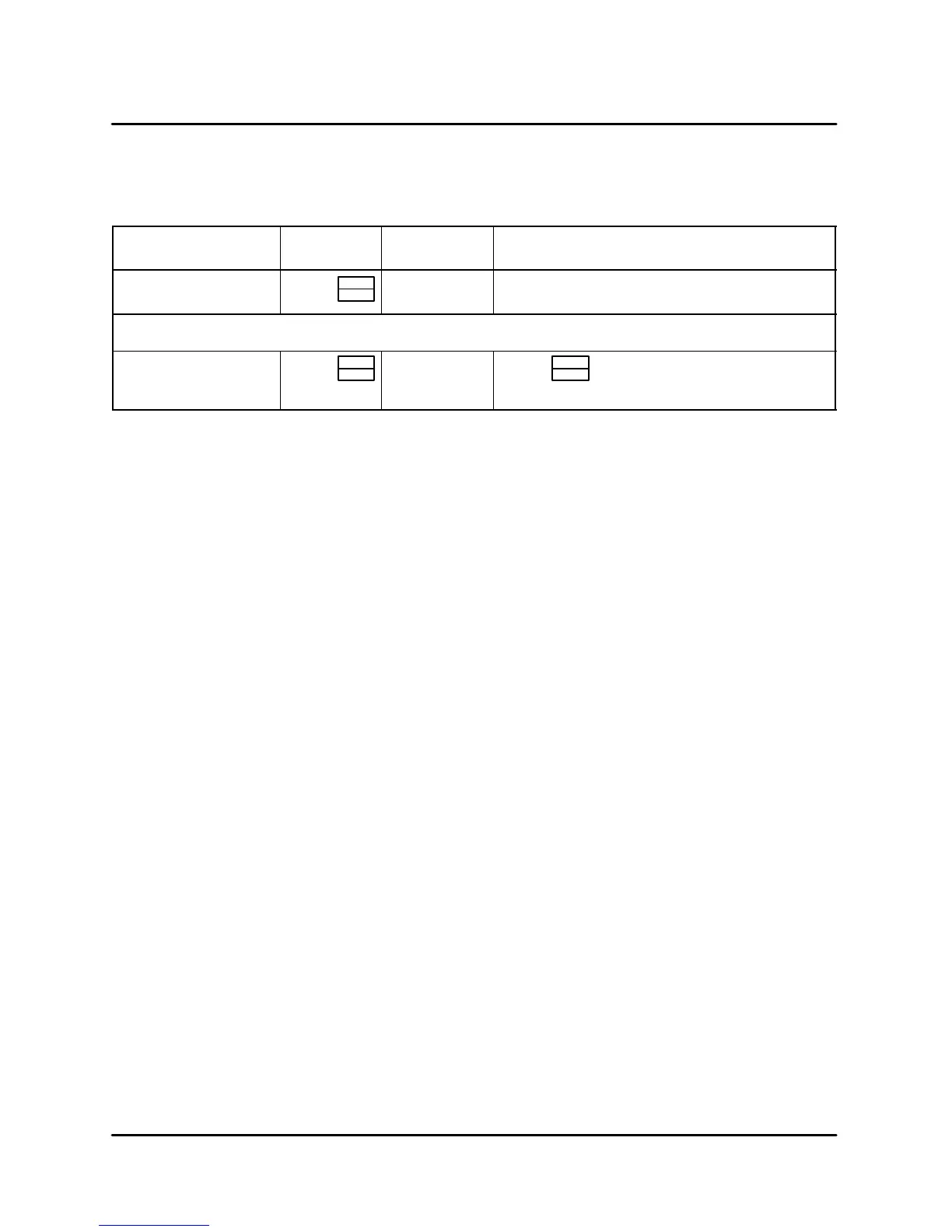
DISPLAY ACTION TAKEN
BOOST / MODEĆ?
(Flash alternately)
Press
PROG
ENTER
OPTĆ1 or
OPTĆ2
Press any numeric key to toggle between
OPTĆ1 and OPTĆ2
Select OPTĆ1 to turn off boost mode.
OPTĆ1 Press
PROG
ENTER
DONE
SAVE
EXIT
Press
PROG
ENTER
TABLE 5
EXITING THE ACCESS MODE
After pressing PROG/ENTER the last time, the disĆ
play will show EXIT" then beep and return to the
ACCESS" mode. Pressing and holding the ON/
OFF key will turn the oven on. A new time and temĆ
perature must be entered upon exiting the ACĆ
CESS" mode since the oven will automatically
default to 0. The oven will not fire until both time and
temperature are entered.
Firmware Model Version Display
Password: CLEAR 1 2 3 ENTER
MODEL Ć Computer Model Number - 6028
(Blodgett Conveyor Oven With Speed Control)
SWĆVER Ć Firmware version number. VĆxxyy xx =
major version, yy = minor version
DATEĆ? ĆFirmware release date
CHKSUM Ć ROM checksum stored in PROM. xxxx
Ć Value is display in hexadecimal format.




 To Next Page