ENGLISH
5
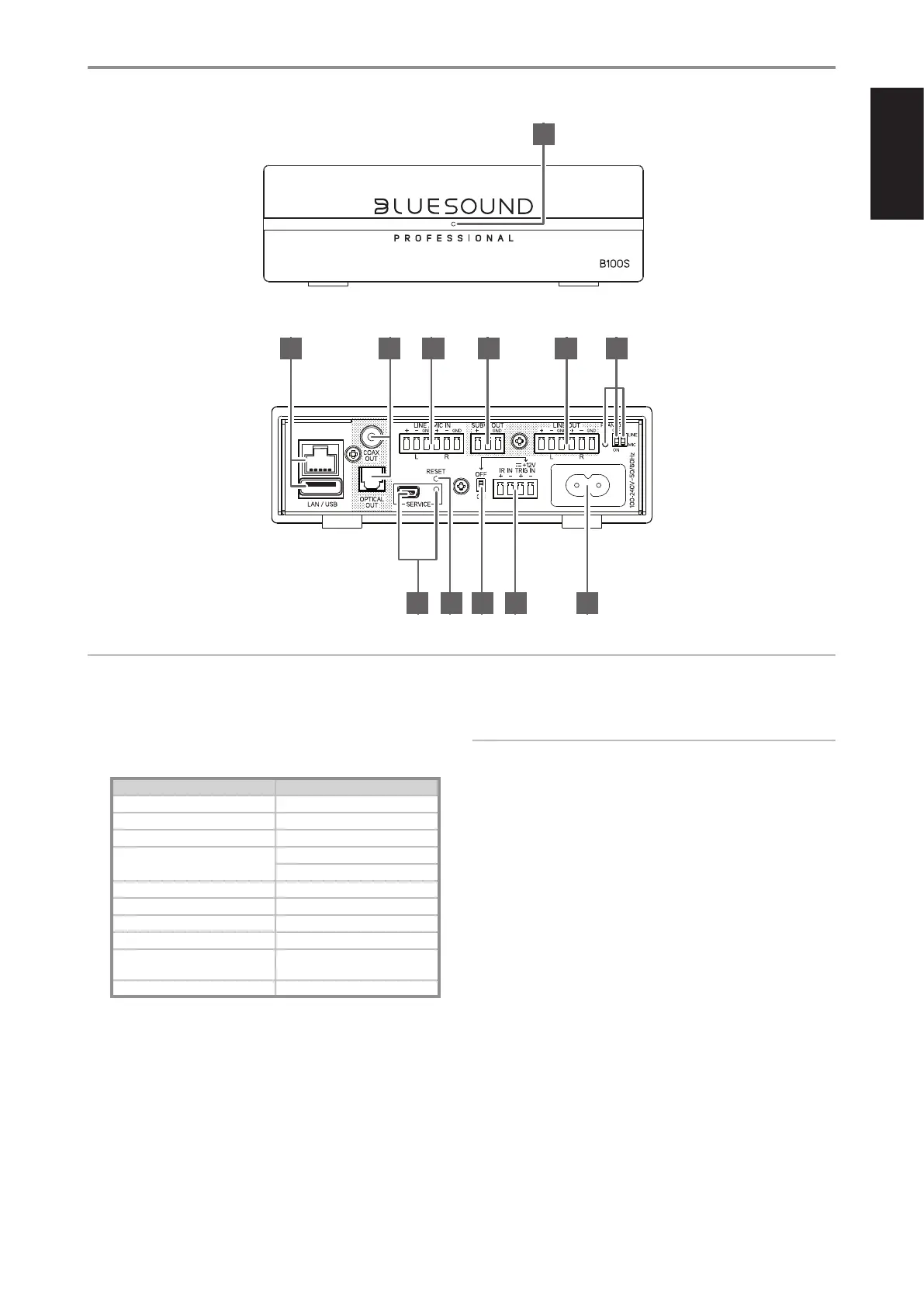
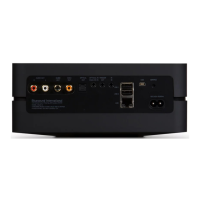
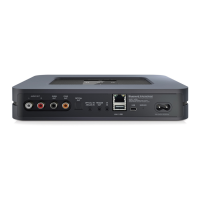
IDENTIFICATION OF CONTROLS
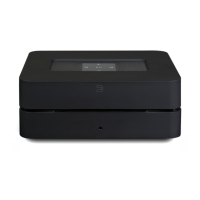
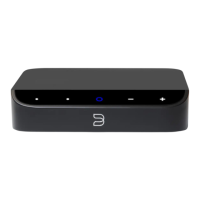
1 STATUS INDICATOR
Below is a table of the LED blink codes and their corresponding
descriptions.
LED BLINK CODE DESCRIPTION
Short blue flash, then red Powering up, rebooting the unit
Alternate flashing red and green Upgrading…
Flashing green Connecting to network shares
Solid red Cannot boot; drive error
Upgrade mode
Red pulse No internet gateway
Flashing red Factory reset in progress
Solid white Indexing
White pulse Software update available
Solid blue Connected to Network – ready to
use with Bluesound App
Flashing blue Mute mode
2 LAN/USB
LAN
• LAN connection must be setup for wired connection to be
established. Set up a Wired Ethernet broadband router with
broadband internet connection. Your router or home network
should have a built-in DHCP server to consummate the
connection.
• Using a standard straight-through Ethernet cable (not supplied),
connect one end of the Ethernet cable to the LAN port of your
wired Ethernet broadband router and the other end to B100S'
LAN port.
NOTES
• Bluesound Professional is not responsible for any malfunction of the
B100S and/or the internet connection due to communication errors
or malfunctions associated with your broadband internet connection
or other connected equipment. Contact your Internet Service Provider
(ISP) for assistance or the service bureau of your other equipment.
• Contact your ISP for policies, charges, content restrictions, service
limitations, bandwidth, repair and other related issues pertinent to
internet connectivity.
USB
• Connect to this USB port USB mass storage devices formatted as
FAT32, NTFS or Linux ext4. The connected USB device appears
as a Local Source (USB) in the BluOS App.
• Access and playback music stored in the connected USB device
by selecting “USB” from the BluOS App
3 COAX OUT/OPTICAL OUT
• Connect optical or coaxial digital audio output ports to
corresponding digital input of a receiver, amplifier, preamplifier,
computer soundcard or other digital processors.
• Audio from selected source (analog or BluOS) will output through
Coaxial or Optical OUT.
1
2 3 4 5
8
6
9
7
10 11 12
ATTENTION!
Please ensure that the B100S is powered off or unplugged from the mains power outlet before making any connections. It is also advisable to power
down or unplug all associated components while breaking any signal or AC power connections.


 To Next Page