2
CONNECT FOR SOUND
1
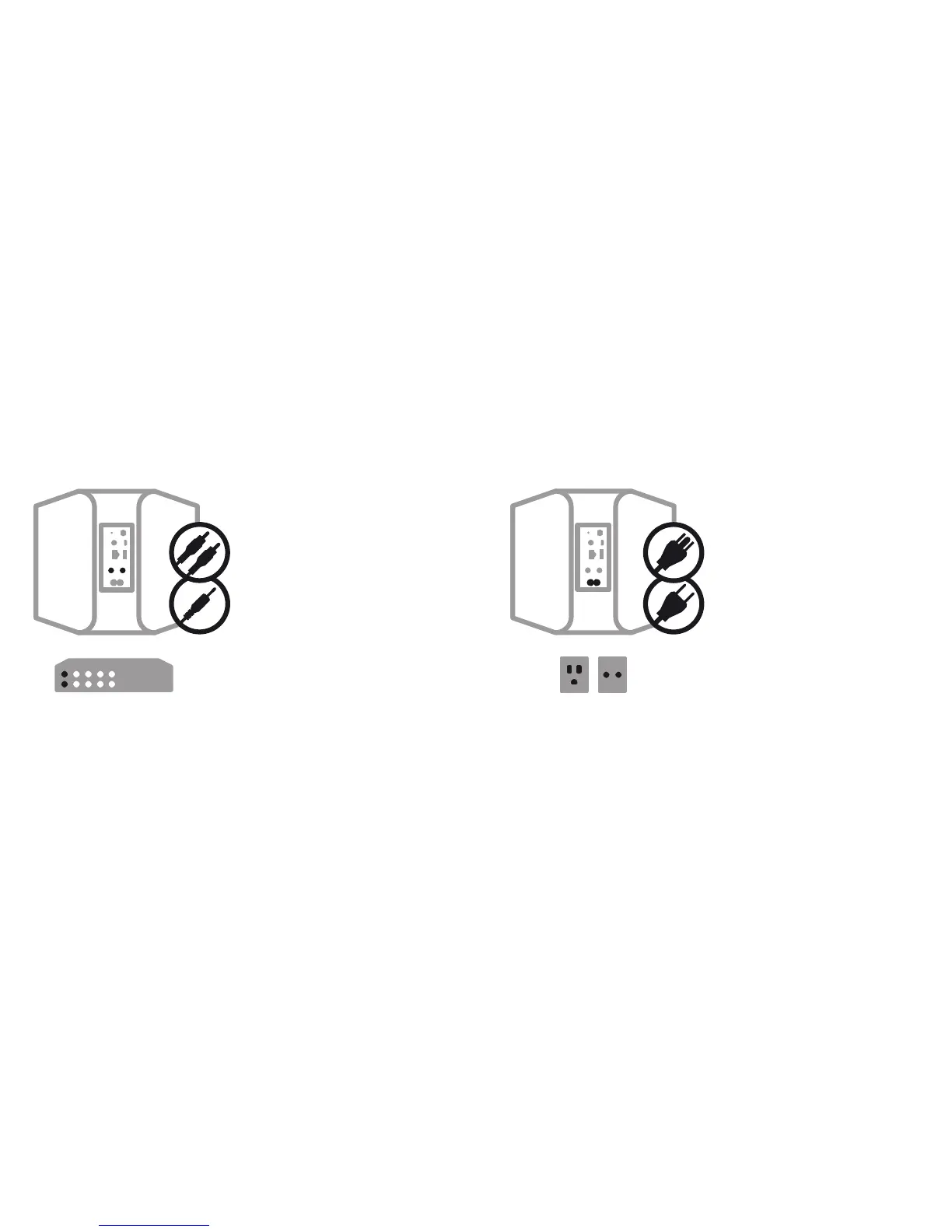
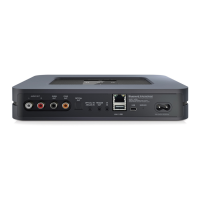
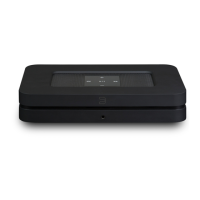
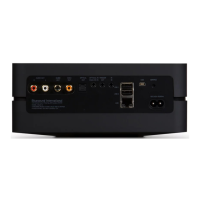
A Using the RCA to RCA cable provided, connect
the Node directly to an input on your existing
stereo, amplifier or home theatre receiver.
B Alternatively, using the Mini Plug to RCA cable
provided, connect the Node directly to your
computer, dock player, or bookshelf system.
A digital optical cable (not included) can also be
used to connect the Node to equipment with a
digital optical input.
A Select the AC Power Cord appropriate for your
region and plug it into the player, and then into
your wall outlet.
The Node’s LED button should turn Solid Green,
indicating that the player is in Hotspot Mode and
ready to be added to your home WiFi network.
Never force a power cord into a wall outlet.
An adaptor may be necessary in certain regions.
CONNECT TO POWER


 To Next Page