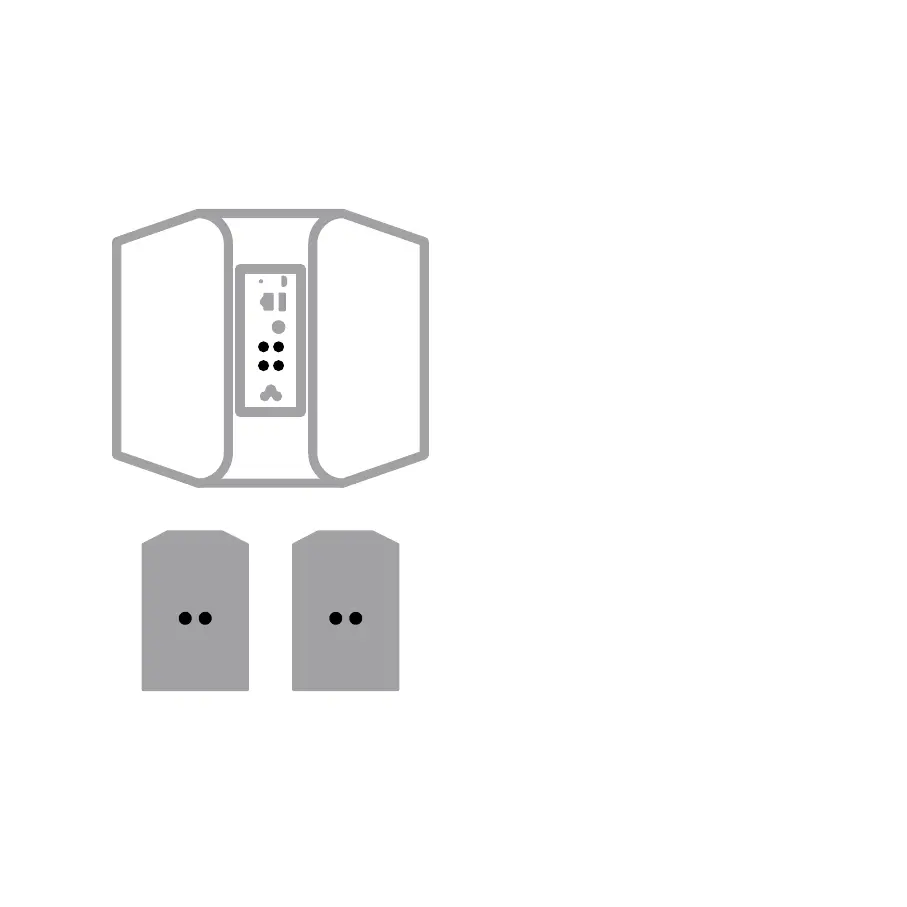
CONNECT FOR SOUND
1
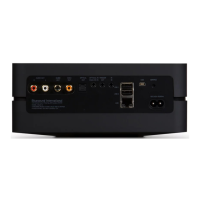
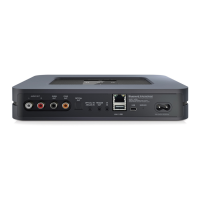
A Connect one end of the speaker wires (not included)
to the terminals on the back of the Powernode.
B Connect the other end of the speaker wires to each
corresponding speaker. Make sure the “+” (red)
terminal and “-“ (black) terminal are connected
to the corresponding “+” and “-“ terminals of the
loudspeaker. Use extra care to ensure that no stray
wires or strands cross between posts or terminals at
either end.
A Subwoofer can also be connected directly to the
Powernode. Subwoofer cable not included.
4_







 To Next Page