39
BLUETTI
7. LET'S GET STARTED
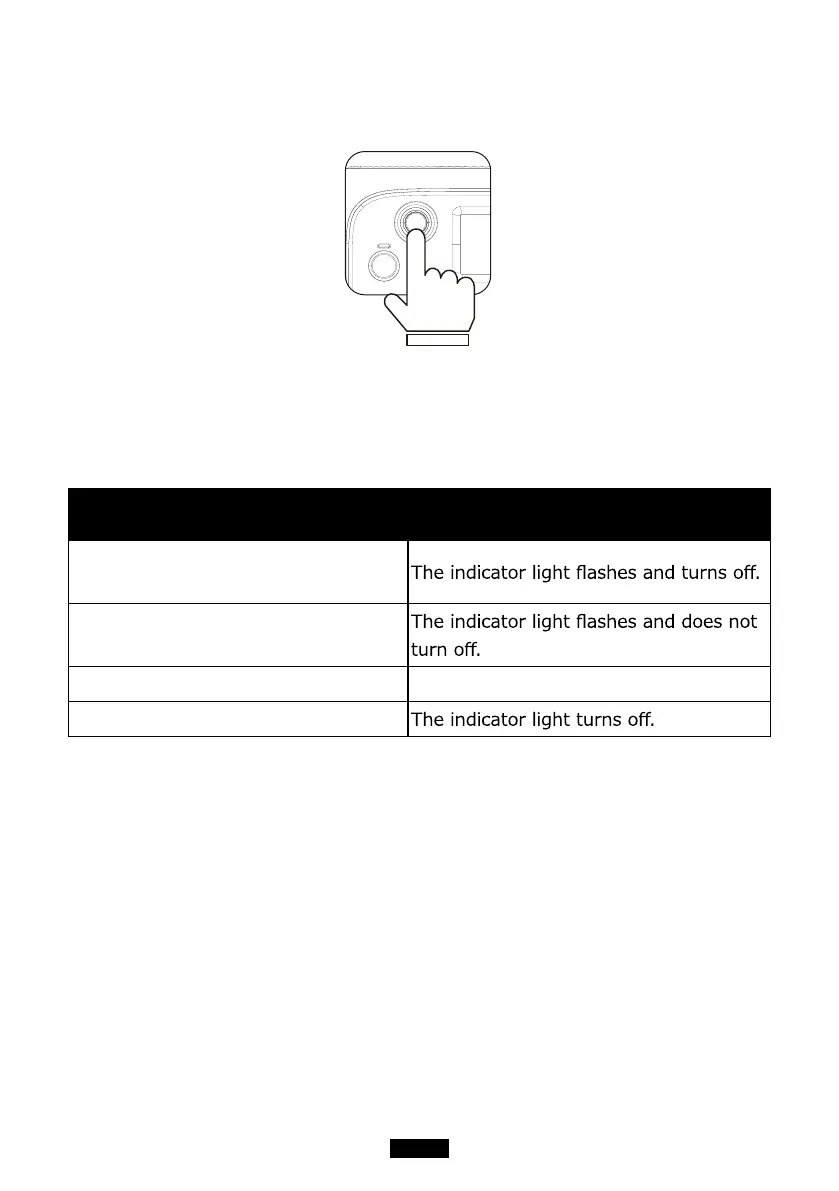
(1) Startup: short press the power button to turn it on; the indicator light is on.
(2) Shutdown: press and hold the power button for several seconds, and the
indicator light will be off.
Troubleshooting The LED indicator lamp status
BMS Over-current or short circuit
protection
BMS Startup timeout
Normal startup The indicator light turns on.
Normal shutdown
(3) DC power switch and AC power switch are integrated into the interaction
LCD screen (Homepage), press the 'DC ON/OFF' or 'AC ON/OFF' on the screen
to turn on/off the DC/AC output.
8. TOUCHSCREEN
Interaction LCD screen (Information Vision) supports the below functions:
(1) View real-time display of voltage, current, power, temperature, and the
state of charge and discharge.
(2) Adjust the output voltage, frequency, charging mode, power consumption
mode, and time information in the setting column.
(3) Operate with fingers due to resistive touchscreen.



 To Next Page