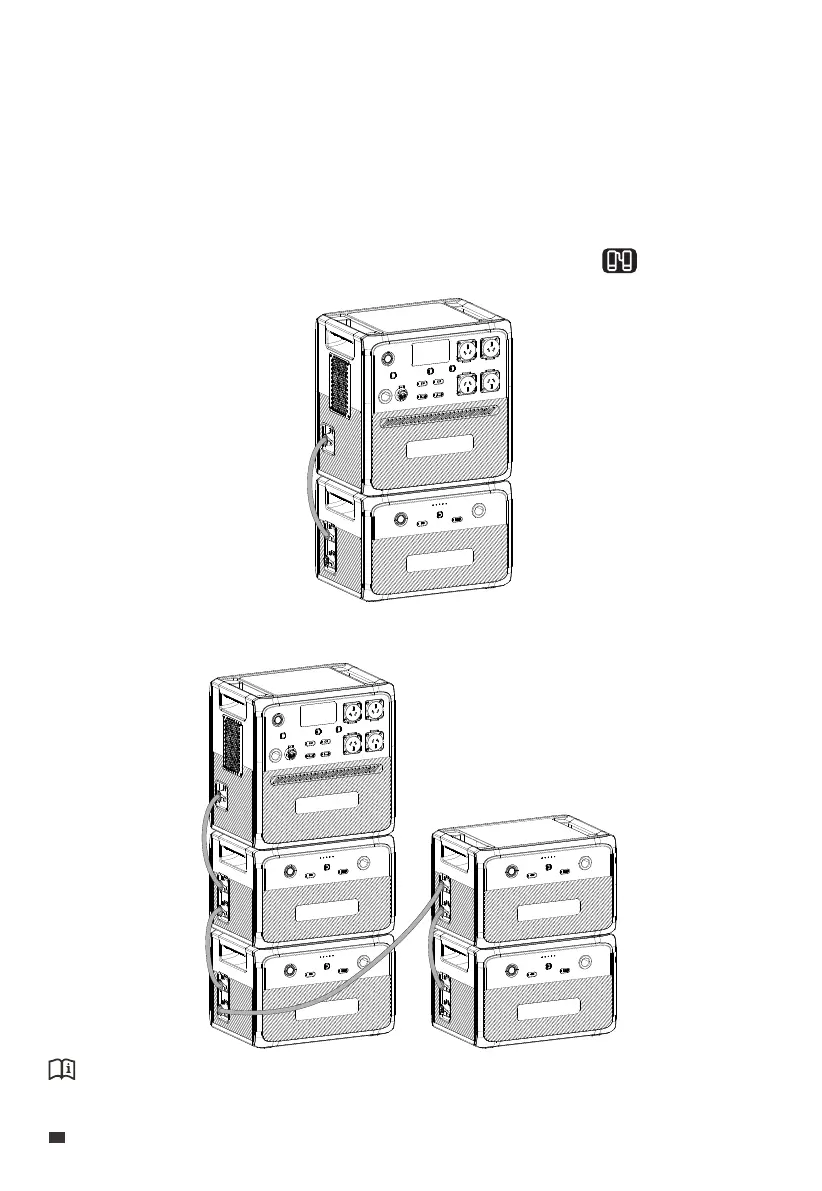
10. AC240 + B210 Expansion Connection
If you want to add more B210 units, please set up the system as shown.
Attention:
The AC240 connects to the upper battery expansion port of B210.
The AC240 unit supports up to 4 B210 expansion batteries, providing a total capacity of up
to 10,136Wh. Follow these steps to connect the two units:
1. Make sure both the AC240 and B210 are turned off.
2. Connect them using the battery expansion cable.
3. Power the AC240 on and the B210 turns on automatically. The displays on the
AC240's screen.
EN
JUST POWER ON
24



 To Next Page