Step 1:
•
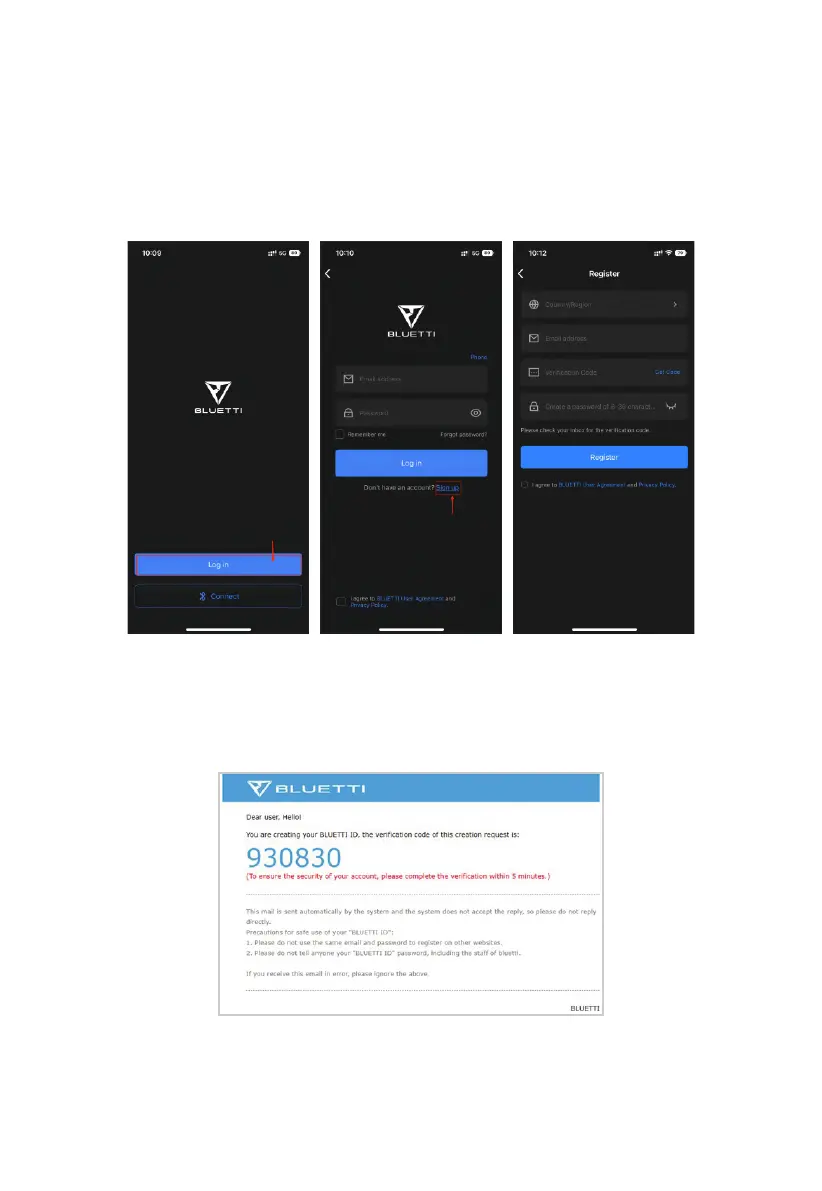
Search for “BLUETTI” in App Store or Google Play Store to download the BLUETTI
App to remotely control your EP500Pro.
•
Tap the "Login" to register your BLUETTI account. Fill in the necessary information
to continue.
•
Check your email for verification code from BLUETTI server, and fill in the code to
activate your BLUETTI account.
16
JUST POWER ON



 To Next Page