Tie the EP500Pro to the grid with sub panel or plug it into the wall outlet with AC
charging cable. Then connect loads to the AC output ports of EP500Pro.
Note: The output power in Plug-in UPS Mode is subject to the specification of the
current and voltage from home circuit.
Eg: Current (10A wire) X Voltage (240V) = 2400W in EU
12.1.2 Activiation
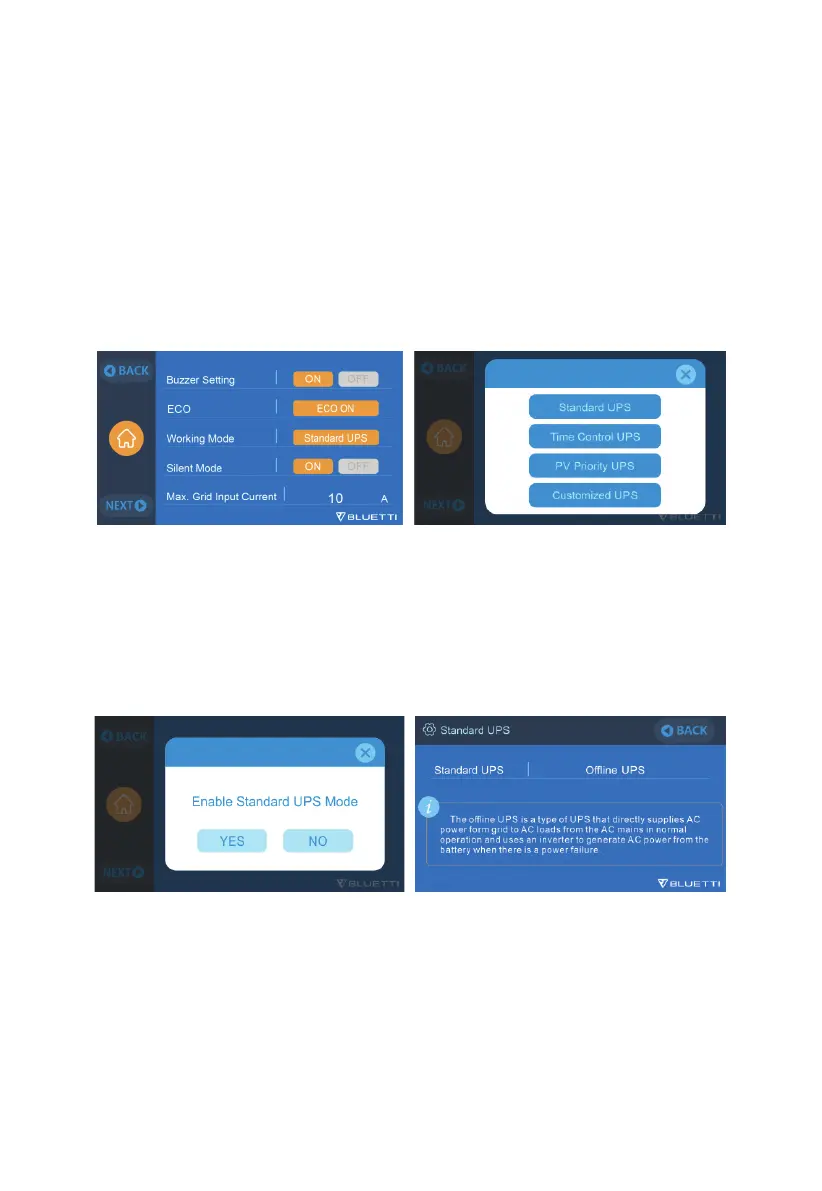
Go to "Settings", and then tap "Next" and "Working Mode" to select the UPS Mode.
The working mode is set at "Standard UPS" by default.
12.2 Enable the UPS
12.2.1 Standard UPS Mode
EP500Pro plays as a backup power source when the grid presents, immediately
charging your loads when the grid fails.
42
JUST POWER ON



 To Next Page