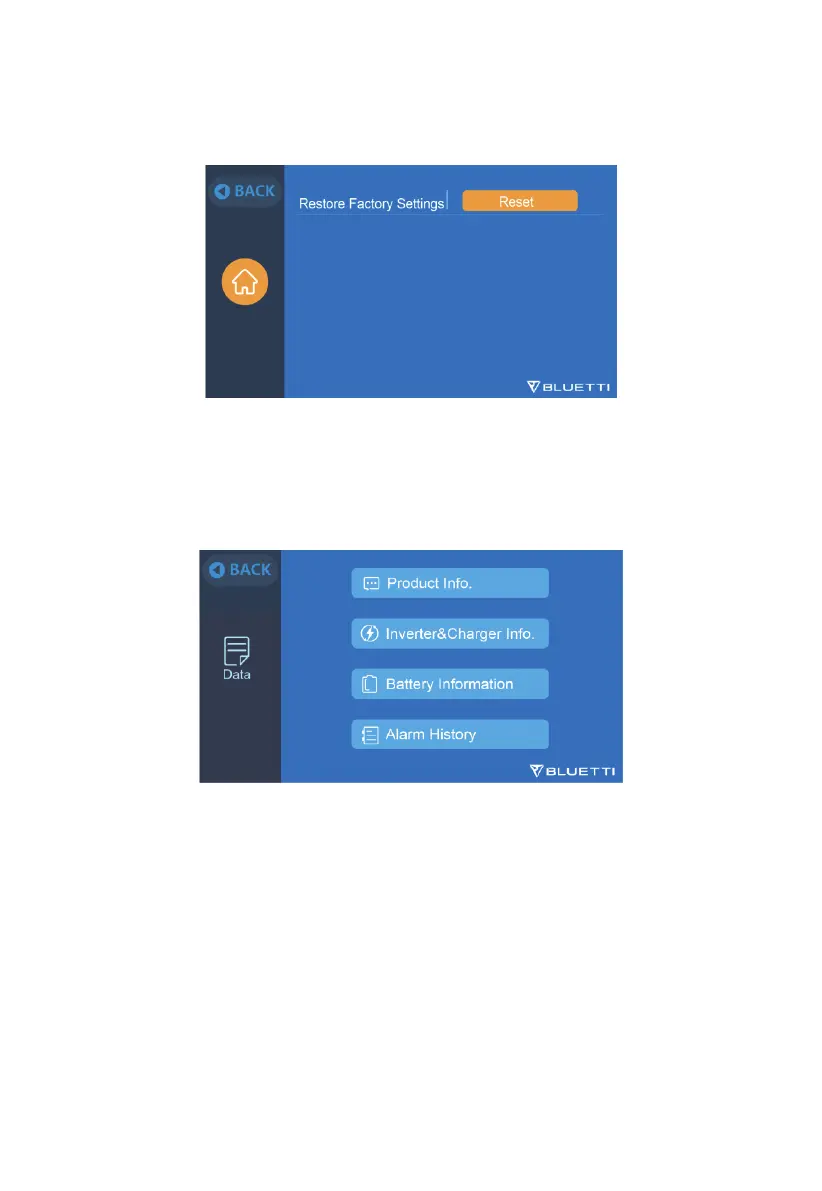
9.2.10 Restore Factory Settings
Confirming this option will reset the system to factory default settings.
9.3 Data
•
This section provides all basic information including product, inverter and charger,
battery, and alarm history.
9.3.1 Product Info
•
This section includes the information about product model, serial number (SN),
control firmware (DSP), monitoring firmware (ARM), BMS, and display
firmware (HMI).
•
The Serial Number (SN) can also be used to pair to BLUETTI APP manually.
28
JUST POWER ON



 To Next Page