•
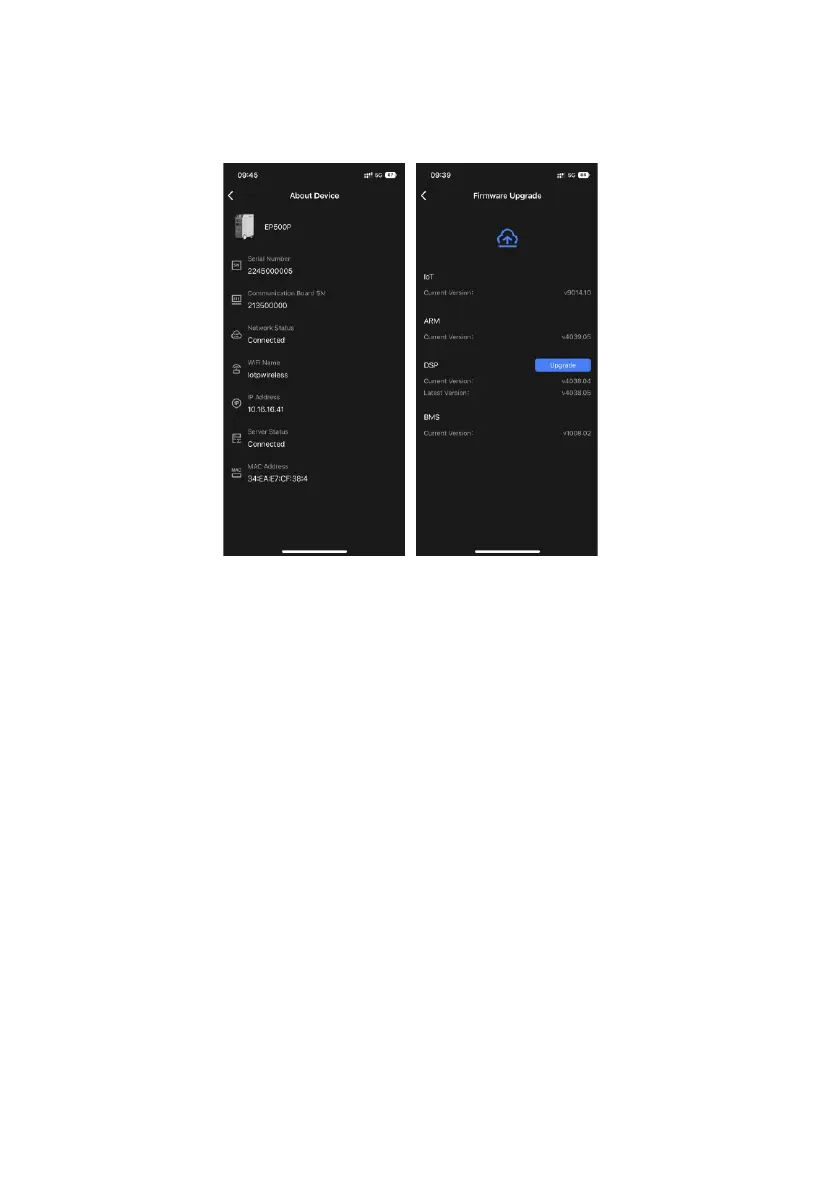
EP500Pro supports Over-the-air (OTA) firmware upgrade via BLUETTI app. Tap
"About Device" on the Settings page and check the firmware version.
Notes:
•
Keep your phone no more than 16.4ft/5m away from the unit during
the upgrade.
•
You cannot turn on EP500Pro via BLUETTI App.
•
If the WiFi connection fails, go to Settings (on your phone)
- scroll down and tap "BLUETTI", then allow the network (iOS).
- tap "App Management" and "BLUETTI", then allow the network (Android).
19
JUST POWER ON



 To Next Page