05
© Bluewater January 2015
EN
PRODUCT OVERVIEW
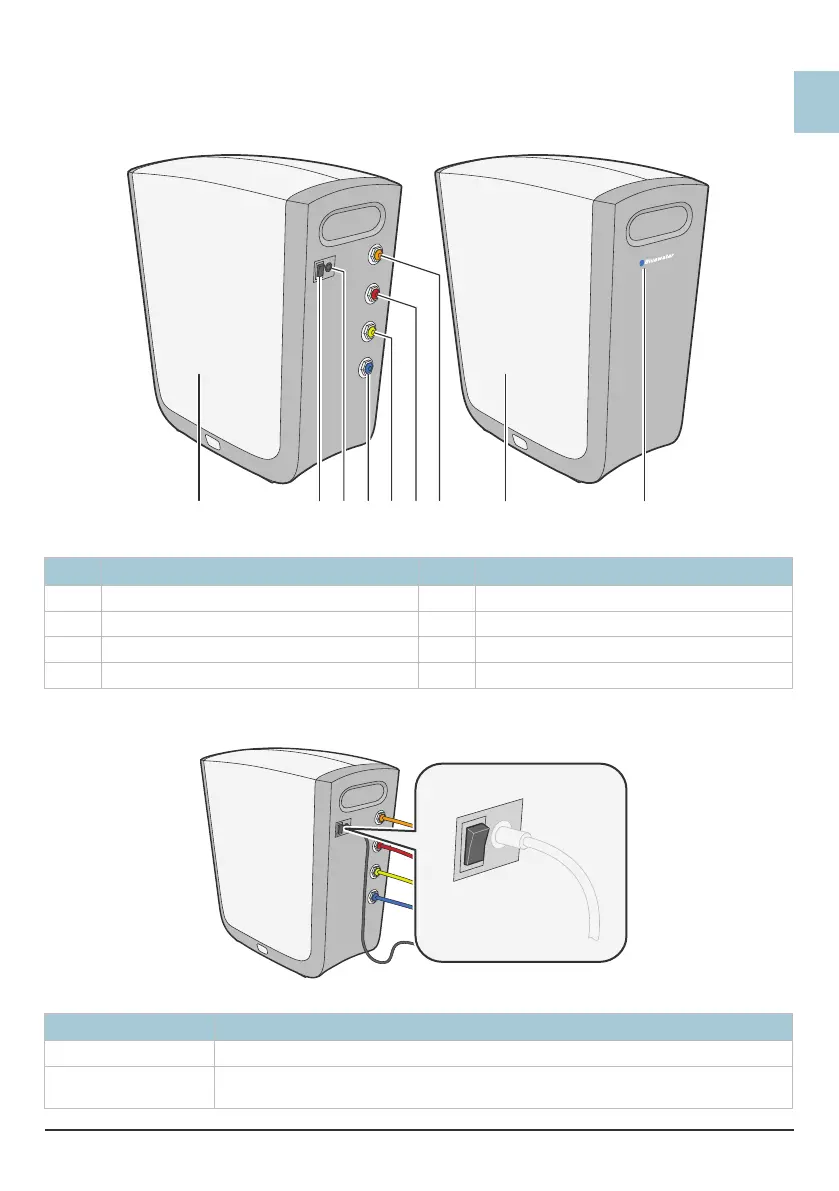
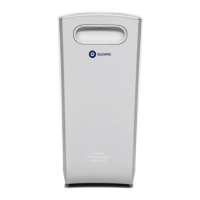
Cleone outside
Figure 1.
8115467
2 3
Cleone outside
Pos Description Pos Description
1 Side cover 5 Clean water tank connector - YELLOW
2 Power switch 6 Drain water connector - RED
3 Electrical connection 7 Inlet water connector - ORANGE
4 Clean water faucet connector - BLUE 8 System operation indicator
Power switch
Figure 2.
1
0
Power switch
Position Description
1 Cleone is started. Water can be cleaned.
0 Cleone is stopped. No water is cleaned. Water from the clean water tank can be used until
the tank is empty.


 To Next Page