Gate Status Photocell 2 Photocell 1
Closed Open not allowed No effect
Open No effect Reloads automatic closing time
Stop during moving Open not allowed Reloads automatic closing time
Closing No effect Open
Opening Close No effect
F3 Function Settings
Logic F3-1 The reactions of the photocells when detecting obstacles
Gate Status Photocell 1
Closed No effect
Open Reloads automatic closing time
Stop during moving Reloads automatic closing time
Closing Open
Opening No effect
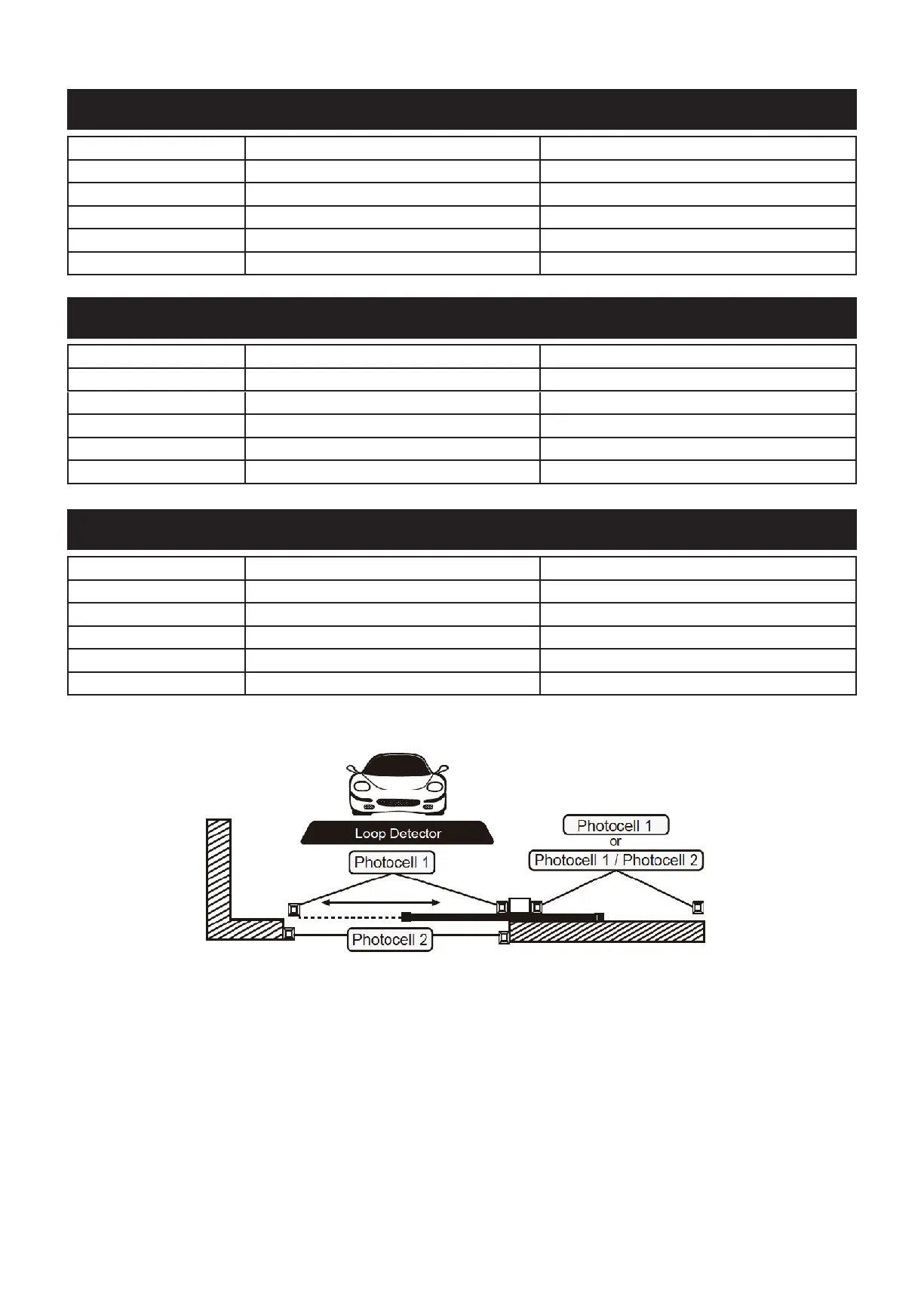
Logic F3-2 The reaction of the photocell when detecting obstacles
Gate Status Loop Detector Photocell 1
Closed Open No effect
Open Reloads automatic closing time Reloads automatic closing time
Stop during moving Open Reloads automatic closing time
Closing Open Open
Opening No effect No effect
Logic F3-3 The reaction of theloop detector / photocell when detecting obstacles
Testing and Checking
* Release the gear motor with the proper release key
* Make sure the gate can be moved easily manually during opening and closing phases
* Lock the gear motor.
* Using the key selector switch, push button device or the remote, test the opening, closing and stopping of the gate
and make sure that the gate is in the inteded direction.
* Check the devices one by one (photocells, visitor accessories, remotes, etc.) and conrm the motor recognizes each
device



 To Next Page