42
4. INTRODUCE THE BASIC PHONE FUNCTIONS
4.1. Switch Main Menu style
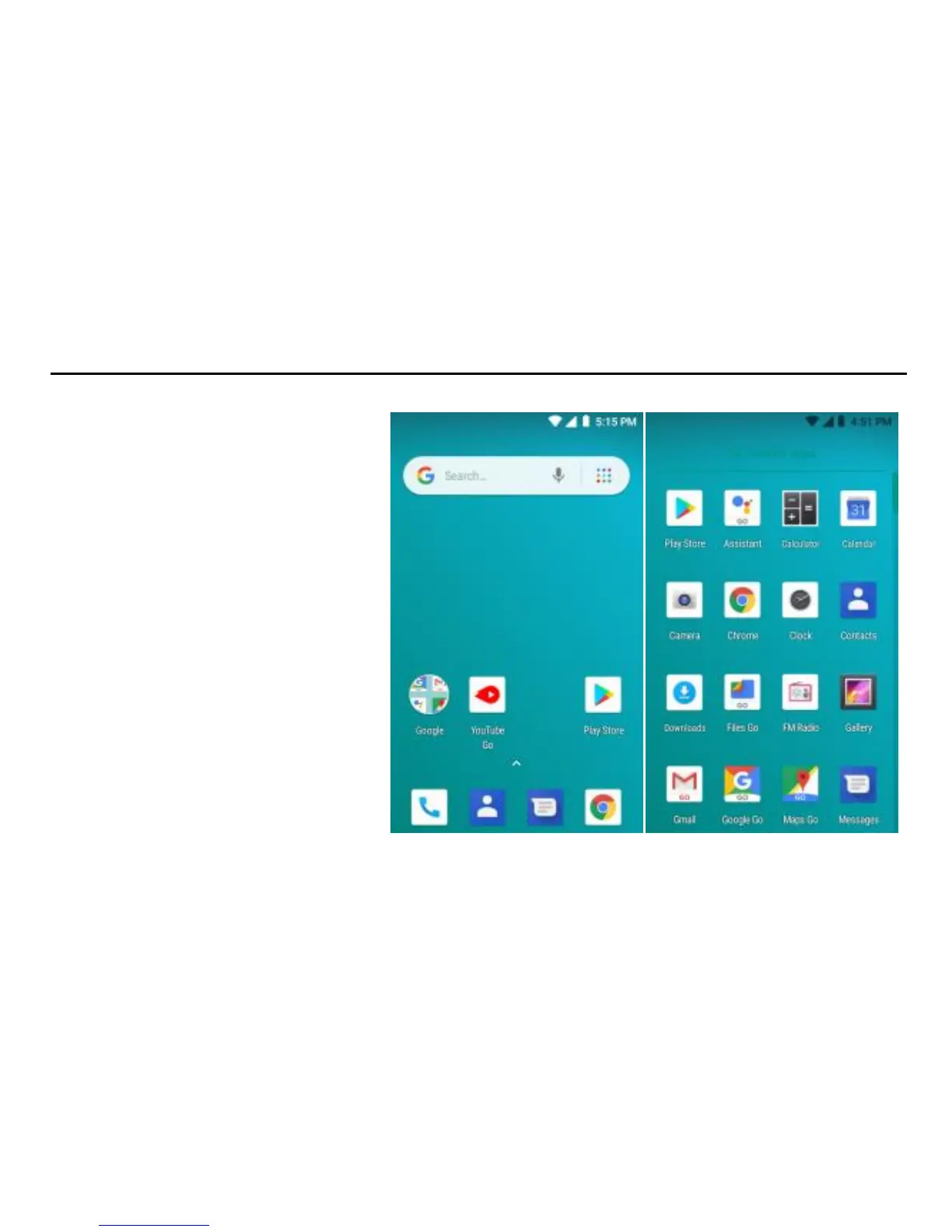
(1) In default Home screen, slide
your fingertip left and right along
the screen to reveal the more
home screen.
(2) On Home screen, slide the
arrow from down to up (Main
menu arrow) to enter the main
menu screen, slide your fingertip
up and down along the screen to
reveal the more applications.


 To Next Page