43
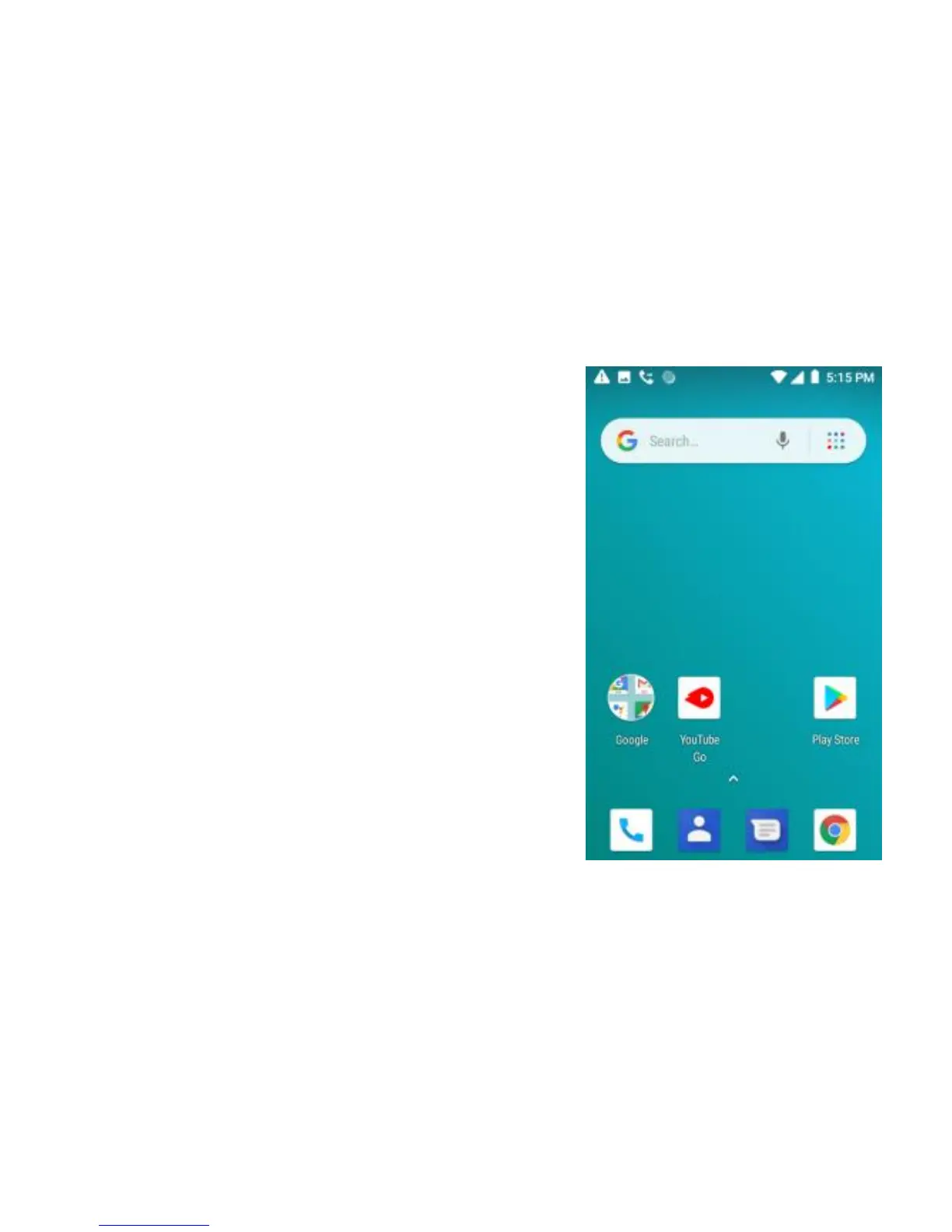
4.2. Home screen Notifications
(1) Read your notifications
When you see a notification in the status bar, touch the
bar and slide your finger down the screen to open the list
of notifications displayed in the sliding window.
Ongoing notifications report activities such as call
forwarding ON, current call status, song playing.
Notifications report the arrival of new messages,
calendar events, and alarms. You can clear notifications
list by selecting ‘Clear’ notifications at the top of the
notifications window.
To open the message, reminder or other notification, you
can touch the items. To close the notifications window,
slide your finger up the screen.


 To Next Page