44
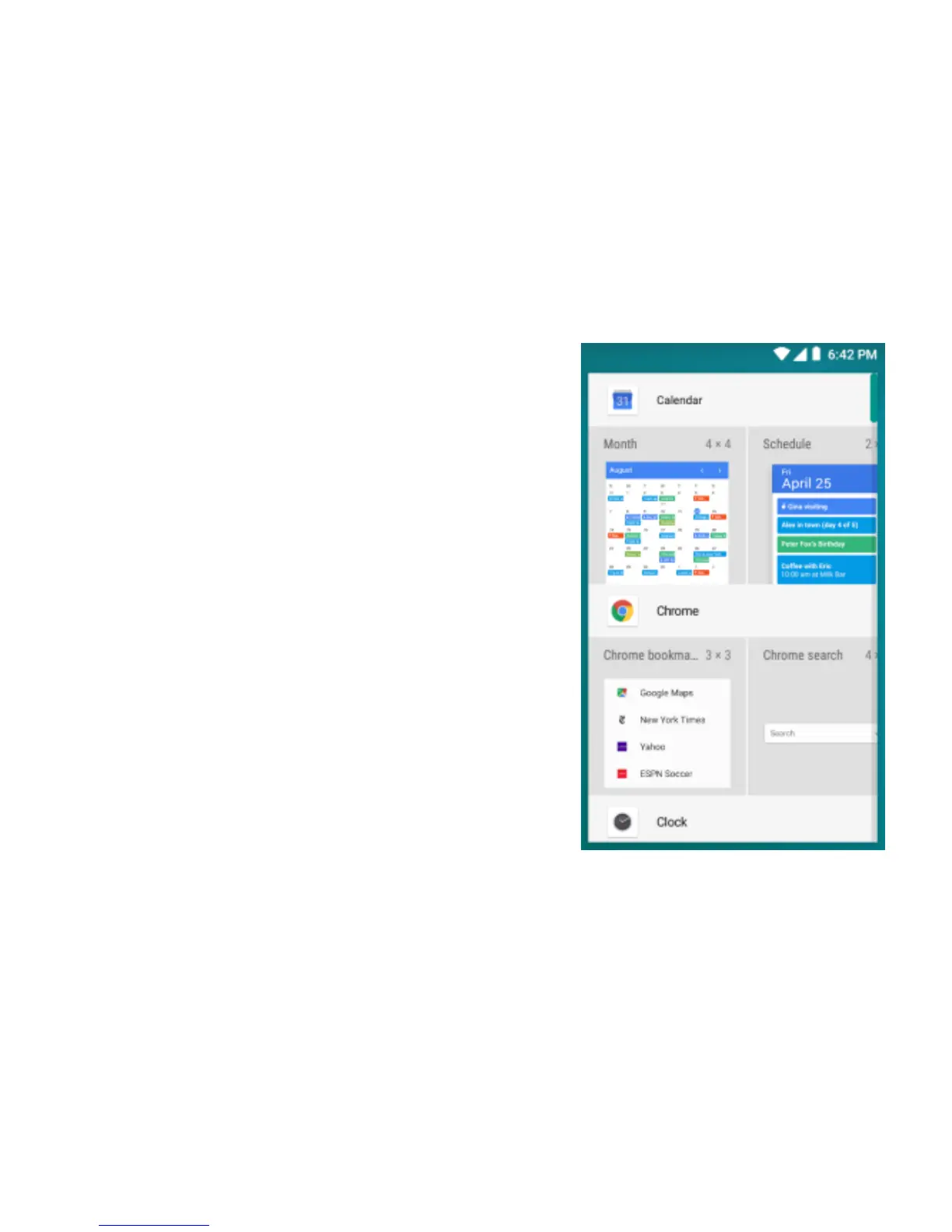
(2) Create Home screen shortcuts and widgets:
From the Home screen, touch and hold the blank
screen and select ‘Wallpaper’ or ‘Widget’. Enter the
main menu screen, slide your fingertip left to reveal the
widget, select a shortcut to some of your saved
information (such as a play list), a widget (a clock) for
your Home screen.
(3) Move objects on the Home screen
•To move an icon or other item on the Home screen,
you must first touch & hold i t to enter move mode. The
object will magnify when it’s ready to be moved.
•Without lifting your finger (or you’ll drop out of move
mode), drag the object to the new position. To move an
item to a section of the Home screen not in view, move
it to the edge of the screen and hold it there for a
moment. The screen view will shift; position the object
and release.


 To Next Page