46
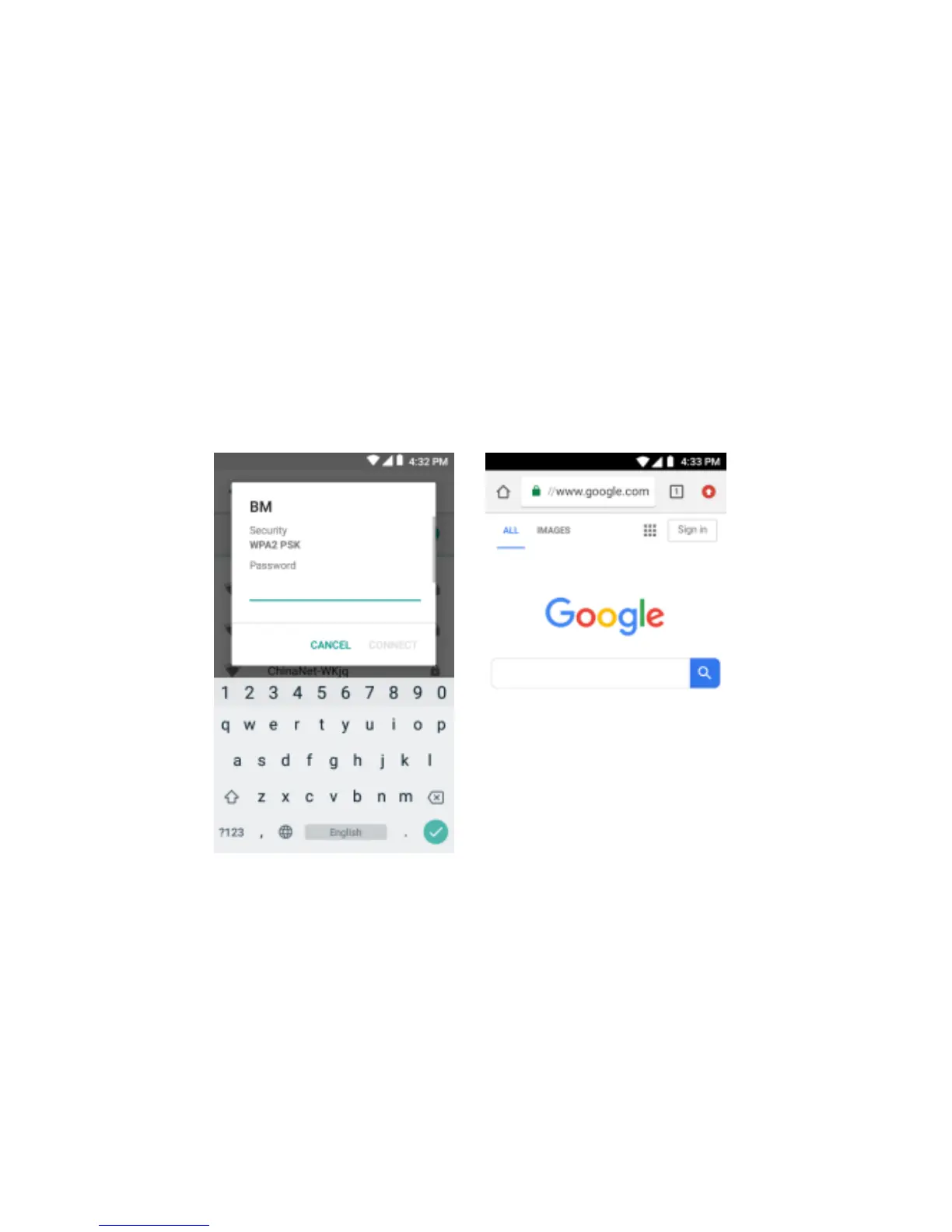
other phone or computer can internet through the WIFI connect with your touch phone.
Step 1: open Setting, then press more, get Tethering &portable hotspot
Step 2: open Wi-Fi hotspot, choose Set up Wi-Fi hotspot, and set a new password
Step 3: open the WIFI on other touch phones or computers, search the WIFI that your phone as
a wireless AP, then input the password, by the way you can net play.


 To Next Page