OZONE MONITOR BMT 932 Manual, Rev. 02/2021
23
Explanations:
Active Channels: shows which channels are active
Alarm Beep On/Off: info on audible signal
Range: max. ozone concentration
Sniffer On/Off: status of Sniffer mode
Serial No.: the serial number
Operating Hours: since calibration
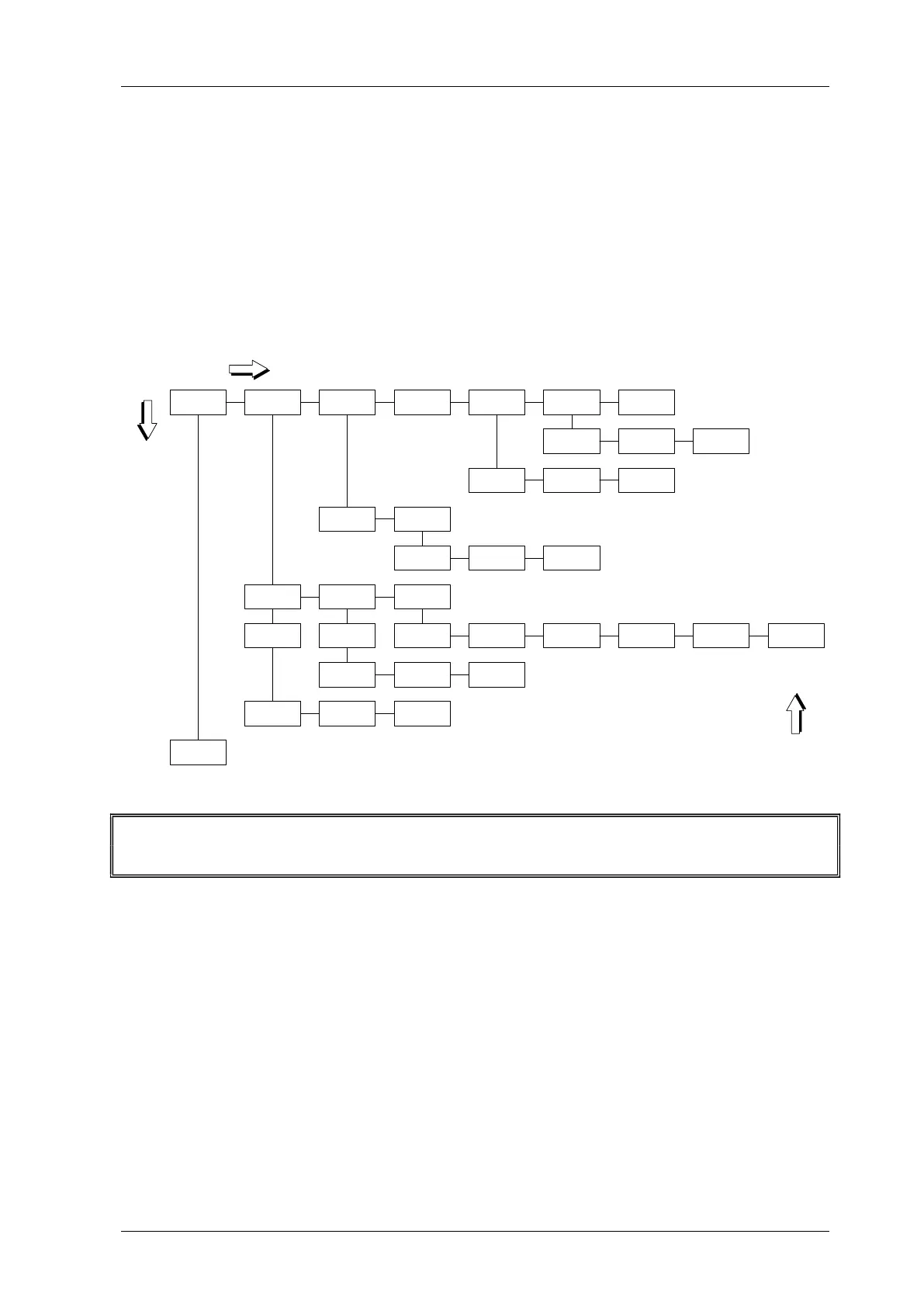
The Menu Set Parameters
Menu Set Parameters
Units Alarms Input/Output Test Scrubber Time/Date
Other
Parameters
Set Active
Channel
Alarm Beep
Time Date Format Date
Simulate
Analog Out
RS-232
Baudrate Timed/Polled Time Interval
High Alarms Low Alarms Set EMOs
Enable/
Disable
Threshold Latching
Enable/
Disable
Threshold Latching
Ozone
ENTER
SCROLL
BACK
Reset
Parameters
Select
Channel *
Select
Channel *
EMO1
Low Alarms
EMO1
High Alarms
EMO2
Low Alarms
EMO2
High Alarms
EMO3
Low Alarms
EMO3
High Alarms
Sniffer
On/Off
*: Select all or single Channels by pressing SCROLL, then ENTER
In order to move from View Parameters to Set Parameters the SCROLL button has to be
held down for at least 2 seconds.
The configuration of the BMT 932 can be changed here. The diagram shows the selectable pa-
rameters. In order to change a setting, the ENTER button has to be pressed. Logical variables, as
e.g. Enabled/Disabled are configured with the SET button. Numerical values as e.g. Thresh-
old are changed digit by digit. To change a digit, the SET button is used. The digit to be changed
is marked by a cursor beneath it. In order to move to the next digit, the ENTER button has to be
pressed. The procedure can be stopped at any time by pushing the BACK button. After complete
setting of the parameter the ENTER button has to be pressed again, the display
Saving...
appears for a short time and the parameter is saved. To leave the menu press the back button
several times.


 To Next Page