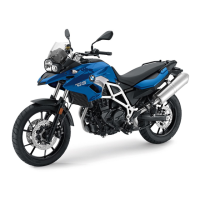
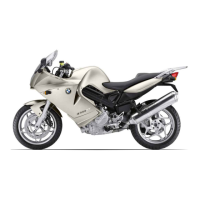
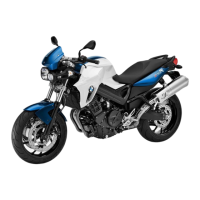
with on-board computer
OE
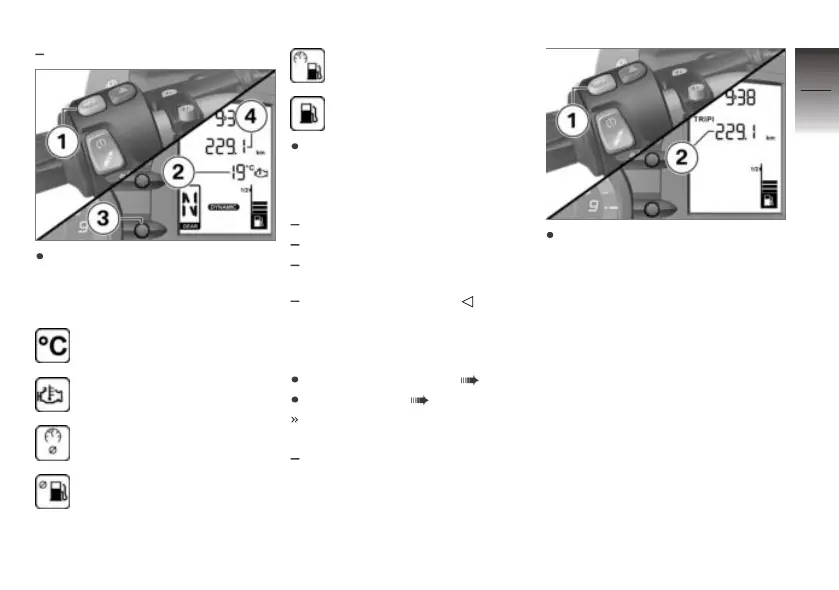
Operate INFO 1 to select the
display in the value range 2.
The following values can be dis-
played:
Ambient temperature
Coolant temperature
Average speed
Average consumption
Current consumption
Distance travelled since fuel
down to reserve
Press button 3 to select the
display in the value range 4.
The following values can be dis-
played:
Total kilometres (shown)
Trip distance 1 (Trip I)
Trip distance 2 (Trip II)
Warnings, if applicable
Resetting trip distance
recorder
Switching on ignition ( 42).
Select display ( 46).
The desired trip distance re-
corder has been selected.
TRIP I or TRIP II ap-
pears on the display.
Press and hold INFO 1 until
the trip distance recorder 2 has
been reset.
4
47
z
Operation


 To Next Page