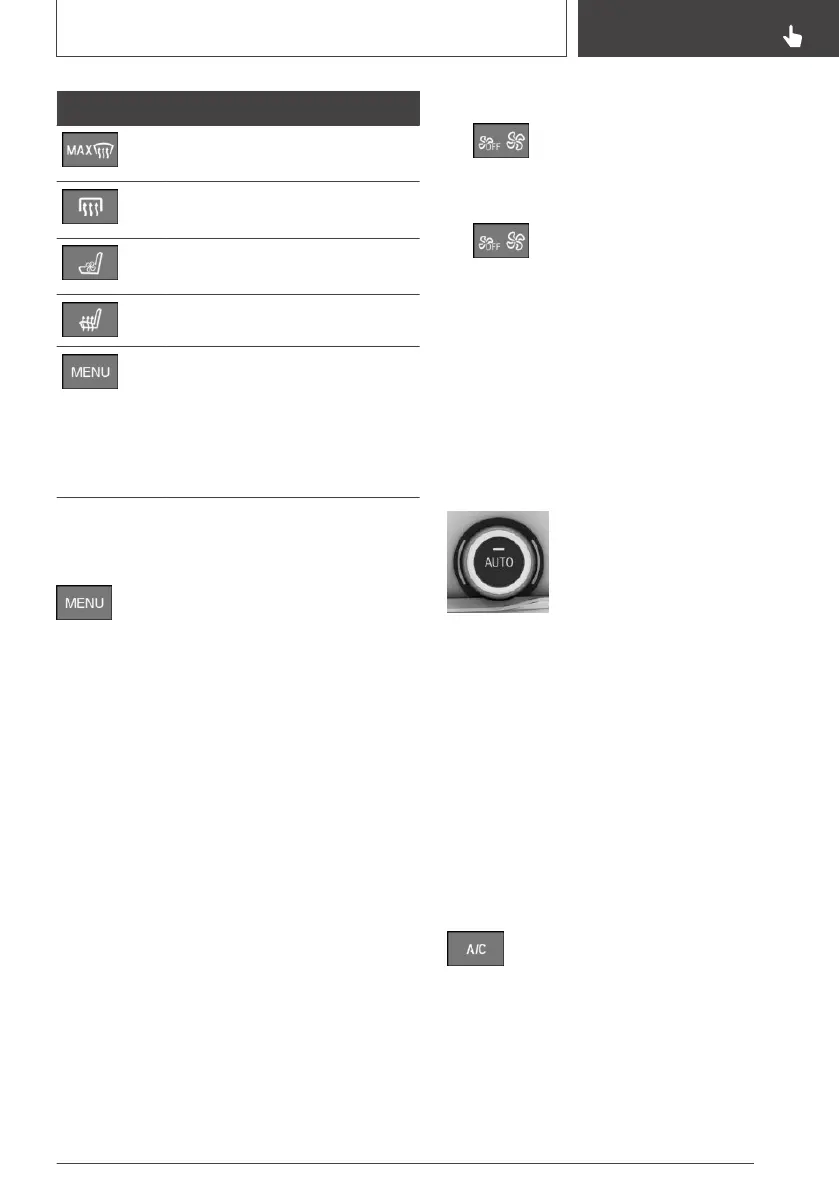
Button Function
To defrost and demist the win‐
dow, see page 260.
Rear window heating, see
page 260.
Active seat ventilation, see
page 113.
Seat heating, see page 112.
To call up the air conditioning
menu, see page 257.
For the following settings, for ex‐
ample: upper body temperature
adjustment, independent venti‐
lation.
Calling up the air conditioning
menu
Press the button.
The air conditioning menu is displayed.
All the air conditioning functions that can adjus‐
ted via iDrive can be called up via the air condi‐
tioning menu, for example upper body tempera‐
ture adjustment, independent ventilation.
Switching on/off
Switching on
Press any button, with the following exceptions:
▷ Rear window heating.
▷ Left side of air flow button.
▷ SYNC Program.
▷ Seat heating.
▷ Seat ventilation.
Switching off
If automatic air conditioning with extended func‐
tionality is fitted:
▷ Complete system:
Press and hold left side of driver's
side button, until the system
switches off.
▷ On the front passenger side:
Press and hold left side of button on
the front passenger side.
Temperature
Principle
The automatic air conditioning adjusts to the set
temperature as quickly as possible, using maxi‐
mum cooling or heating power if necessary. The
temperature is then maintained.
To adjust
Turn the wheel to select the de‐
sired temperature.
Avoid switching between different
temperature settings in rapid suc‐
cession. The automatic air condi‐
tioning may not have sufficient time to establish
the temperature selected.
Cooling function
Principle
Interior air is cooled and dried, then reheated to
suit the temperature setting.
The interior can only be cooled when the drive-
ready state is switched on.
Switching on/off
Press the button.
The LED is illuminated when the cool‐
ing function is switched on.
The cooling function is switched on when the
engine is running.
Depending on weather conditions, the wind‐
screen and side windows may mist over for a
Seite 257
Air conditioning
CONTROLS
257
Online Edition for Part no. 01402989787 - II/18



 To Next Page