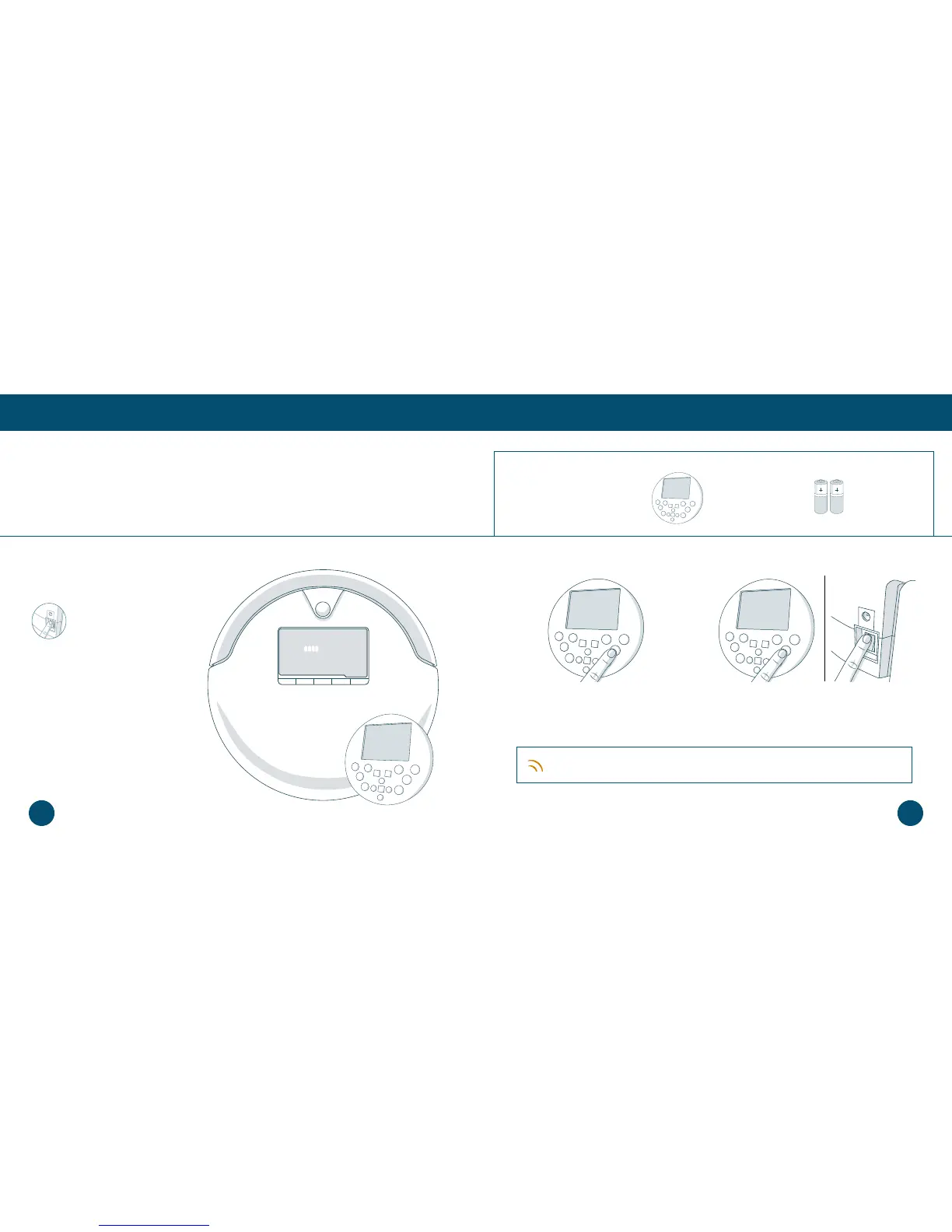
1. Hold down the OK/SYNC button on
Bob’s remote.
2. While still holding down the OK/SYNC
button, ip Bob’s power switch ON.
Step 3: Sync Bob’s Remote
Sync Bob to his remote so that he can respond to its commands.
Quick Start
Getting Started
Get Bob Started: Bob will be ready to clean in just 3 easy steps.
Parts You’ll Need: FullCommand™ AAA Batteries x2
Remote (not included)
Make sure to remove the
clear plastic covering on
the power switch.
Bob will chirp twice to let you know the sync was successful. If Bob does not chirp,
repeat the process.
Quick Tip:
1817













 To Next Page