Orb-i’s First Clean
Power Orb-i ON
Press and hold the GO button until the screen lights up.
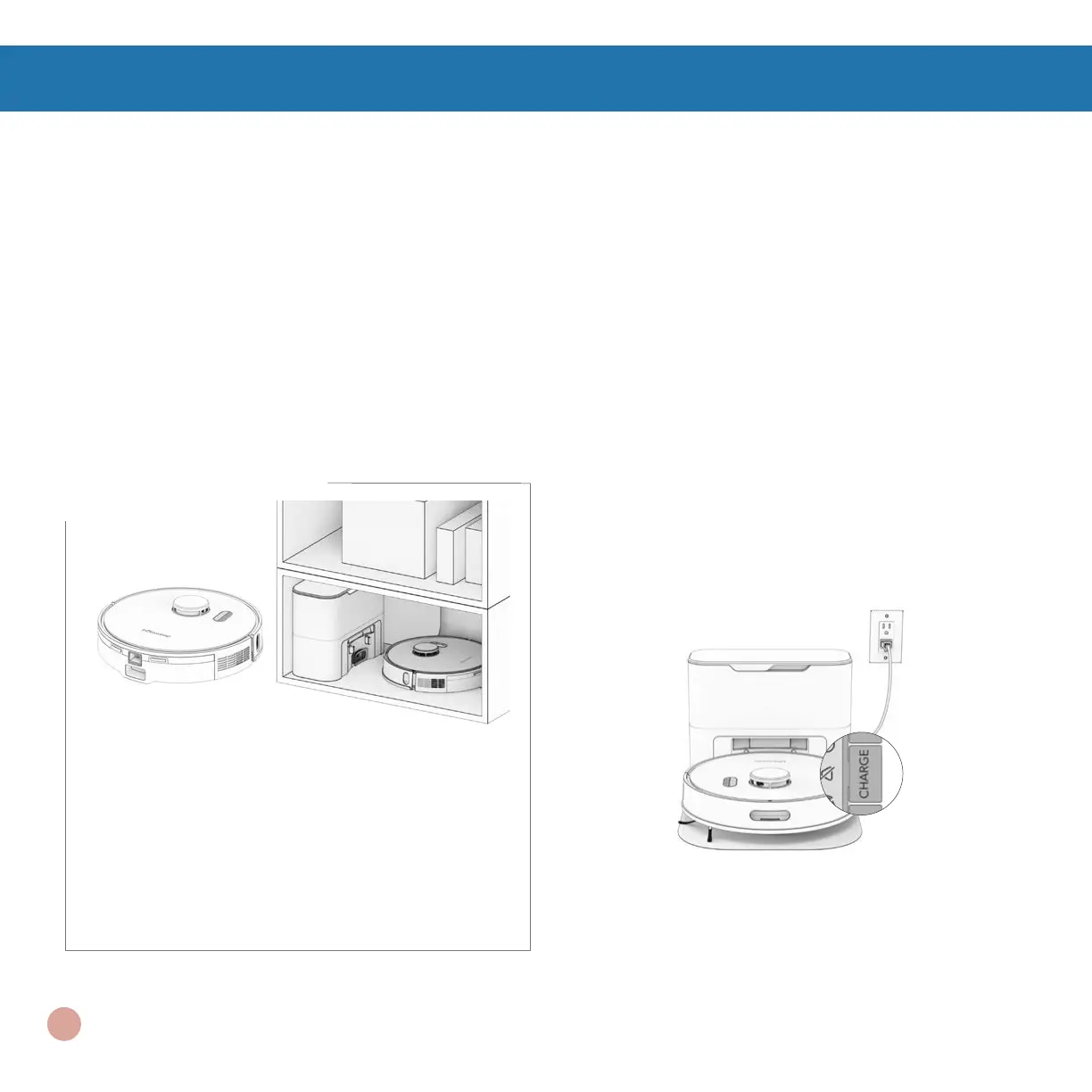
If you are not going to use Orb-i for a while,
you can place him on Low Power Standby
mode (LPS mode). To do so, place Orb-i
on his charging station. Press and hold the
CHARGE button on Orb-i for 5 seconds.
You’ll hear “low power mode”, conrming
Orb-i is in LPS mode. To exit this mode,
press GO on Orb-i while he’s on the charging
station, or remove him from the station.
Storing Orb-i
If you are not using Orb-i for an extended
period of time (over a month), power him
OFF, remove his battery, and unplug his
charging station. Store everything in a dry
room, away from direct sunlight or extreme
temperature.
Important Note: In this mode, Orb-i is
ofine and the bObsweep App is not able
to connect to Orb-i. Furthermore, any
scheduled cleaning will be paused.
11















 To Next Page