Orb-i’s First Clean
Download the bObsweep App
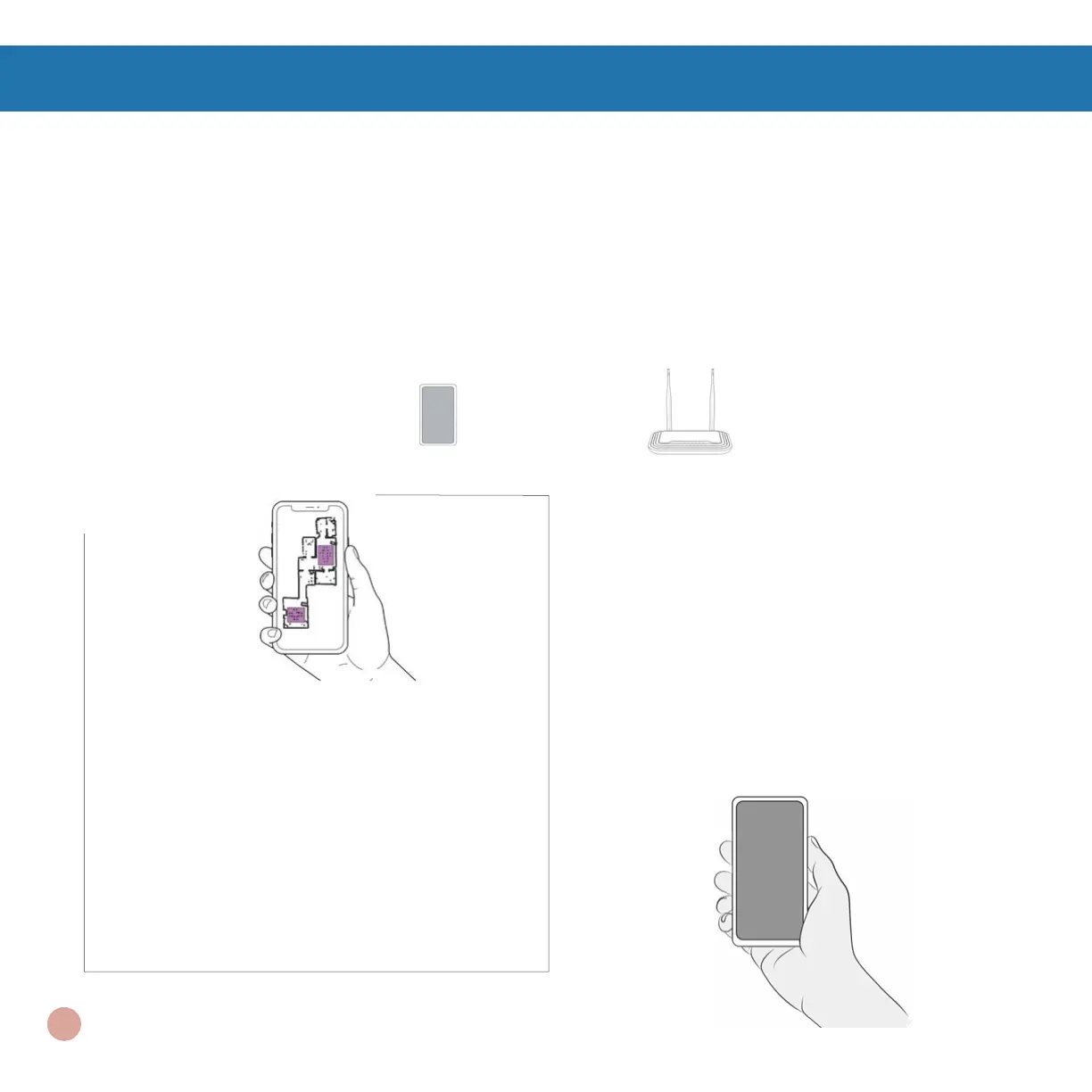
Connect Orb-i to Wi-Fi to gain access to Orb-i’s full suite of features and important software updates.
Download and open the bObsweep App, create your account, and follow the instructions on the app to
connect your bot to Wi-Fi, Amazon Alexa or Google Home devices.
Quick Tips: To keep Orb-i up-to-date:
Check the App Store/Google Play Store and
update the bObsweep app to access the
latest features released on the app.
Check the Bot Settings page on the
bObsweep app and update Orb-i’s software
to access the latest version of Orb-i’s
operating system.
Items You’ll Need: Smart Phone 2.4GHz Wi-Fi Connection
Orb-i maps the area at rst glance. Use
Swift Map
™
to send Orb-i on a ‘map
only‘ journey, or hit GO to send Orb-i to
map while cleaning. Toggle ON Auto-
resume
™
to activate Orb-i ‘s back-to-back
cleaning feature. Last but not least, edit,
personalize, customize, and save Orb-i’s
cleaning map, then set cleaning schedules
and enjoy fresh oors without having to lift
a nger for several weeks at a time.
15















 To Next Page