23
3.2 Button Functions
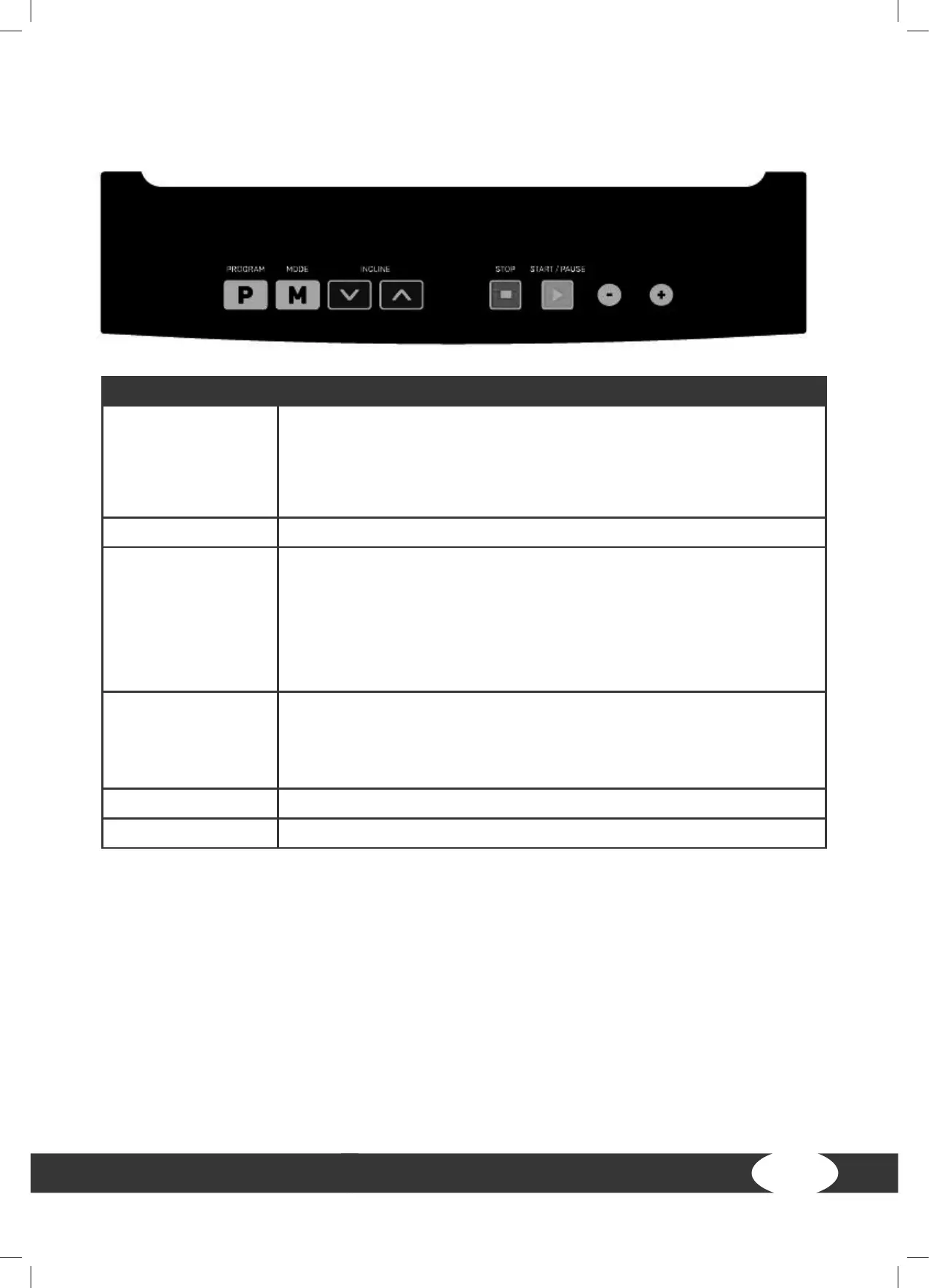
BUTTON DESCRIPTION
START/PAUSE With this button you can start or pause a training programme.
When you are in the main menu, you can start your training via quick
start.
When your training is paused, you can continue with your training by
pressing this button.
STOP With this button you can end your training and return to the main menu.
SPEED + / - + With these buttons you can adjust the respective training parametres
(time, distance, calories etc.)
+ With these buttons you can adjust the speed. You can adjust the
speed in two ways:
1. The buttons on the console (+ and -).
2. The buttons on the handrail.
INCLINE
With these buttons you can adjust the incline. You can adjust the incline
in two ways:
1. The arrow buttons on the console.
2. The buttons on the handrail.
MODE (M) With this button you conrm your entries.
PROGRAM (P) With this button you choose your desired training programme.


 To Next Page