32
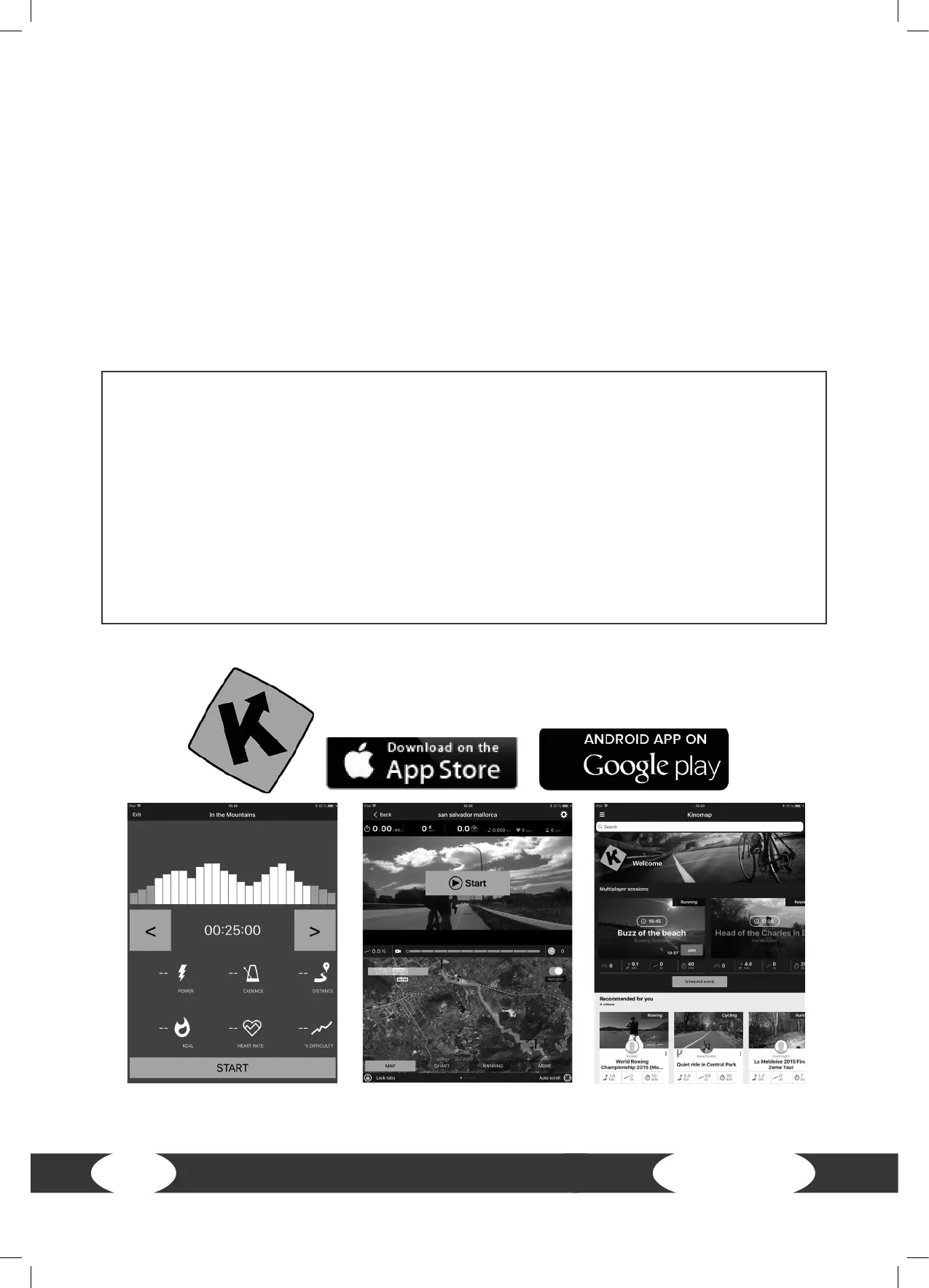
Example: Kinomap
3.5 Bluetooth and Fitness Apps
This console is equipped with a bluetooth interface. Please take note that your mobile device needs
to be compatible with the bluetooth interface of the treadmill.
To use training apps you will have to activate the bluetooth function on your mobile device (tablet or
smart phone) and start the tness app. Select your tness equipment. Please follow the instructions
given in the app. You will nd the name of your tness euqipment on a small sticker on the back of
the console.
You will nd the tness apps in the app stores of Google or Apple. There you will nd the apps
“Kinomap” or “Zwift”. Please note that these apps are produced by an external manufacturer.
Fitshop does not take any responsibility regarding the availability, functionality or contents of these
programmes.
IMPORTANT NOTE
The pre-installed apps are produced and provided by external manufacturers. Changes and
availability within these apps might occur. Fitshop does not take any responsibility and can not
be held liable for the availability, functionality or contents of these apps. To make sure the pre-
installed apps are working correctly, they must be updated regularly. If needed, the respective
app will notify you to do so. To update the app, you need a google account. A google email is
sucient. Just follow the instructions on the screen to perform the update.
Please note: The system is set up only for the pre-installed apps. Do not install any additional apps
as their proper functionality can not be guaranteed. The installation of other apps might cause
technical issues.


 To Next Page