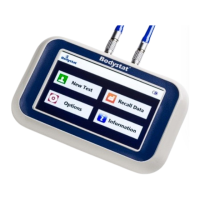
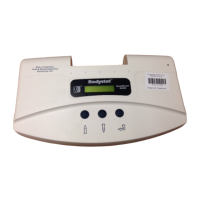
Press the home button to return to the main screen.
The first screen displayed is the input data that was entered for that test. By
pressing the next button, the result output data is then displayed.
Once all the results have been reviewed, the user has the option of selecting the
back arrow or alternatively going back to summary screen. The back arrow
allows the user to go back to the recall screen to select a further test.
NOTE:
• The OUTPUT data displayed will depend on what has last been saved
in DISPLAY OPTIONS (refer INSTALLATION MODE) of the program. If
the operator wishes to display, for example, only FAT %, the DISPLAY
OPTIONS must first be amended.
• Test data originally stored in kg weights may be recalled in lb or st/lb
and vice versa. Similarly, height may be entered in ft/ins and recalled in
cm. In each case, simply change the options in INSTALLATION MODE.



 To Next Page