28
08 Error and Warning
Messages
Please make sure that the GlassBuddy is able to
measure correctly. The GlassBuddy uses the reflec-
tion of a laser beam for measuring and calculating
the result. Everything which has an influence on the
individual interlayers, also has an influence on the
calculated result.
The GlassBuddy uses a number of messages to
notify you of errors or warn you about the battery
status. All information is shown in plain text and can
be deleted by pressing .
n
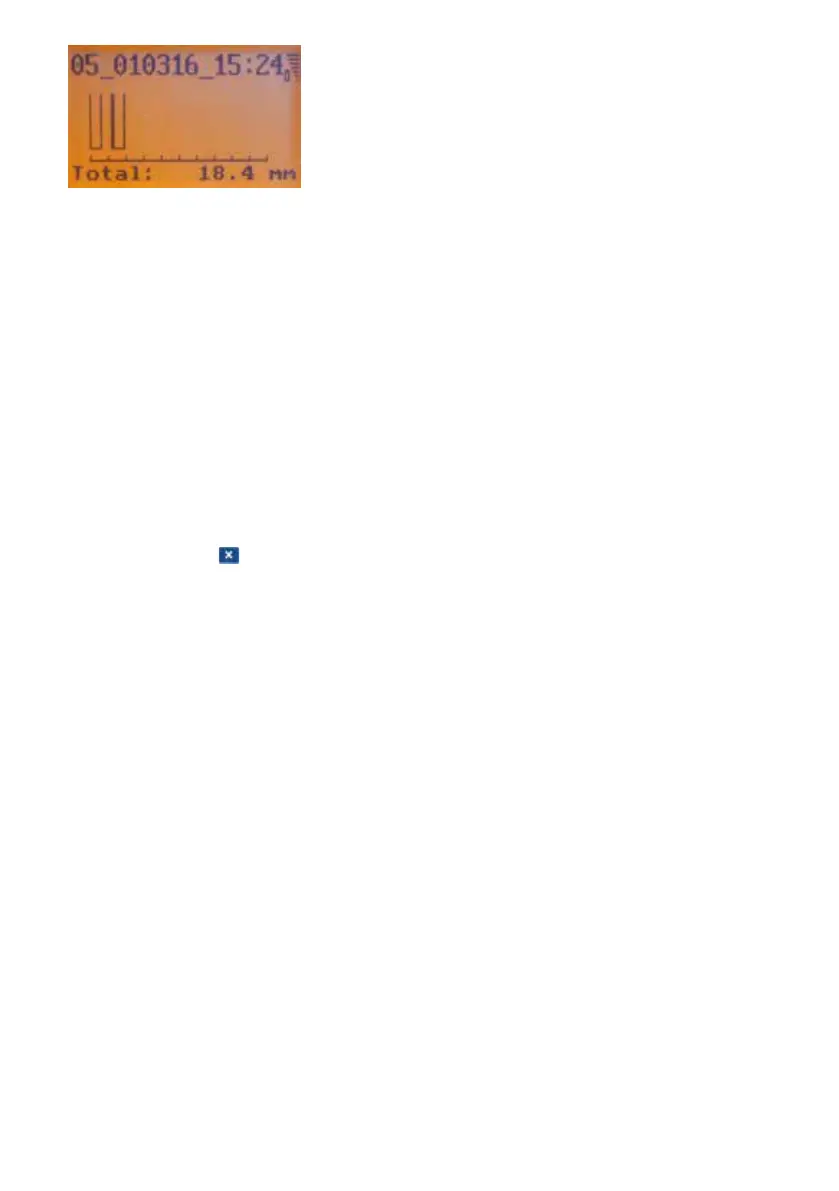
“Measurement not possible”
– This message appears if the object you are
measuring does not generate any reflections
which the GlassBuddy can convert into a
reading.
– This message also appears if the total thick-
ness of a glass pane is less than 2.6 mm.
– The message “Measurement not possible”
does not mean that the measurement has
not taken place. The GlassBuddy was just
not able to calculate a reasonable result.
Therefore, a measurement was carried out.
This measurement can also be saved.
By sending the file in .gdm format to
glassbuddy@bohle.de, you can assist us
with troubleshooting and further developing
the device. Analysing the data records is not
possible with the supplied PC programme
and can only be done by Bohle.
– This message appears if the GlassBuddy
receives an odd number of reflections from the
measuring procedure.
Reason: e. g. a tinted pane, where only the surface
gives off a reflection and the laser cannot
penetrate to the underneath of the pane
Reason: A very light coloured base on which the
glass is lying can give off an additional
reflection.
Solution: Place the glass for analysis on a dark
non-reflecting base.
n
Details not available
– This message appears if the GlassBuddy is
able to measure the total thickness but cannot
determine any further details about the
configuration of panes.
n
“No IG”
– This message can appear for the setting
“no IG”, if you try to analyse a glass structure
other than no IG.
Solution: Please check the settings and change
them if necessary.
n
“No IG”
– This message can appear for the setting IG, if
you try to analyse a glass structure other than
IG.
Solution: Please check the settings and change
them if necessary.
n
“No IG3”
– This message can appear for the setting
“ISO3”, if you try to analyse a glass structure
other than 2-gap insulating glass.
Solution: Please check the settings and change
them if necessary.
n
“Battery empty”
– This message appears if the battery charging
status is below 5%.
Solution: Please charge the battery. To be able
to continue measuring, charging for
5 to 10 minutes will suffice.
n
“Glass too highly reflective”
– This message can appear when analysing
highly reflective glass.


 To Next Page