21
• Using RS-485 (PELCO), all camera addresses must be set up before the connection. You can set the camera
address by operating OSD menu, or by setting the Dip Switch on the bottom of the camera. In this case, you can
use multiple control keyboards.
VISCA over IP Control
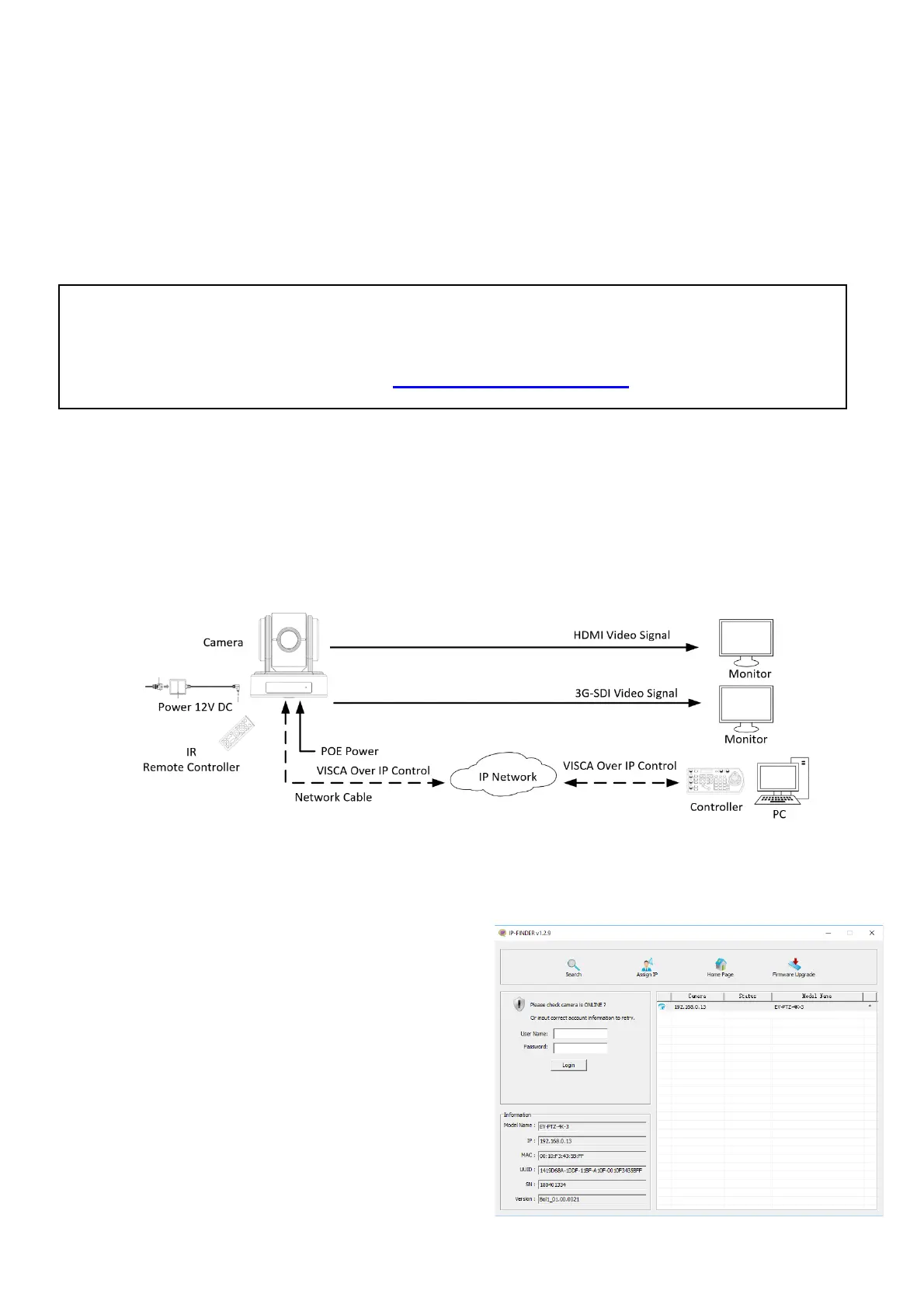
With VISCA over IP function, you can control the camera using VISCA protocol on a controller equipped with
IP communication capabilities via LAN.
The communication specifications of VISCA over IP are followings:
• Interface: RJ-45 10/100M
• Interface protocol: IPv4
• Transport protocol: UDP
• IP address: 192.168.0.13 By default
• Port: 52381
VISCA over IP Network Configuration
Re-assign the camera
The default information of the IP camera is following:
• Static IP: 192.168.0.13
• Subnet mask: 255.255.255.0
• Gateway: 192.168.0.1
• VISCA over IP control port: 52381.
The camera IP address needs to be assigned to the IP address that works with your local network.
How to make the connection with BOLIN products
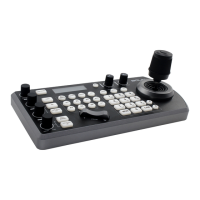
Please see the User Guide “BOLIN Camera and Keyboard Controller Connection”
that you can download it at www.bolintechnology.com product pages.


 To Next Page