• You can use one earbud or both earbuds as per your preference. Please
refer to the corresponding pairing instructions.
• Before pairing, please turn off other Bluetooth devices and place the
device to be connected close to the earbuds.
• When the earbuds are disconnected from your device for more than 10
minutes, they will turn off automatically.
Pairing
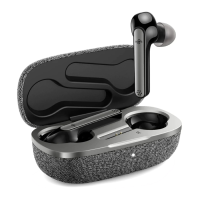
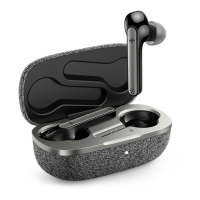
1. Uncover the lid to turn on the earbuds, they will connect with each other
automatically. The LED indicators on both earbuds will flash quickly in
white indicating the earbuds are in pairing mode now.
2. Turn on the Bluetooth function on your device and search for nearby
devices. Find “Boltune BT-BH024” in the searching results, tap on the
name to connect.
3. Once the primary earbud “Boltune BT-BH024” is connected, a window
pops up requesting to pair the secondary earbud “Boltune BT-BH024 R”
with your phone.
4. Tap “Pair” to connect the secondary earbud with your phone. Once paired,
you can switch between the primary and secondary earbuds simply by
putting the original primary one back into the charging case.
Couple Earbuds ModePower Off
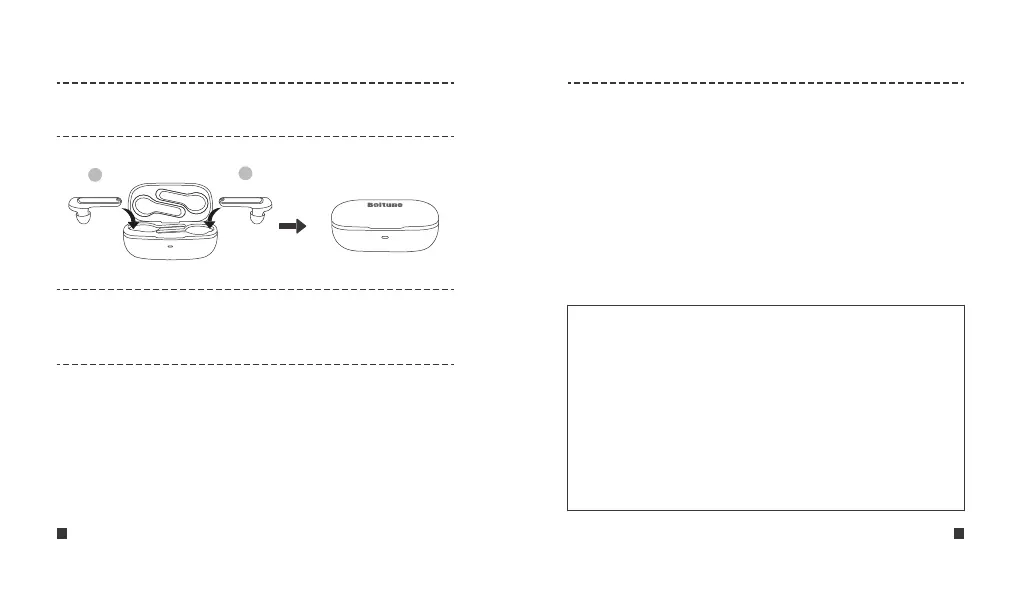
Put the earbuds into the charging case and close the lid, they will turn
off automatically.
Note
• The pop-up pairing only enables free switching between the
primary and secondary earbuds. Unsuccessful pairing will not
affect the actual connection between your phone and the earbuds.
• The earbuds can remember the devices paired previously, and
will attempt to pair with the last connected device for the first 20
seconds. If re-pairing failed in 20 seconds, the earbuds will enter
pairing mode.
• It is not recommended to wear the two earbuds on different people.
If needed, please keep the 2 earbuds within 3 meters / 9.8 feet in
couple earbuds mode.
L
R
L
R
ENGLISH / 07 ENGLISH / 08


 To Next Page