2
Contents
Safety .................................................................2
Getting started
Process overview ..............................................3
Tools required ................................................... 3
Parts list............................................................3
Installing your GoTime
To install the speed sensor & wheel magnet ...... 4
To insert the battery .......................................... 5
To set-up your preferences ............................... 6
To attach the computer ................................... 10
Using your GoTime
Viewing the screens ........................................12
Starting your ride ............................................12
Changing the set-up
To re-set the tire size ....................................... 14
To re-set the odometer ...................................16
To re-set the time ............................................18
To re-set all data and settings .........................20
Custom tire size
To measure rollout .......................................... 23
To set-up a custom tire size ............................24
Safety
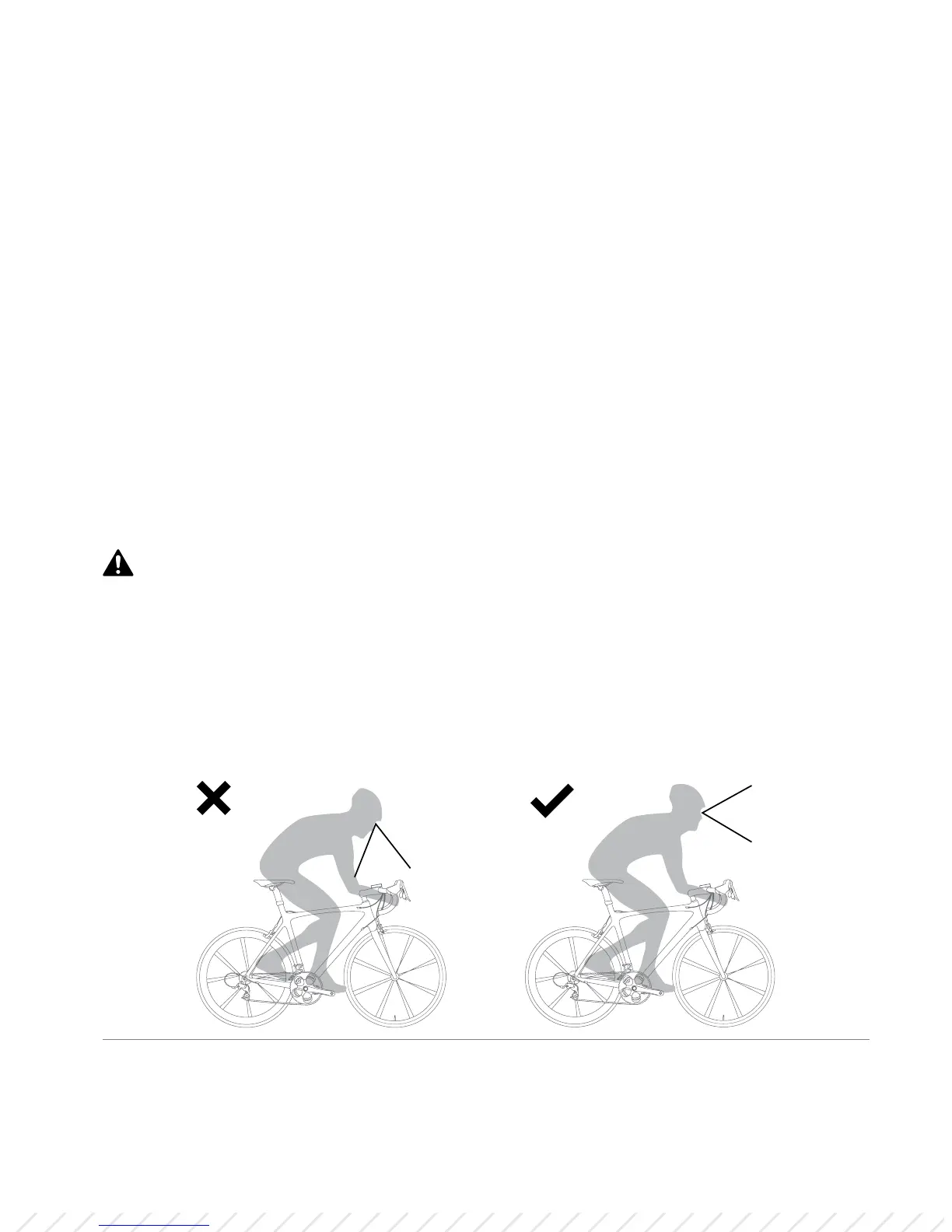
When riding your bicycle, do not stare at the computer for a long time (Figure 1).
If you do not watch the road, you could hit an obstacle, which might cause you
to lose control and fall.
Figure 1. Do not stare at computer for long periods of time.













 To Next Page