3
EN
Getting started: process overview
Getting your GoTime up and running is easy and takes only about 10 minutes.
However, it will help you through the process if you take the time to completely
read this manual before you start. For example, you cannot complete the setup
process (#3 below) if the sensor cannot read the magnet in the wheel (#1).
Here are the steps in the process:
1 - Install the speed sensor and wheel magnet.
2 - Install the battery in the computer.
3 - Setup your preferences for time, miles, etc.
4 - Install the computer on the handlebar.
Tools required
Screwdriver, small slot type
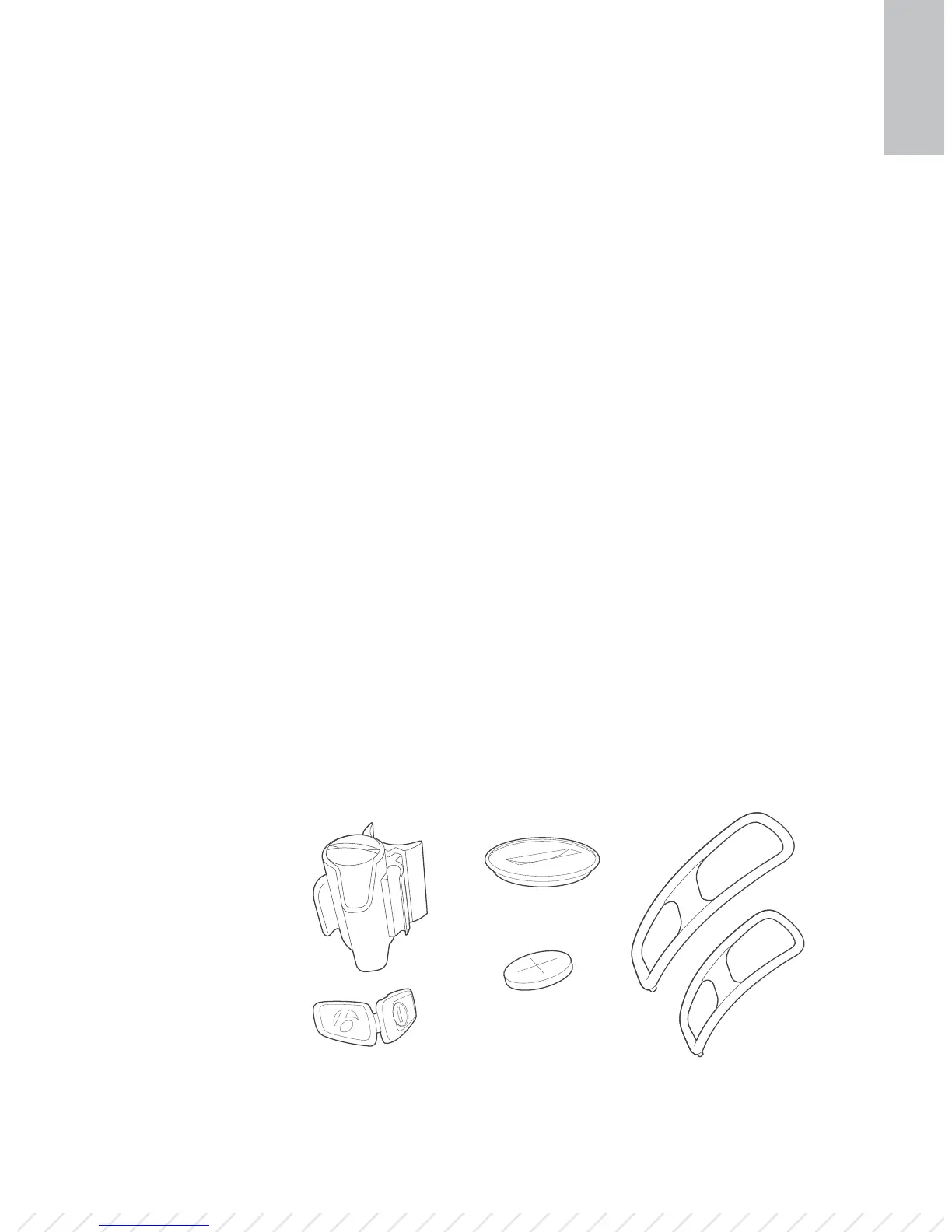
Parts list
A Speed sensor
B Spoke magnet
C Battery cover
D Battery
E Large strap
F Small strap
A D
C
B F
E













 To Next Page