Low battery feature
When the battery charge drops below 5% the light automatically adjusts the output brightness to 5
lumens. This extends the light output for an additional 30 minutes.
Locking/Unlocking the mode
Turn on and select the desired mode, then press and hold the power button 8 seconds to select it. The
light will turn off and the main LED will flash once.
To unlock, repeat the process.
Auto brightness
The light is shipped with an ambient light sensor enabled. The light automatically changes modes with
ambient light conditions. It changes from Day Flash to High Steady. To disable, with the light off, press
and hold the power button 8 seconds. The light will flash once.
NOTE: When auto brightness is enabled, all modes are manually accessible.
Reset
To reset the light to factory default settings, with the light on, press and hold the power button for 15
seconds. The main LED will flash once at 8 seconds, and again at 15 seconds. Release the button after
the second flash.
Wireless Communication
The light is shipped with ANT+ and Bluetooth wireless connectivity enabled. To disable, with the light
off, press and hold the power button for 15 seconds. The main LED will flash once at 8 seconds, and
again at 15 seconds. Release the button after the second flash.
NOTE: The status LED flashes blue every 15 seconds when wireless is enabled.
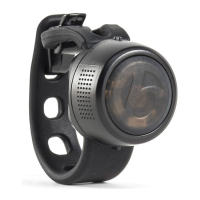
Flare RT information, installation, and special features











 To Next Page