1. Insert the SIM pin that’s provided to eject the SIM tray and then slide it out gently.
2. Place or remove the Nano SIM card and the microSD™ card in the correct slot as shown.
NOTE: SIM pin is included in the box. MicroSDTM memory cards are sold separately.
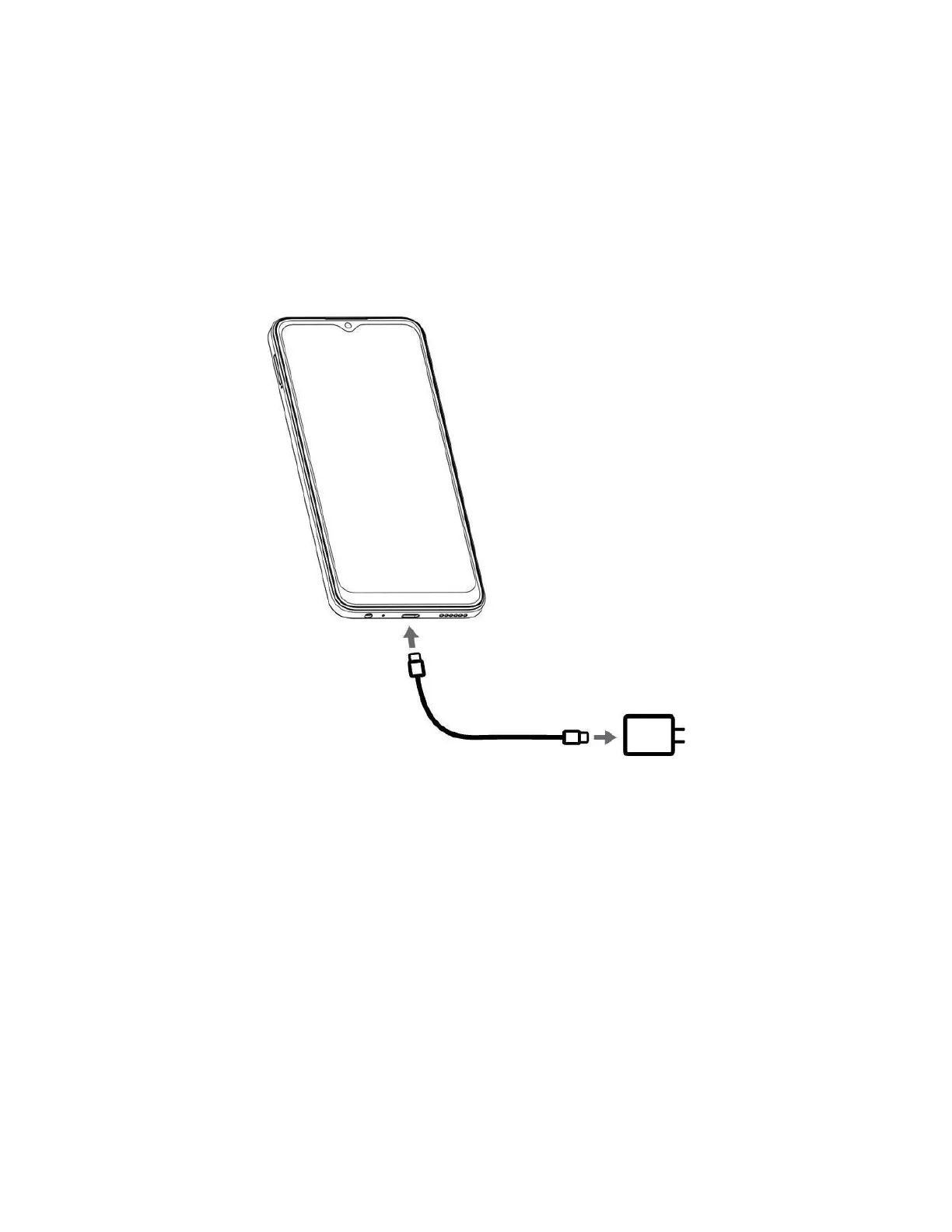
Charge the Battery
1. Insert the USB-C cable into the phone and the charger head.
2. Plug the charger head to the power outlet.
Power Your Phone On
Press and hold the Power key on the upper right edge of your phone to activate your phone.
NOTE: the first time you turn the phone on, you will see the startup screens. Follow the instructions on each
screen to set up your phone.
Power Your Phone Off
1. Press and hold the Power key and the Upper Volume Key until the menu pops up.
2. Tap Power off.



 To Next Page