Camera
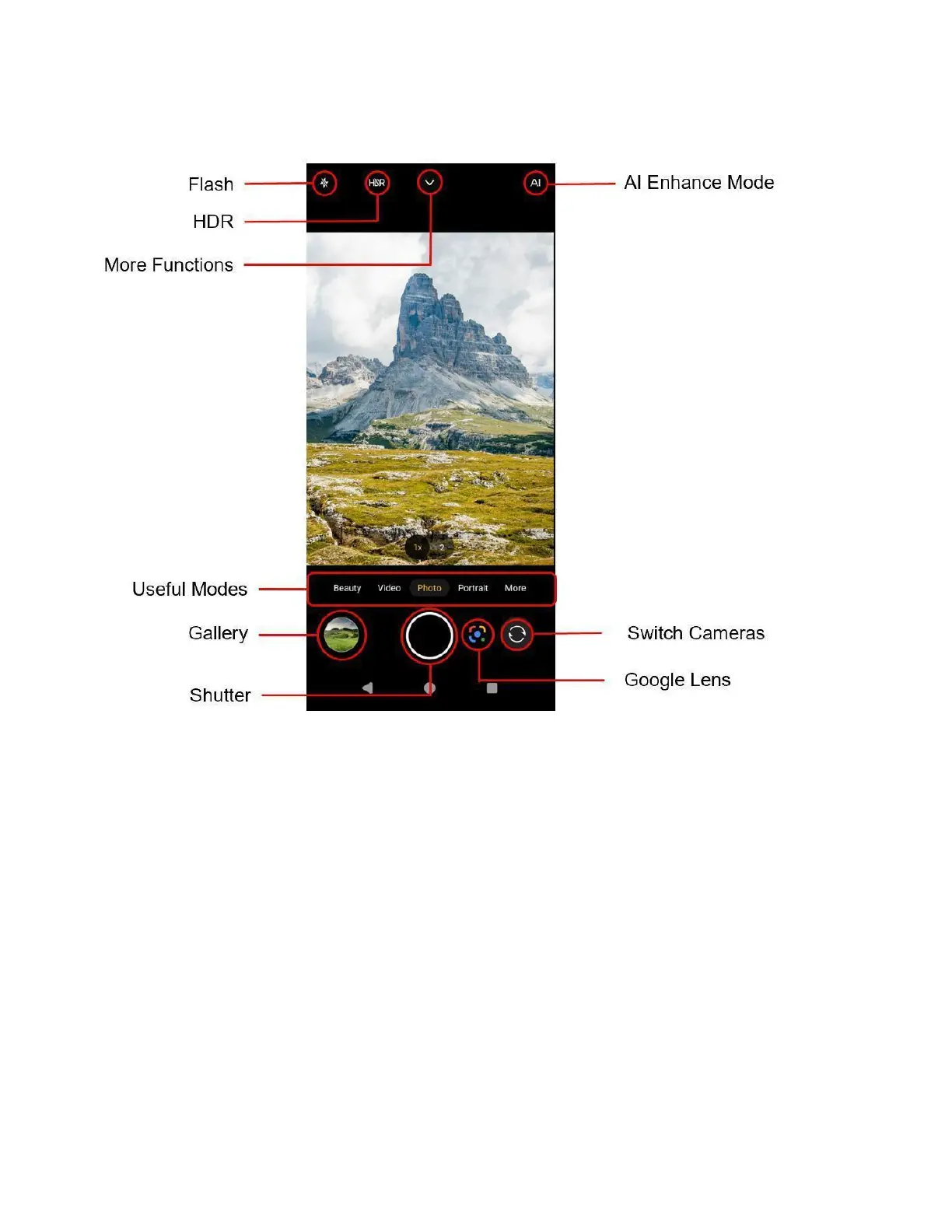
● Flash: Enable Flash, Auto Flash or disable the Flash for the camera.
● More Functions: Letting you choose additional camera settings, such as picture size, grid line.
● Zoom slider: Slide to zoom in or out.
● Useful modes: Switch between different camera modes.
● Photos: Enter the Photos and view photos.
● Shutter: Tap to take a photo.
● Google Lens: Search what you see through the camera.
● Switch Cameras: Switch between the back camera lens and the front-facing camera lens (for
self-portraits, video chatting, etc.).



 To Next Page