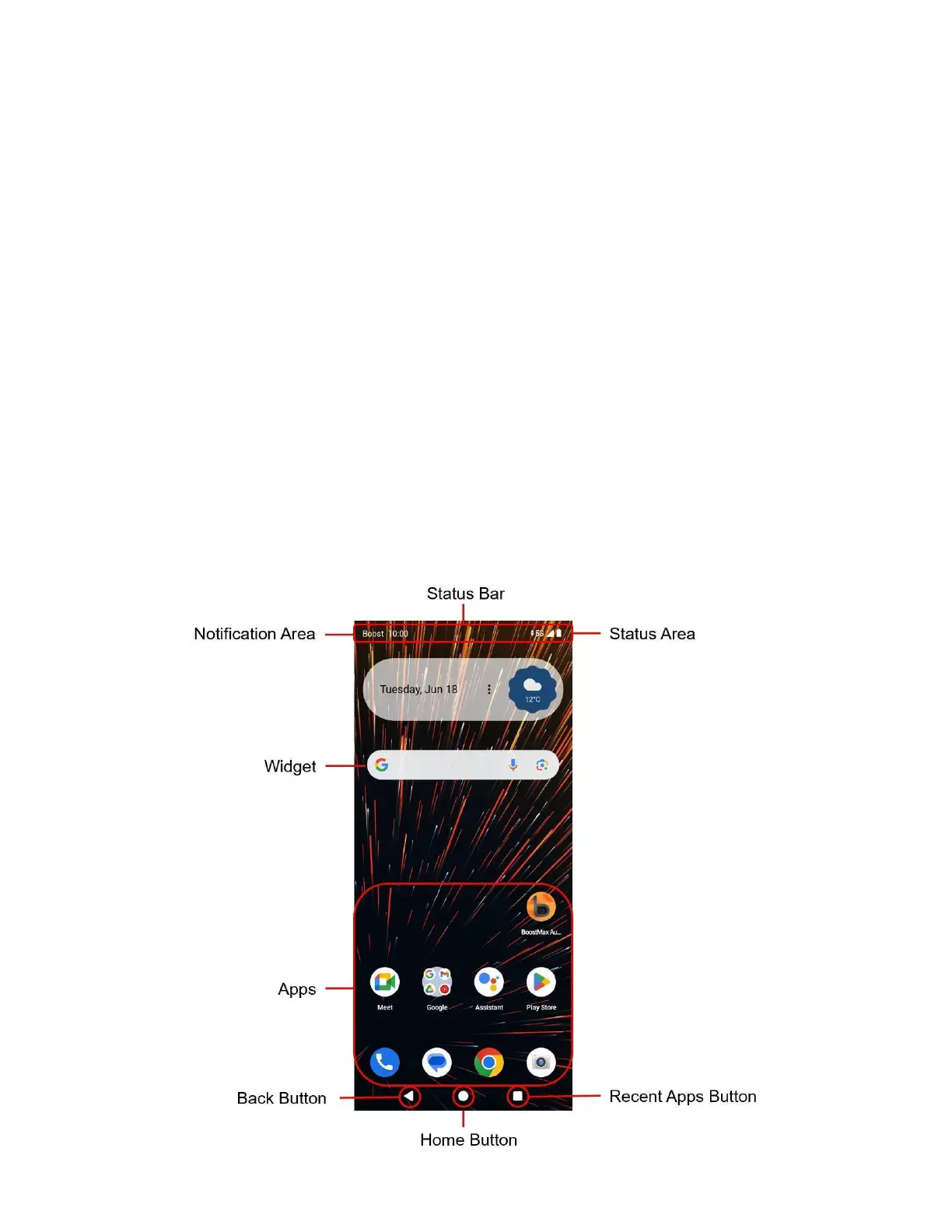
Basic Operations
The following topics offer an overview of your phone’s basic operations.
Lock and Unlock Your Screen
Your phone allows you to quickly turn the screen off when not in use and to turn it back on and unlock it when
you need it.
Turn the Screen On and Unlock It
1. To turn the screen on, press the Power key.
2. Swipe your finger across the screen to unlock it.
Note: If you have set up a screen lock, you will be prompted to draw the pattern or enter the
password or PIN. See Screen Lock.
Home Screen



 To Next Page