Question: Call does not connect.
Answer 1: Was the number dialed using the area code? If not, try dialing using the full 10-digit
number including the area code.
Answer 2: Are you in an area with poor wireless coverage? Try calling again from another area.
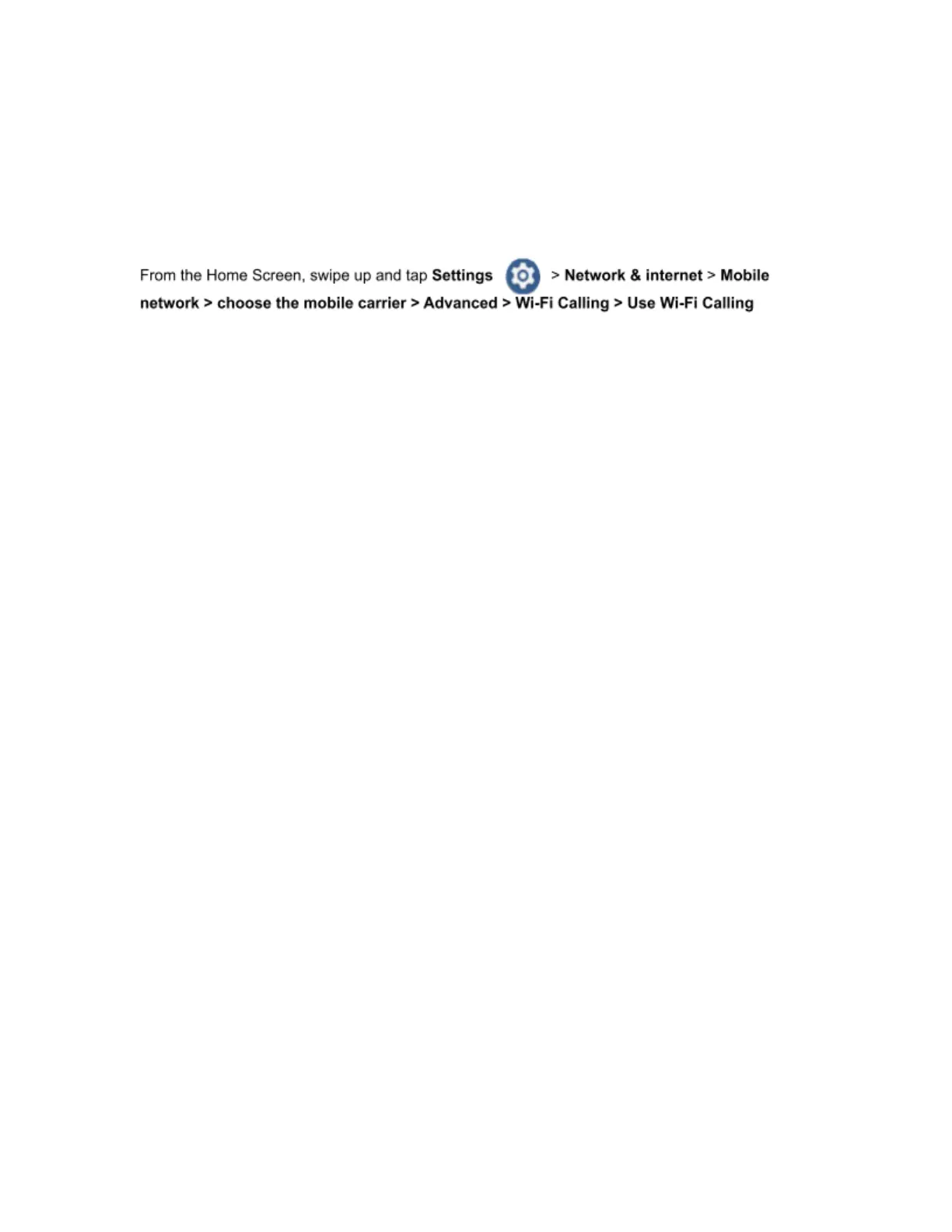
Answer 3: Activate Wi-Fi calling.
FCC Notice and Cautions
This device and its accessories comply with Part 15 of FCC Rules. Operation
is subject to the following conditions:
(1) This device and its accessories may not cause harmful interference.
(2) This device and its accessories must accept any interference received, including interference that may
cause undesired operation.
Part 15.21 Statement:
Changes or modifications that are not expressly approved by the manufacturer could void the user’s authority
to operate the equipment.
Part of Statement 15.105:
This equipment has been tested and found to comply with the limits for a class B digital device, pursuant to
Part 15 of the FCC Rules. These limits are designed to provide reasonable protection against harmful
interference in a residential installation. This equipment generates, uses, and can radiate radio frequency
energy and, if not installed and used in accordance with the instructions, may cause harmful interference to
radio communications. However, there is no guarantee that interference will not occur in a particular
installation. If you experience interference with reception (e.g., television), determine if this equipment is
causing the harmful interference by turning the equipment off and then back on to see if the interference is
affected.
If necessary, try correcting the interference by one or more of the following measures:
• Reorient or relocate the receiving antenna.
• Increase the separation between the equipment and receiver.
• Connect the equipment into an outlet on a circuit different from that to which the receiver is
connected.
• Consult the dealer or an experienced radio/TV technician for further assistance.



 To Next Page