INGENIO COMPACT 10-20kVA Руководство по быстрому монтажу
Installation and start-up of INGENIO COMPACT 10÷20 kVA
OMS90052 РЕД. / REV.A
41
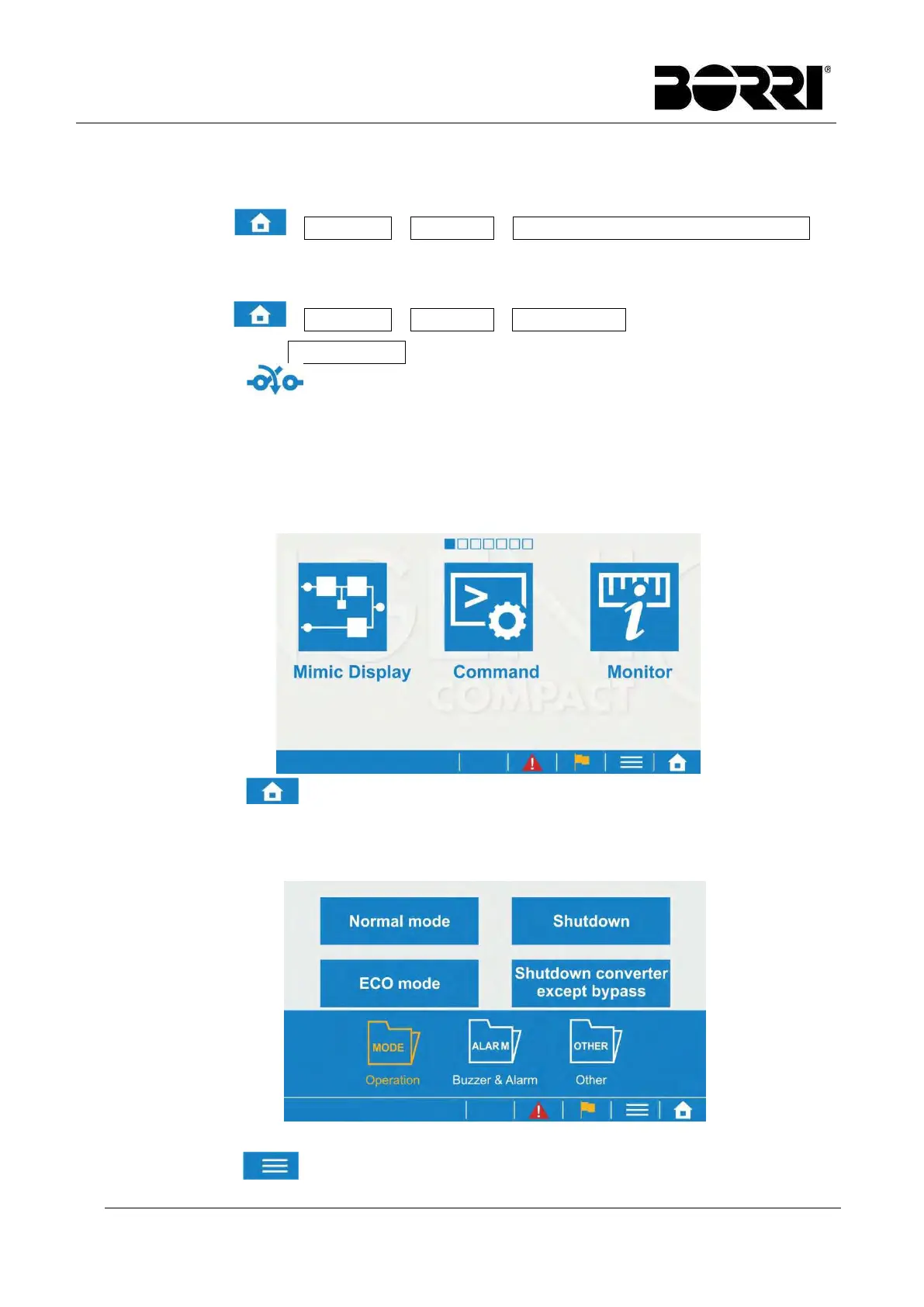
1.3.6 Maintenance bypass → normal mode
(6) Close Output, Mains Input and Bypass switches
(7) Select →Command→Operation→Shutdown converter except bypass on
LCD display.
(8) Open maintenance bypass switch
(9) Select →Command→Operation→Normal mode on LCD display.
(10) Return to Mimic Display. Wait for few minutes, the rectifier will be start and
the icon will show you when can close the Battery line switch/fuses to
connect the batteries.
1.4 MENU
Click to enter to Menu screen as shown in above picture. Slide the
screen to switch to other menu page and click the menu icon to enter to the
desire function.
Click to hide/show the sub-menu.



 To Next Page