1.3Setting the Preset Tour period
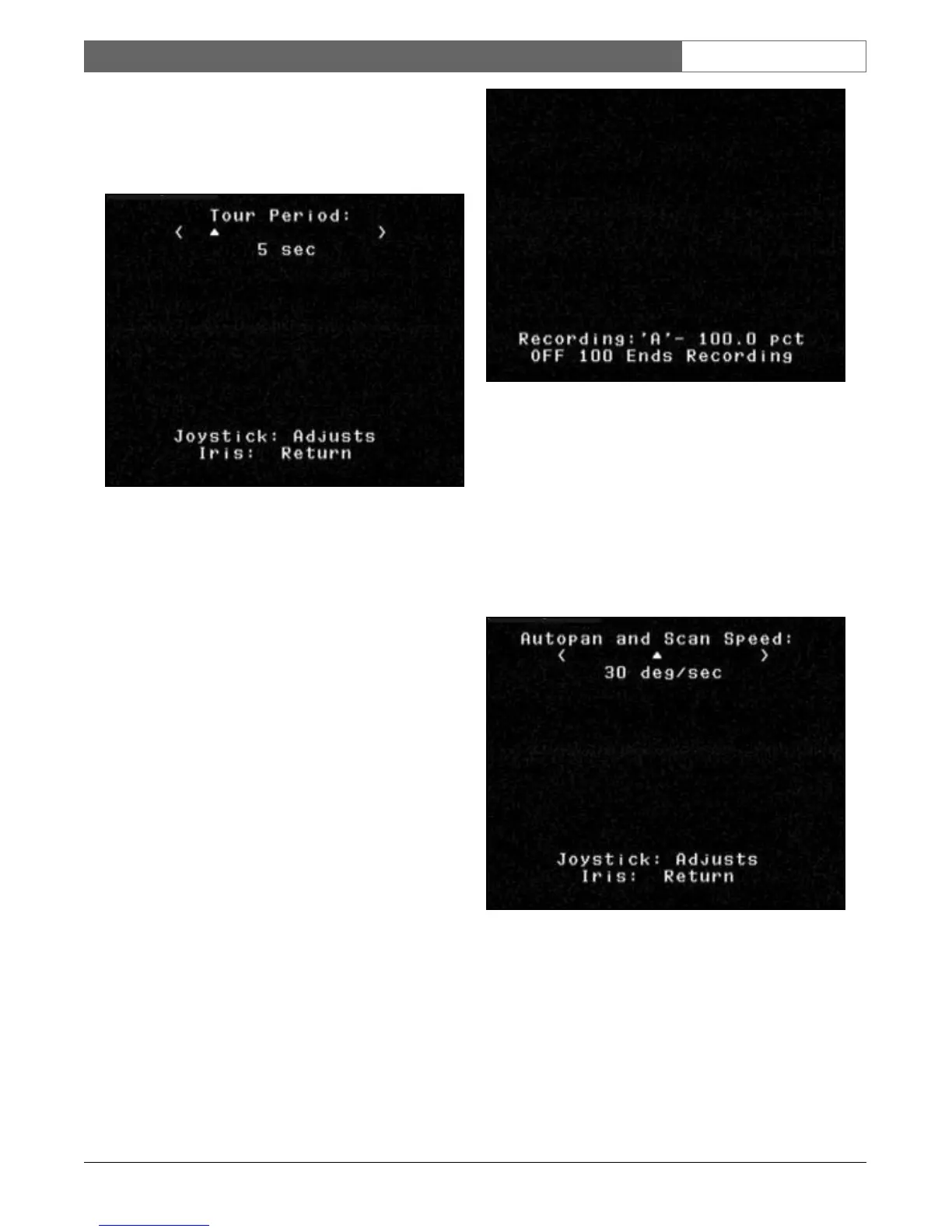
To c hange the time duration between Presets during a
Preset Tour, type ON-15-ENTER and use the joystick for
adjustments (see FIGURE 4).
Figure 4: Preset Tour Period Adjustments
1.4 Record/Playback Tours
Two independent macros (series of commands) can be
recorded: A & B. These macros can be several hours in
duration, although tours involving constant commands
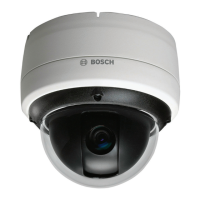
only last minutes. While recording, the on-screen display
(see FIGURE 5) indicates remaining memory. To begin
recording on A, move the camera to the desired starting
point, then type ON-100-ENTER. The BasicDome now
records all camera activities until the recording is ended
by OFF-100-ENTER. Once A has been recorded, B is
available via the ON/OFF-101-ENTER command.
Playback can be continuous (ON-50-ENTER FOR A,
ON-52-ENTER FOR B) or one shot (ON-51-ENTER
FOR A, ON-53-ENTERFOR B).
Figure 5: Recording
1.5 Changing AutoPan and AutoScan
Speeds
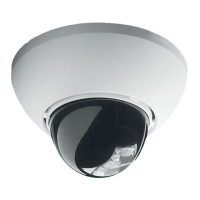
The AutoPan and AutoScan speeds (see FIGURE 6) can
be adjusted via ON-14-ENTER. Use the joystick to
adjust the speed. It is helpful for the Pan or Scan to be
active when entering ADJUST mode to see the speed
change.
Figure 6: AutoPan / AutoScan Speed Adjust
For additional information or the nearest Bosch
location, visit our web site at
www.boschsecuritysystems.com.
Indoor Pendant & In-ceiling Models | User Manual | On-Screen Programming
Bosch Security Systems | 10 December 2003
EN
|
UM4




 To Next Page