43
Schedule Overview
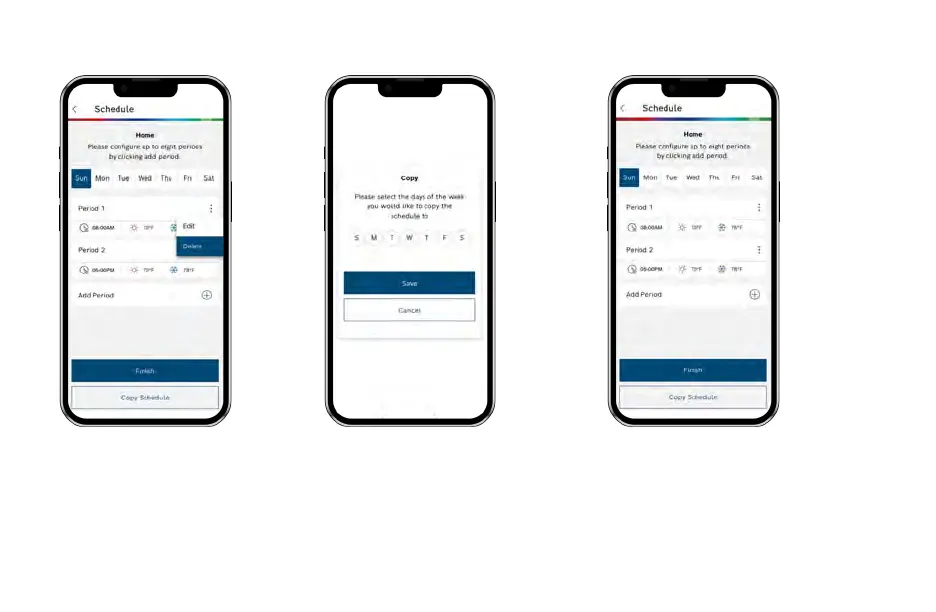
Delete an Existing Period
To delete an existing period,
click on the 3 dotted menu
button on the schedule you
want to delete and select
“Delete”.
Copy a Schedule
To copy a schedule to other days of the
week, click on the “Copy Schedule”
button. Then lettered days at the bottom
of the screen until all days you would like
to copy in the existing schedule have
turned green and click Copy Schedule.
Save Schedule
Use the Finish button to save all
changes.



 To Next Page