D7212GV2 | Operation and Installation Guide | Appendix B: Point Address Chart
56 Bosch Security Systems, Inc. | 5/05 | F01U003805B
Appendix B: Point Address Chart
Place the labels on the base of the POPIT. Do not attach labels to the POPIT cover.
A bullet (•) in the switch column indicates that the switch is set to ON.
Use D8127 or D9127 POPITs for Points 9 to 40. D8127 POPITs have DIP switches 1 to 6; D9127 POPITs have
DIP switches 0 to 6.
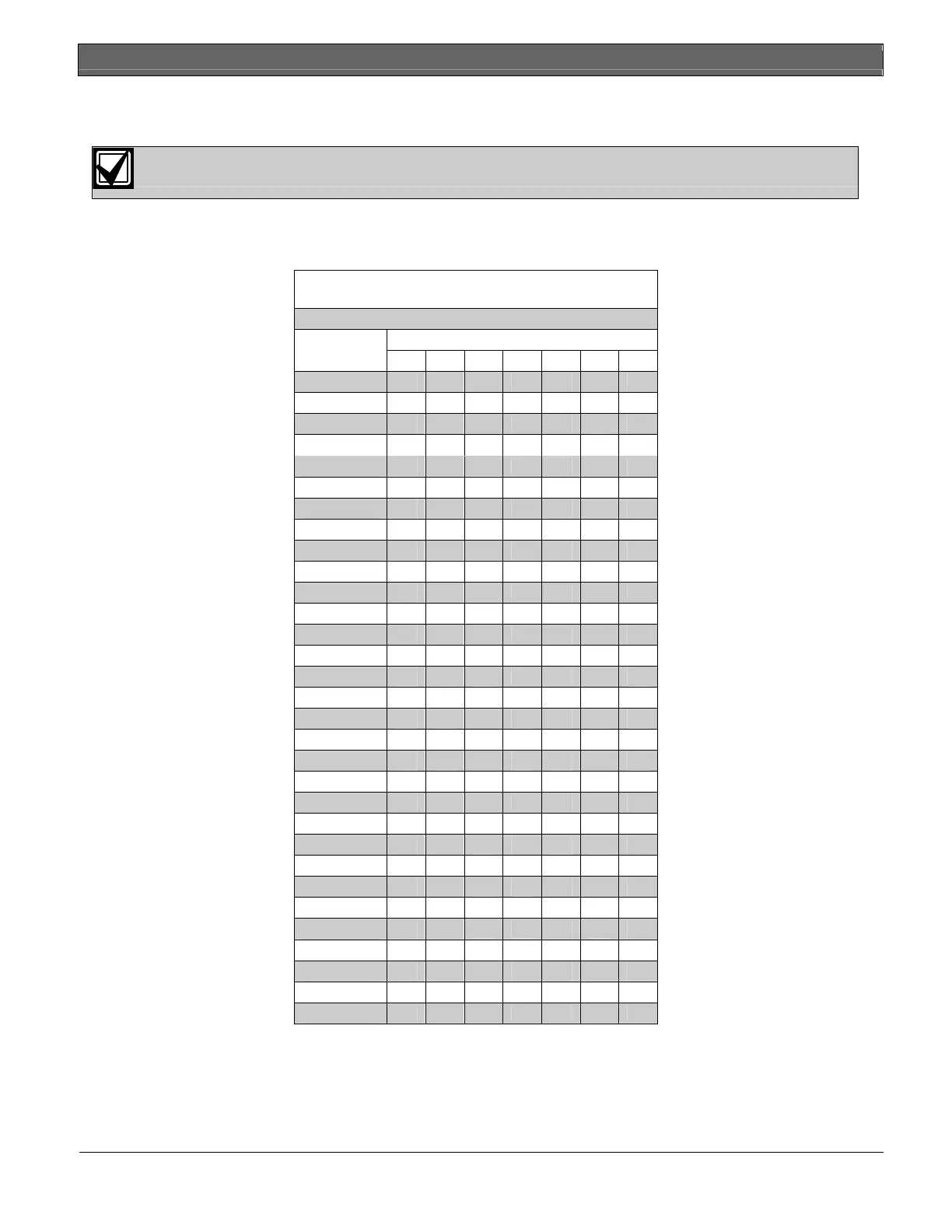
Table 22: Zonex 1, Points 9 to 40
Switch
Address 0 1 2 3 4 5 6
009
• • • • • • •
010
• • • • • •
011
• • • • •
•
012
• • • • •
013
• • • •
• •
014
• • • •
•
015
• • • •
•
016
• • • •
017
• • •
• • •
018
• • •
• •
019
• • •
•
•
020
• • •
•
021
• • •
• •
022
• • •
•
023
• • •
•
024
• • •
025
• •
• • • •
026
• •
• • •
027
• •
• •
•
028
• •
• •
029
• •
•
• •
030
• •
•
•
031
• •
•
•
032
• •
•
034
• •
• • •
035
• •
• •
036
• •
•
•
037
• •
•
038
• •
• •
039
• •
•
040
• •
•



 To Next Page