EasyManua.ls Logo

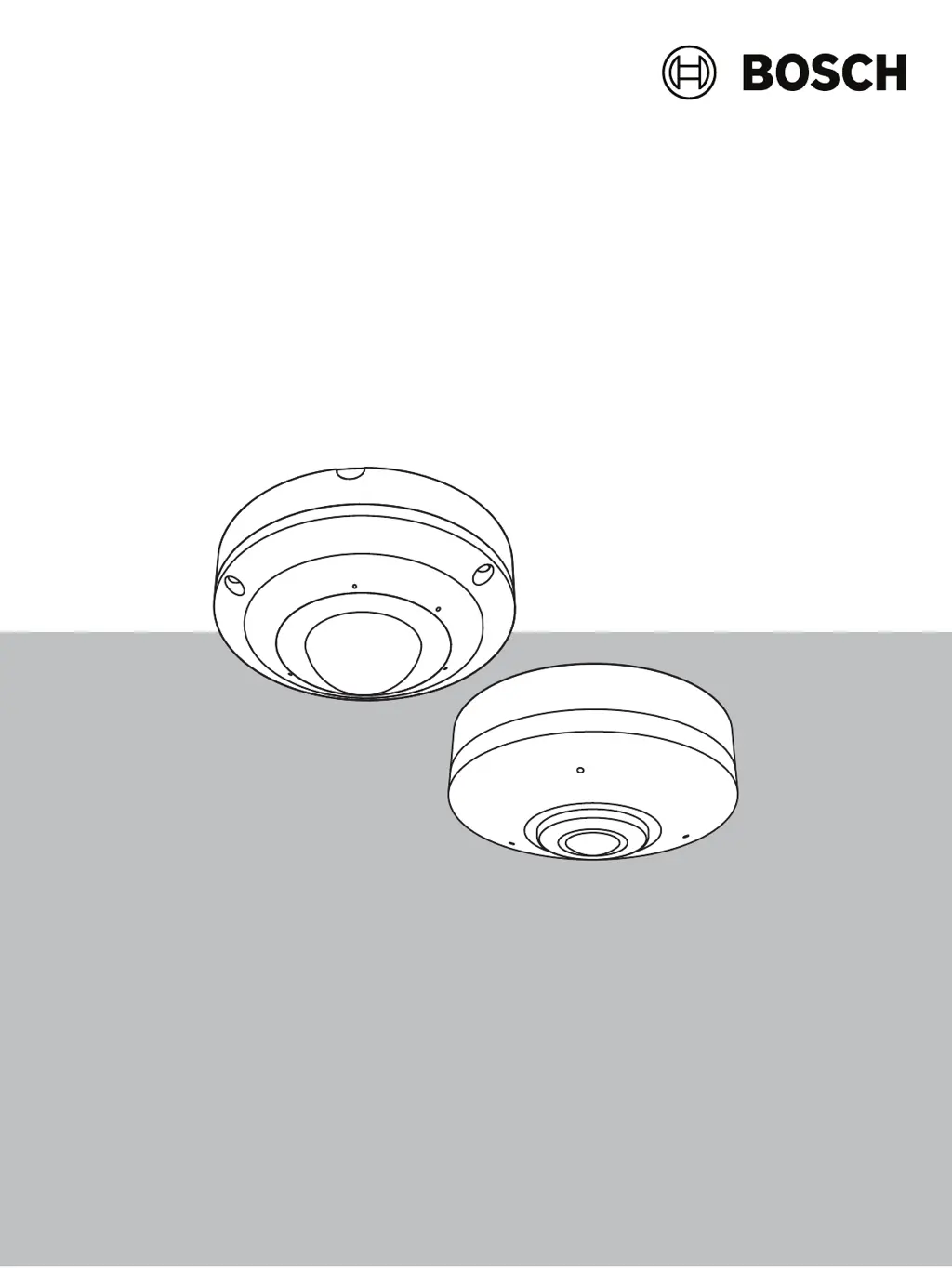
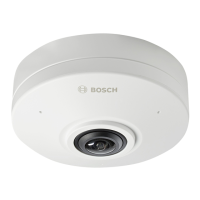
Bosch FLEXIDOME panoramic 5100i - User Manual

Bosch FLEXIDOME panoramic 5100i
54 pages
Print Icon
To Next Page IconTo Next Page
Loading...
FLEXIDOME panoramic 5100i | FLEXIDOME
panoramic 5100i IR
NDS‑5703‑F360 | NDS‑5704‑F360 | NDS‑5703‑F360LE |
NDS‑5704‑F360LE
en
User manual

Other manuals for Bosch FLEXIDOME panoramic 5100i

Questions and Answers

  • K
    Kathleen DuncanJul 29, 2025
    What to do if Bosch FLEXIDOME panoramic 5100i Digital Camera is not operational after a firmware upload?
    • R
      Rachel BerryJul 29, 2025
      If your Bosch Digital Camera unit isn't operational after a firmware upload, it might be due to a power failure during programming. In this case, have the unit checked by Customer Service and replace if necessary. Another reason might be an incorrect firmware file. To solve this, enter the IP address of the unit followed by /main.htm in your Web browser and repeat the upload, ensuring you only use CPP14 firmware files.
  • S
    Shelby CostaAug 7, 2025
    Why Bosch FLEXIDOME panoramic 5100i has no connection established and no image transmission?
    • S
      Sonya GonzalezAug 7, 2025
      If your Bosch Digital Camera shows no connection and doesn't transmit images, it could be due to several reasons. First, the unit configuration might be incorrect; in this case, check all configuration parameters or reset to factory default if necessary. Second, the installation may be faulty; check the PoE. Third, a wrong IP address may be the cause, so check the IP addresses and try to ping. Fourth, faulty data transmission within the LAN could be the reason; check the data transmission with ping. Lastly, the maximum number of connections might have been reached; wait until there is a free connection and call the transmitter again.
  • J
    Jessica PerezAug 18, 2025
    What to do if web browser contains empty fields when using Bosch Digital Camera?
    • A
      Ashley CoxAug 18, 2025
      If your web browser shows empty fields when using your Bosch Digital Camera, it's likely due to an active proxy server in your network. To resolve this, create a rule in the local computer's proxy settings to exclude local IP addresses.

Summary

Browser Connection

System Requirements

Essential prerequisites for connecting to the camera via a web browser.

Establishing Network Connection

Steps to connect the camera to the network and access its interface.

System Overview

Camera Interface Overview

Understanding the main interface components and functions of the camera.

Live Video and Playback

Viewing live streams and operating playback of recorded video.

Camera Configuration

General Settings

Basic identification, user management, and date/time setup.

Camera Image Settings

Adjusting image quality, positioning, and scene modes.

Network Access Configuration

Setting up IP addresses, subnet masks, and gateway for connectivity.

Firmware Update

Instructions for updating the camera's firmware.

Troubleshooting

Hardware Reset Procedure

Steps to reset the camera to factory default settings.

Bosch FLEXIDOME panoramic 5100i Specifications

General IconGeneral
Camera TypePanoramic
ApertureF2.0
Field of View360°
Video CompressionH.265, H.264, MJPEG
PowerPoE (IEEE 802.3af), 12 VDC
Ingress ProtectionIP66
Impact ProtectionIK10
Intelligent Video AnalyticsEssential Video Analytics
Sensor TypeCMOS
Lens TypeFixed
Day/NightYes
WDR120 dB
Frame Rate30 fps
AudioTwo-way audio support
InterfaceRJ45 Ethernet
Power SupplyPoE

Related product manuals