EasyManua.ls Logo

Bosch NDP-7602-Z40L - User Manual

Bosch NDP-7602-Z40L
80 pages
Print Icon
To Next Page IconTo Next Page
Loading...
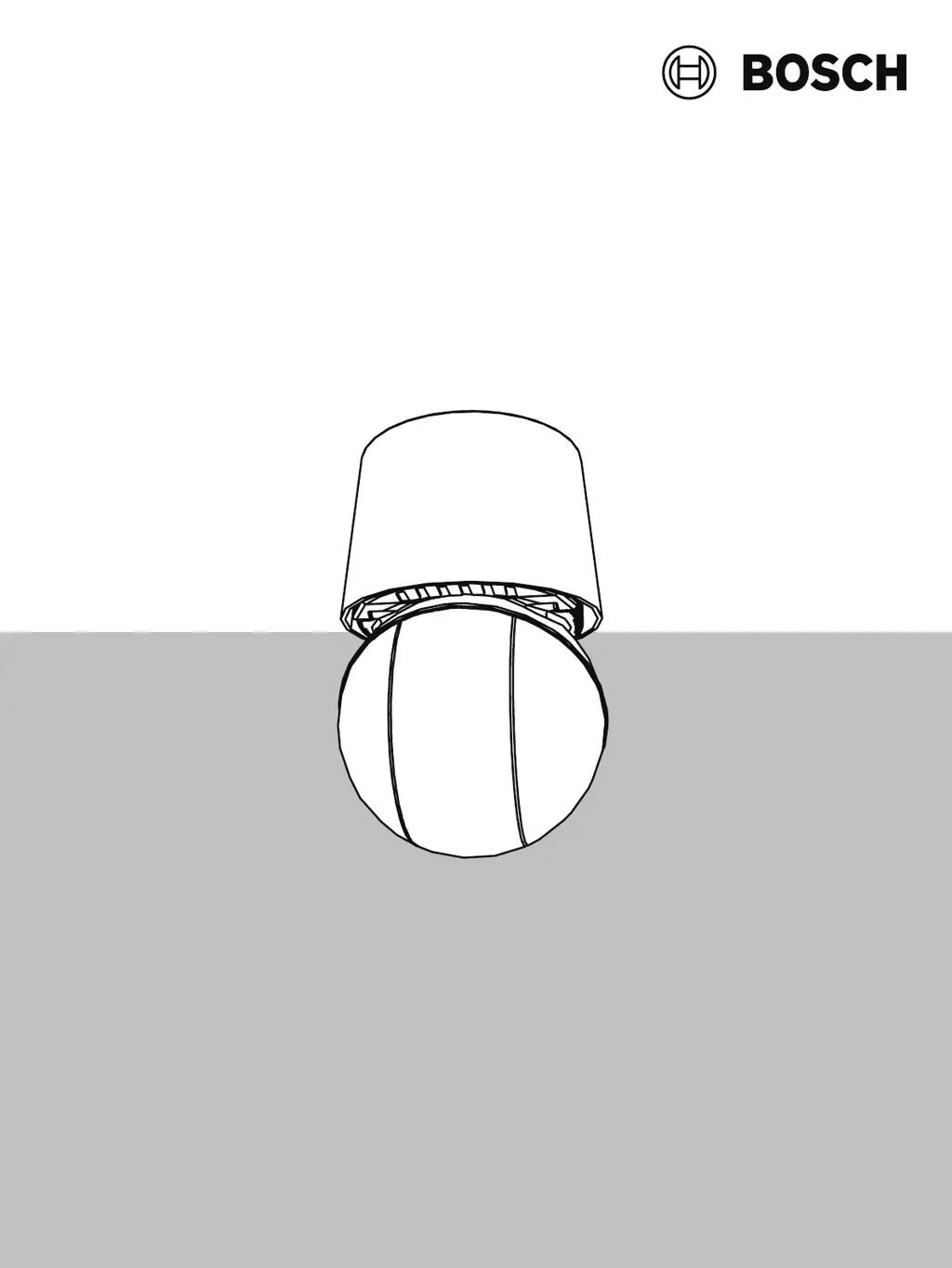
AUTODOME 7100i
NDP‑7602‑Z40 | NDP‑7602‑Z40L | NDP‑7604‑Z12L
en
User Manual

Other manuals for Bosch NDP-7602-Z40L

Questions and Answers

  • M
    Michelle MillerAug 22, 2025
    What to do if there is no video on my Bosch Digital Camera?
    • M
      Mrs. Lori SkinnerAug 22, 2025
      First, ensure the mains power to the power supply is on. Verify that the PoE switch or midspan supports IEEE 802.3bt Type 3 (60W) for non-IR models, and IEEE 802.3bt Type 4 (90W) for IR models. Check that the SFP module is used on both ends of the fibers, supports the fiber type, and operates at 1000Mbits/sec. If you don't have a web page, you may have the wrong IP address; use Configuration Manager to find the correct one. If you have a web page, check for 24 V output from the transformer. Verify the integrity of all wires and connectors to the camera. As a last resort, reset the camera to factory defaults.
  • C
    crystalrobinsonAug 25, 2025
    How to restore camera control on a Bosch Digital Camera?
    • M
      madison90Aug 25, 2025
      First, ensure the LAN cable has a secure connection. Refresh the browser and ensure video is updated. Ping the camera’s IP address and try again to control the camera. If that doesn't work, reset the camera to factory defaults. If using PoE, verify that the PoE midspan or PSE Ethernet switch supports IEEE 802.3bt Type 3 (60W) for Non-IR AUTODOME models, and IEEE 802.3bt Type 4 (90W) for IR AUTODOME models. Non-compliant midspans may not provide adequate power, disabling features like motor control. Finally, cycle the camera's power off and on.
  • K
    Kevin ZunigaAug 27, 2025
    Why does my Bosch Digital Camera reboot frequently?
    • N
      Nichole Bond MDAug 28, 2025
      Your camera may have an improper network connection. Try testing your camera with another power supply. Check the Bosch website for a software update that might address the issue.
  • A
    andersonleeAug 29, 2025
    What to do if the image on the screen of my Bosch Digital Camera is distorted?
    • N
      Noah ObrienAug 29, 2025
      Check if the power frequency is set properly in sync. If it's not, the line lock synchronization mode cannot be used. Set the synchronization mode to INT. For the NTSC Model power frequency in LL mode, set it to 60 Hz.
  • F
    Felicia HernandezAug 31, 2025
    How to fix rolling, noisy or distorted video on Bosch Digital Camera?
    • K
      Katherine WhiteAug 31, 2025
      Check that there is not too much vibration in the application. Check the frequency by going to the SETTINGS page, clicking Advanced Mode, then Camera, and then Installer Menu. In the Base frame rate field, choose either 25 ips or 30 ips. Also, check the integrity of all connectors and splices of the Ethernet cable.
  • E
    evansbrianSep 2, 2025
    What to do if background is too bright on Bosch Digital Camera?
    • S
      stacydavidSep 2, 2025
      Turn on backlight compensation via the Settings menu (or by using 20 Aux ON/OFF). Check if the Iris is in Manual mode and if it is too open.
  • J
    James WhiteSep 3, 2025
    Why does my Bosch Digital Camera move when trying to move other cameras?
    • D
      Dr. Maria BrownSep 3, 2025
      Check that the camera’s IP address is properly set. If the camera’s IP address is not set, use Configuration Manager to confirm that two cameras do not have the same IP address. If they do, change the address of one of the cameras.
  • J
    Jonathan WoodSep 5, 2025
    Why is the image flickering on my Bosch Digital Camera?
    • C
      Christopher MillerSep 5, 2025
      Check if the camera faces directly into the sun or fluorescent lighting. If so, reposition the camera.
  • J
    jdyerSep 7, 2025
    What to do if my Bosch Digital Camera shows a web page but no video?
    • D
      Dr. Melanie Trevino MDSep 7, 2025
      Refresh the web browser. Close and reopen the web browser. Try a different web browser. Check that the lens IRIS is not closed down all the way by manually attempting to open it. If there is no STREAM1 or STREAM2 display check to see if there is a M-JPEG display. If there is M-JPEG but not a STREAM1 or STREAM2 display in H.264 or H.265 then the problem might be with the BOSCH VideoSDK software version.
  • A
    Angela HouseSep 8, 2025
    What to do if there is loss of privacy when using Privacy Mask on Bosch Digital Camera?
    • A
      Anne JacksonSep 9, 2025
      If using web browsers, BVC, or BVMS, press the FindHome key on the Special Functions menu to realign the mask to its original position. If using Intuikey (keyboard connected to BVC or BVMS), issue a SetScene 110 command to realign the mask.

Summary

Browser Connection Setup

Establishing Network Connection

Details steps to connect the camera to a network via IP address.

System Overview

Device Configuration Access

Access and modify camera settings and the application interface.

Operation via Browser Interface

Live Page Controls

Controls for viewing live video, PTZ, focus, and pre-positions.

Playback and Exporting Video

Search, select streams, export recorded video, and control playback.

Camera Configuration Settings

User Management and Security

Manage user access levels, passwords, and authentication modes.

Advanced Configuration Options

Encoder Streams and Privacy Masks

Configure encoder streams, prioritization, and privacy mask areas.

Storage and Alarm Management

Network and Service Settings

Recommended Camera Use and Troubleshooting

Troubleshooting Camera Issues

Resolving display, video, control, and network problems.

Completing a Hardware Reset

Procedure for performing a factory reset on the camera.

Status Codes and AUX Commands

Bosch NDP-7602-Z40L Specifications

General IconGeneral
ModelNDP-7602-Z40L
CategoryDigital Camera
Sensor TypeCMOS
Resolution1920 x 1080
Maximum Resolution1920 x 1080
Lens TypeMotorized zoom lens
Digital Zoom12x
Frame RateUp to 60 fps
Operating Temperature-40 °C to +60 °C (-40 °F to +140 °F)
Ingress ProtectionIP66
Image Sensor1/2.8" CMOS
ApertureF1.5 - F4.9
Shutter Time1/30 s - 1/10000 s
Day/NightAuto (ICR)
Video CompressionH.265, H.264, M-JPEG
Audio CompressionG.711, G.726, AAC
Ethernet10/100 Mbps
Network InterfaceRJ-45
ProtocolsIPv4, IPv6, HTTP, HTTPS, TCP, UDP, RTSP, RTP, RTCP, IGMP, ICMP, ARP, DHCP, DNS, DDNS, NTP, FTP, SMTP, UPnP, SNMP
Edge StoragemicroSD/SDHC/SDXC card slot (up to 2 TB)
Power Supply24 VAC, High PoE
Weight1.5 kg
Focal Length4.5 mm to 180 mm
Minimum Illumination0.05 lux (color), 0.01 lux (B/W)
DimensionsØ245 mm x 359 mm (Ø9.6 in. x 14.1 in.)

Related product manuals