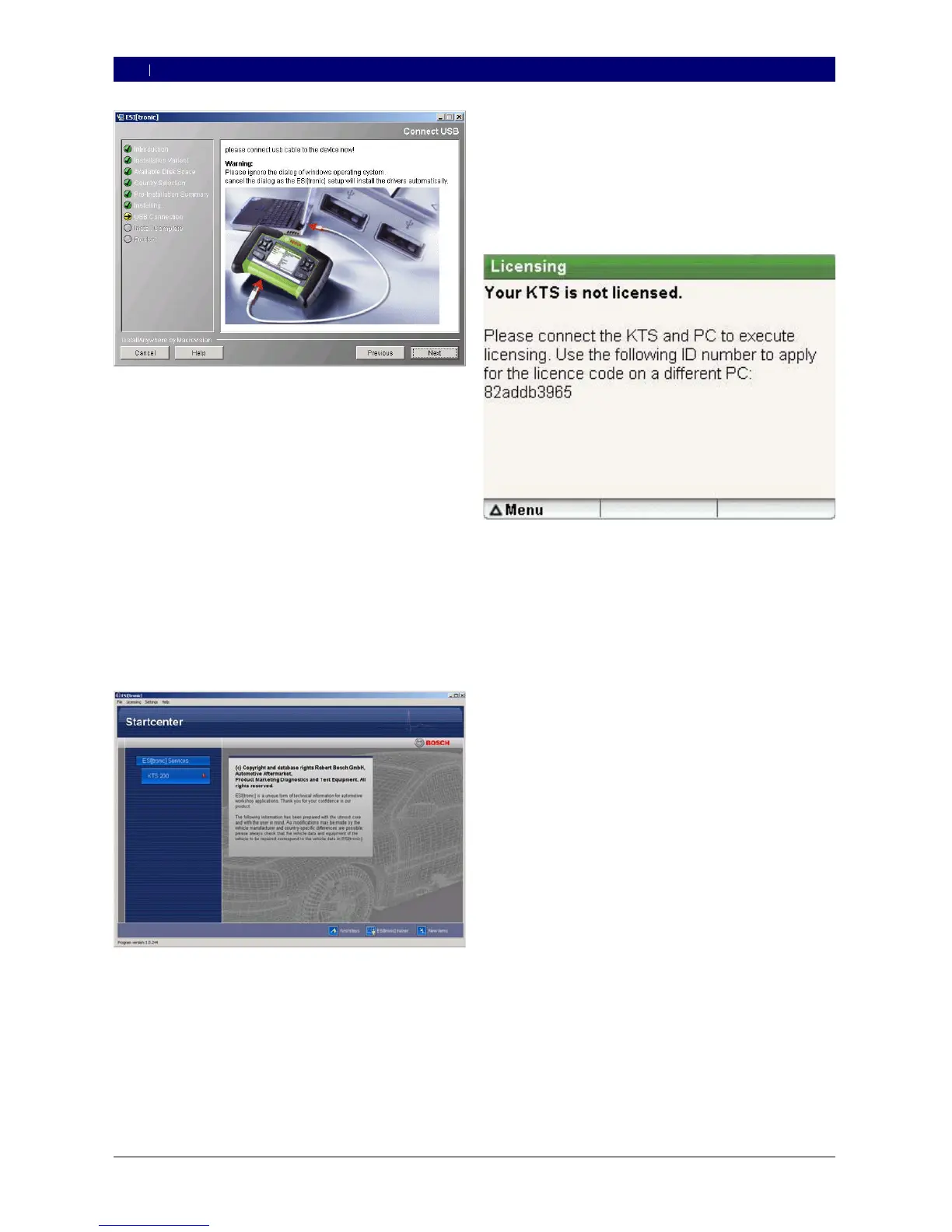
The first time you connect the KTS 200 to the
PC/laptop, the USB driver installation in the Win-
dows operating system must not be carried out. The
ESI[tronic] Startcenter installation routine automati-
cally installs the USB driver that enables the KTS 200
to communicate with the PC/laptop.
If the Adobe Reader software is not yet installed on
the PC/laptop, it will be installed at the end of the
ESI[tronic] Startcenter installation routine. Adobe
Reader is required to display the logs from KTS 200
control unit diagnosis on the PC/laptop.
6. When installation is complete, restart the computer.
Windows is shut down and ESI[tronic]
Startcenter is restarted.
7. License the KTS 200 either by fax or online.
The “Help >> Help” menu opens up the online help.
Here, you will find all of the important information
about ESI[tronic] Startcenter.
0
?
0
4.2.2 Starting the KTS 200
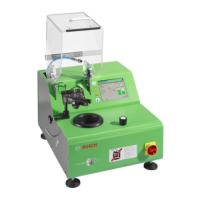
Connect the KTS 200 to the mains using the power
pack supplied.
The KTS 200 starts up.
When turned on for the first time, the KTS 200
always starts in English.
If you want to use an alternative language on the
KTS 200, select it under “Menu >> Settings >>
Language”.
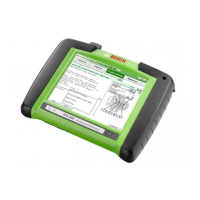
Connect the KTS 200 to the PC using the USB
connecting lead.
The KTS 200 waits for licensing to be completed.
1.
?
0
2.
3.
?



 To Next Page