EasyManua.ls Logo

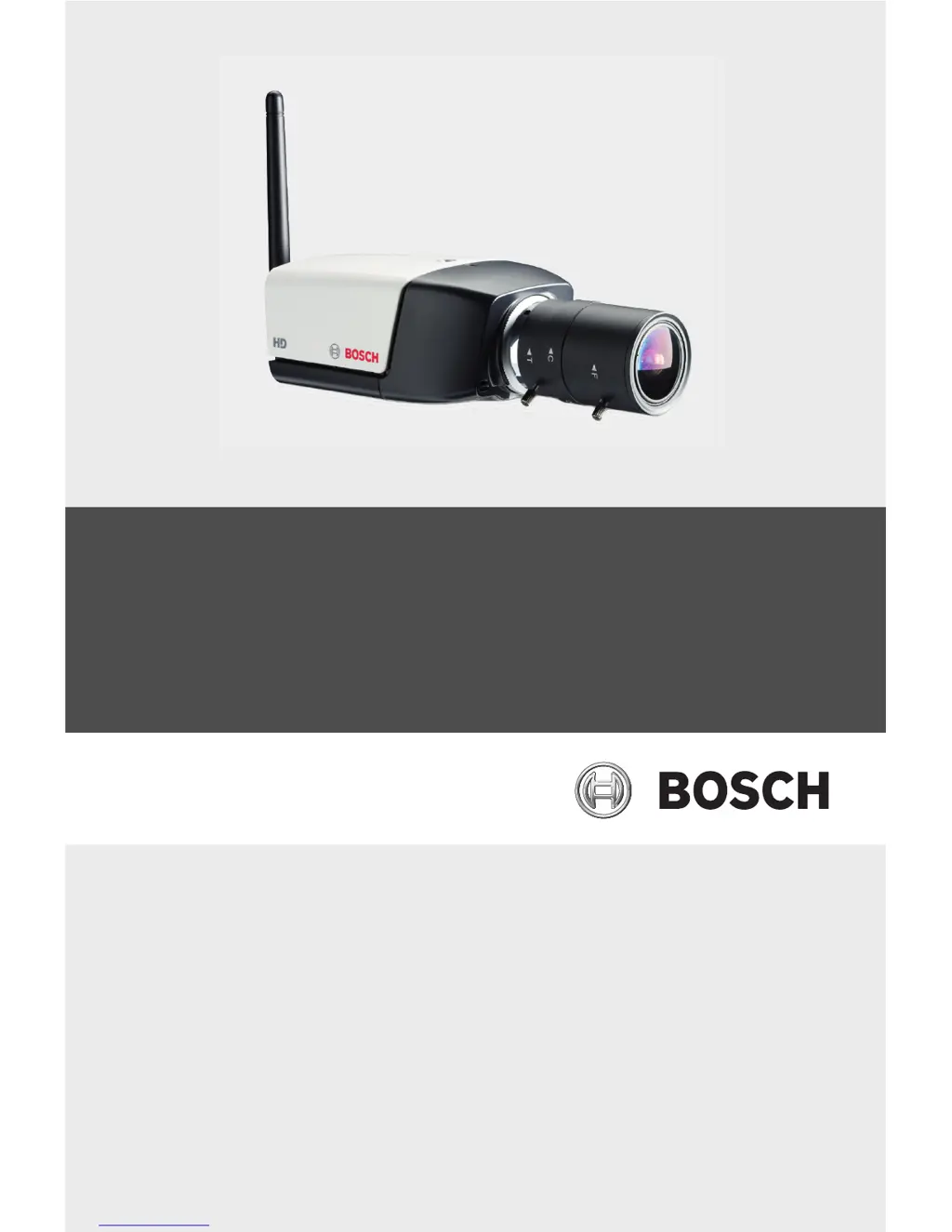
Bosch NBC-265-W - User Manual

Bosch NBC-265-W
101 pages
Print Icon
To Next Page IconTo Next Page
Loading...
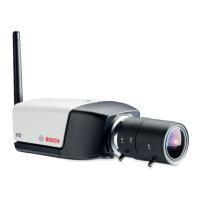
HD 720p IP Wireless Camera
NBC-265-W
en Installation and Operation Manual

Table of Contents

Questions and Answers

Summary

Safety

Safety precautions

Explains safety symbols and their meanings (DANGER, WARNING, CAUTION).

Important safety instructions

Provides a list of general safety instructions for operation and maintenance.

Introduction

Unpacking

Lists the items included in the packaging and handling precautions.

Installation

Wireless antenna

Instructions on how to attach and orient the wireless antenna.

SD card

Details on how to insert an SD/SDHC card into the camera.

Mounting the camera

Provides instructions and diagrams for mounting the camera securely.

Network connector

Explains how to connect the camera to a network using an Ethernet cable.

Power connection

Instructions for connecting the camera to a DC power supply.

Resetting the camera

Instructions on how to reset the camera to factory default settings.

Browser connection

System requirements

Lists the necessary software and hardware for browser access.

Establishing the connection

Steps to connect to the camera using its IP address via a web browser.

Password protection in camera

Details how to set up and use password protection for different access levels.

Recordings

How to access and play back recorded video sequences.

Basic Mode

Basic Mode menu tree

Overview of the basic configuration menu and how to navigate it.

Network

Configuration of network settings like IP address, subnet mask, and DHCP.

Recording

Instructions for recording images to a storage medium.

Advanced Mode

Password

Setting passwords for service, user, and live access levels.

Date;Time

Setting date, time, and time zone, including daylight saving.

Recording

Alarm

Network

Network Access

Configuring network access, IP address, and DHCP settings.

Service

Operation via the browser

Livepage

Detailed explanation of the Livepage for viewing live video.

Recordings page

Controlling playback

Features for controlling video playback, including time bar and bookmarks.

Troubleshooting

LED indicators

Explains the meaning of the camera's LED indicators for status and malfunctions.

Resolving problems

A table listing common malfunctions, their causes, and solutions.

Maintenance

Repairs

General caution about not opening the casing and only allowing qualified personnel for repairs.

Summary

Safety

Safety precautions

Explains safety symbols and their meanings (DANGER, WARNING, CAUTION).

Important safety instructions

Provides a list of general safety instructions for operation and maintenance.

Introduction

Unpacking

Lists the items included in the packaging and handling precautions.

Installation

Wireless antenna

Instructions on how to attach and orient the wireless antenna.

SD card

Details on how to insert an SD/SDHC card into the camera.

Mounting the camera

Provides instructions and diagrams for mounting the camera securely.

Network connector

Explains how to connect the camera to a network using an Ethernet cable.

Power connection

Instructions for connecting the camera to a DC power supply.

Resetting the camera

Instructions on how to reset the camera to factory default settings.

Browser connection

System requirements

Lists the necessary software and hardware for browser access.

Establishing the connection

Steps to connect to the camera using its IP address via a web browser.

Password protection in camera

Details how to set up and use password protection for different access levels.

Recordings

How to access and play back recorded video sequences.

Basic Mode

Basic Mode menu tree

Overview of the basic configuration menu and how to navigate it.

Network

Configuration of network settings like IP address, subnet mask, and DHCP.

Recording

Instructions for recording images to a storage medium.

Advanced Mode

Password

Setting passwords for service, user, and live access levels.

Date;Time

Setting date, time, and time zone, including daylight saving.

Recording

Alarm

Network

Network Access

Configuring network access, IP address, and DHCP settings.

Service

Operation via the browser

Livepage

Detailed explanation of the Livepage for viewing live video.

Recordings page

Controlling playback

Features for controlling video playback, including time bar and bookmarks.

Troubleshooting

LED indicators

Explains the meaning of the camera's LED indicators for status and malfunctions.

Resolving problems

A table listing common malfunctions, their causes, and solutions.

Maintenance

Repairs

General caution about not opening the casing and only allowing qualified personnel for repairs.

Bosch NBC-265-W Specifications

General IconGeneral
BrandBosch
ModelNBC-265-W
CategoryIP Camera
LanguageEnglish

Related product manuals