EasyManua.ls Logo

Bosch NDN-498V03-21P - User Manual

Bosch NDN-498V03-21P
138 pages
Print Icon
To Next Page IconTo Next Page
Loading...
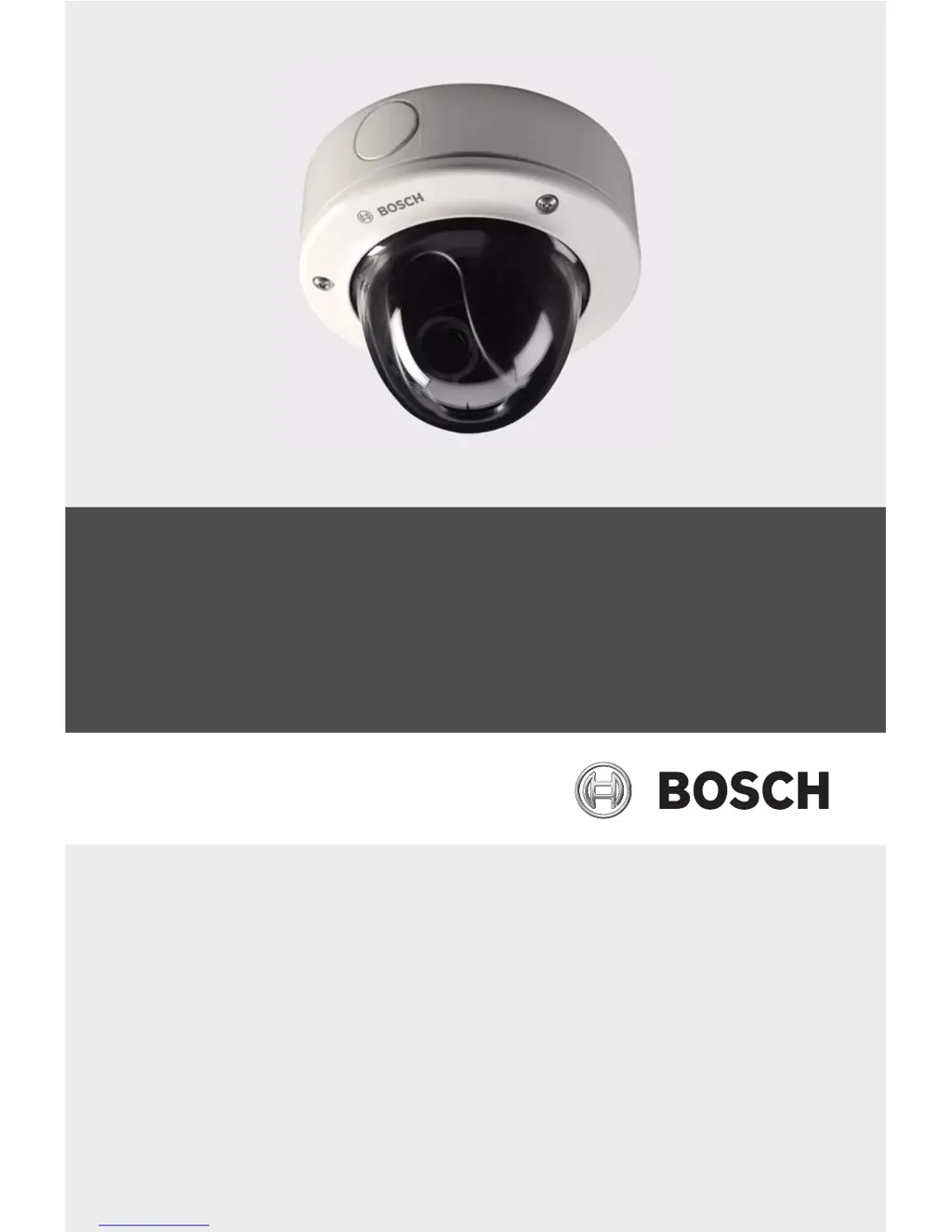
FlexiDome2X IP Camera
NDN-498
en Installation and Operation Manual

Table of Contents

Other manuals for Bosch NDN-498V03-21P

Questions and Answers

  • D
    Daniel JohnsonAug 14, 2025
    What to do if my Bosch NDN-498V03-21P has no connection and no image transmission?
    • B
      Brian HarperAug 14, 2025
      If your Bosch IP Camera is not establishing a connection or transmitting images, begin by verifying all configuration parameters. Next, inspect all cables, plugs, contacts, and connections to ensure they are properly installed. Check the IP addresses using a terminal program to ensure they are correct. Use the ping command to check the data transmission within the LAN. Finally, if the maximum number of connections has been reached, wait until a connection is free before attempting to call the transmitter again.
  • J
    Jennifer VargasAug 17, 2025
    How to fix no image transmission on my Bosch NDN-498V03-21P to a remote location?
    • J
      Joshua AlexanderAug 17, 2025
      If your Bosch IP Camera isn't transmitting images to a remote location, first, connect a local monitor to the camera to check its function. Then, check all cables, plugs, contacts, and connections. If you are using a hardware decoder, select the H.264 BP+ (HW decoder) option on the Encoder Streams configuration page.
  • A
    aarroyoAug 20, 2025
    Why is there no audio transmission to remote station from my Bosch NDN-498V03-21P IP Camera?
    • T
      Tiffany MorganAug 21, 2025
      If you are experiencing a failure of audio transmission to a remote station with your Bosch IP Camera, verify that all connected audio units are operating correctly. Then, check all cables, plugs, contacts, and connections. Also, check the audio parameters on the Audio configuration and LIVEPAGE Functions pages. If the audio voice connection is already in use by another receiver, wait until the connection is free, and then call the sender again.
  • D
    Deborah MillerAug 25, 2025
    What to do if Bosch NDN-498V03-21P IP Camera is not operational after a firmware upload?
    • K
      Kim RobinsonAug 25, 2025
      If your Bosch IP Camera unit is not operational after a firmware upload, have the unit checked by Customer Service and replaced if necessary, if the cause is power failure during programming by firmware file. If the cause is an incorrect firmware file, enter the IP address of the unit followed by / main.htm in your Web browser and repeat the upload.
  • S
    Stephen PerezAug 27, 2025
    Why is my Bosch NDN-498V03-21P IP Camera not reporting an alarm?
    • M
      Marvin CollinsAug 27, 2025
      If your Bosch IP Camera does not report an alarm, select possible alarm sources on the Alarm sources configuration page. Also, specify the desired alarm response on the Alarm connections configuration page; if necessary, change the IP address.
  • A
    Amanda MaciasAug 30, 2025
    Why do I see a placeholder with a red cross instead of ActiveX components on my Bosch NDN-498V03-21P?
    • S
      Sarah BowenAug 30, 2025
      If you see a placeholder with a red cross instead of the ActiveX components on your Bosch IP Camera, install Sun JVM from the product CD, because JVM is either not installed on your computer or not activated.
  • J
    Jeffrey GriffithSep 3, 2025
    Why is the POWER LED flashing red on my Bosch NDN-498V03-21P IP Camera?
    • A
      Austin SanchezSep 3, 2025
      If the POWER LED on your Bosch IP Camera flashes red, repeat the firmware upload, because the firmware upload failed.
  • K
    Kelsey PhamSep 6, 2025
    How to fix control of cameras if it is not possible with Bosch IP Camera?
    • L
      Lisa LynchSep 6, 2025
      If you cannot control cameras or other units with your Bosch IP Camera, check all cable connections and ensure all plugs are properly fitted. Also, ensure that the settings of all units involved are compatible.
  • N
    Nathan MatthewsSep 9, 2025
    What causes the web browser to contain empty fields with Bosch IP Camera?
    • M
      Mary BergSep 9, 2025
      If your web browser contains empty fields when using a Bosch IP Camera, create a rule in the local computer's proxy settings to exclude local IP addresses, because there is an active proxy server in the network.

Summary

Safety

Safety precautions

Details important safety warnings and hazard symbols for safe operation.

Important safety instructions

Provides critical instructions for safe installation, operation, and maintenance.

Planning

Installation

Mounting the unit

Explains various methods and considerations for mounting the camera unit.

Make the connections

Detailed guide for wiring power, alarm, and audio connections.

Camera positioning

Guidance on connecting a monitor and adjusting camera position for setup.

Basic Mode

Network

Configuring network settings like IP address, subnet mask, and DHCP.

Advanced Mode

Alarm

Configuration of alarm connections, VCA, audio alarms, and email notifications.

Network

Advanced network settings including IP, multicast, and encryption.

Operation via the browser

Troubleshooting

Resolving problems

Table identifying common malfunctions, causes, and solutions.

Maintenance

Bosch NDN-498V03-21P Specifications

General IconGeneral
ModelNDN-498V03-21P
TypeIP Camera
Image Sensor1/2.8" CMOS
Lens2.8 - 12 mm
Lens TypeVarifocal
Optical Zoom4x
Video CompressionH.265, H.264, MJPEG
IR RangeUp to 30 m
Ingress ProtectionIP66
Day/NightYes, with automatic switching
Power Supply12 V DC
Storage Temperature-40°C to +70°C

Related product manuals