EasyManua.ls Logo

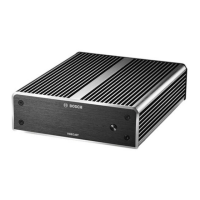
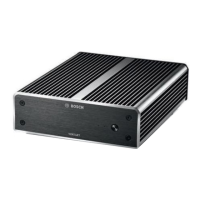
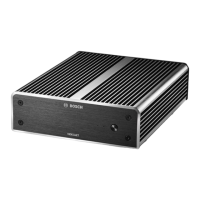
Bosch VIDEOJET 7000 - User Manual

Bosch VIDEOJET 7000
32 pages
Print Icon
To Next Page IconTo Next Page
Loading...
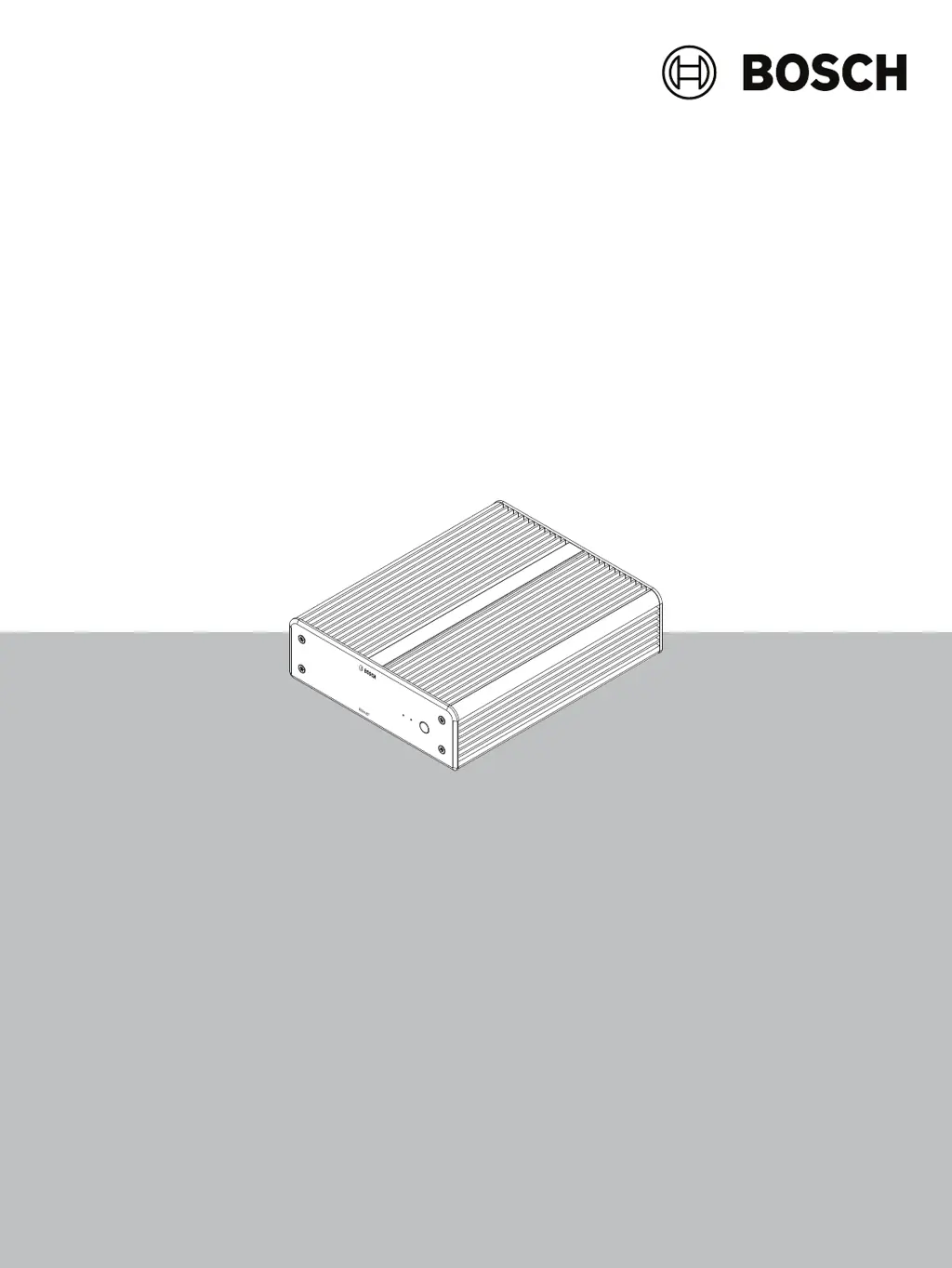
VIDEOJET decoder 7000
VJD‑7523
en
Installation manual

Questions and Answers

  • A
    Anita BakerAug 16, 2025
    What to do if Bosch VIDEOJET 7000 is not operational after firmware upload?
    • B
      Brooke RamirezAug 16, 2025
      If your Bosch Media Converter is not operational after a firmware upload, this may be due to a power failure during programming or an incorrect firmware file. In either case, have the unit checked by Customer Service and replace it, if necessary.
  • F
    fburkeAug 19, 2025
    How to troubleshoot no image on Bosch VIDEOJET 7000?
    • A
      Amy BurtonAug 20, 2025
      If there is no image on the monitor when using the Bosch Media Converter, first check the input selection on the monitor. Then, examine all cables, plugs, and connections to ensure they are properly connected. If the issue persists, try connecting another monitor to the unit or using a different monitor connection to rule out a monitor fault.
  • J
    jgibsonAug 22, 2025
    What to do if the power light is not lit on Bosch VIDEOJET 7000?
    • N
      Nicholas FrostAug 22, 2025
      If the power light is not lit on your Bosch Media Converter, ensure the unit is switched on by pressing the main switch on the front panel. Also, check all cables, plugs, and connections to confirm the unit is properly connected to the power supply and that the power supply unit is connected to the mains outlet.
  • A
    Andres CarterAug 26, 2025
    Why is there no audio from my Bosch Media Converter?
    • B
      Benjamin YoungAug 26, 2025
      If you experience no audio with your Bosch Media Converter, verify that all connected audio units are operating correctly. Check all cables, plugs, and connections to ensure they are secure. Also, confirm that the connection uses HDMI, as DP (USB-C) does not support audio.
  • S
    sramseyAug 28, 2025
    What to do if Bosch VIDEOJET 7000 settings in Configuration Manager don't affect IP Matrix?
    • J
      Jared DanielsAug 28, 2025
      If you're experiencing issues where settings in the Configuration Manager program aren't affecting the IP Matrix application in a multi-decoder setup, it might be because only settings on the master decoder have an effect. Select the master decoder and try again.
  • L
    Lance NealAug 31, 2025
    What to do if Bosch VIDEOJET 7000 Media Converter cannot access cameras?
    • L
      Lance Griffin DDSSep 1, 2025
      If you cannot access cameras, check the general password. All cameras must use this password as a common user password.
  • B
    Brandi JohnsonSep 3, 2025
    How to fix if not all monitors can be populated with video connections on Bosch VIDEOJET 7000 Media Converter?
    • L
      lynnwrightSep 3, 2025
      If not all monitors can be populated with video connections, check the number of decoders that defines the maximum possible connections on one decoder device, or your layout may provide more monitors than allowed by the maximum monitors per display.
  • G
    galvancarolynSep 6, 2025
    What to do if the selected monitor is not highlighted on Bosch VIDEOJET 7000?
    • S
      scottmclaughlinSep 6, 2025
      If the selected monitor is not highlighted, check the distance between cameos and increase the distance if necessary.
  • T
    teresawardSep 9, 2025
    Why are all 5 function keys on my Bosch Media Converter KBD-UXF keyboard lit?
    • D
      Daniel FarmerSep 9, 2025
      If all 5 function keys on the KBD-UXF are lit when turning the keyboard On and no other key works, the keyboard might be in the wrong interface mode. Refer to the keyboard manual to change the mode.
  • G
    gsteeleSep 12, 2025
    How to fix Bosch VIDEOJET 7000 Media Converter KBD-UXF keyboard if no keys are lit?
    • K
      Karen PerkinsSep 12, 2025
      If no keys on the KBD-UXF keyboard are lit, check the power and data connections.

Bosch VIDEOJET 7000 Specifications

General IconGeneral
CategoryMedia Converter
ModelVIDEOJET 7000
ManufacturerBosch
Frame Rate ConversionYes
Power Supply12V DC
Weight500 g (1.1 lb)
Relative humidity10% to 90% (non-condensing)
Input voltage12 VDC
Supported Resolutions1080p, 1080i, 720p, 576i, 480i
Operating temperature0 °C to +45 °C
Storage temperature-20 °C to +70 °C
Dimensions (W x H x D)44 mm x 129 mm x 100 mm

Related product manuals